TV Wall Mounting Without Drilling or Extra Cables: Practical Solutions for Modern Homes
Introduction
Creating a modern entertainment space does not always require drilling holes, damaging walls, or dealing with messy cables. TV wall mounting without drilling or extra cables is an increasingly popular solution for homeowners and renters who want a clean, organized, and stylish living space.
A wall-mounted television can make a room look more spacious, improve viewing comfort, and create a minimalist appearance. However, traditional TV installation often involves drilling into walls, installing brackets, and finding ways to hide visible wires. These steps can be inconvenient, especially in rented apartments or homes with delicate wall finishes.
Fortunately, there are practical alternatives to traditional TV wall mounting. Depending on your television, available space, and installation requirements, you can consider freestanding TV stands, existing wall brackets, purpose-built no-drill mounting systems, and smart cable-management accessories.
TV Wall Mounting Without Drilling
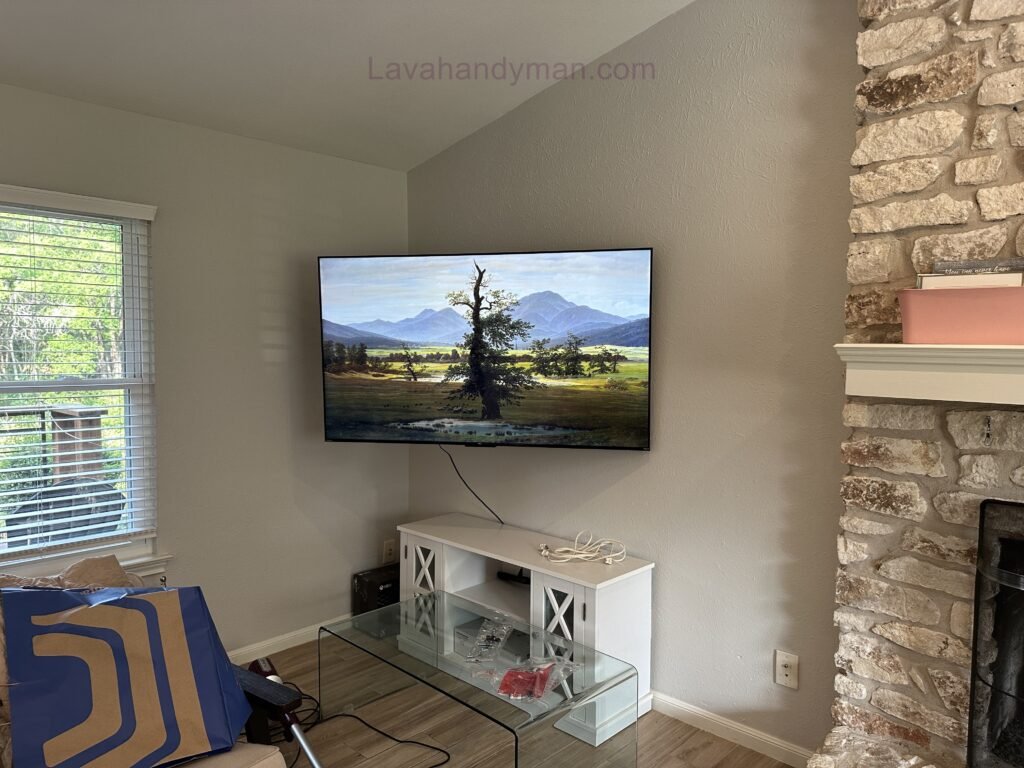
In this guide, you will learn how to mount a TV without drilling, explore practical alternatives to conventional wall brackets, discover how to hide TV cables, and understand the most important safety considerations.
TV Wall Mounting Without Drilling
Whether you want to protect your walls, improve your living room design, or create a clutter-free entertainment area, these solutions can help you achieve a modern TV setup without unnecessary complications.
1. Is TV Wall Mounting Without Drilling Possible?
Yes, TV wall mounting without drilling may be possible, depending on the mounting system, television specifications, and installation surface.
Traditional TV wall mounts generally use screws and anchors to secure the bracket to a suitable structural surface. These fixings help support the television’s weight and keep it stable.
TV Wall Mounting Without Drilling
No-drill alternatives use different approaches. Some support the television from the floor, while others reuse existing mounting points or rely on specially engineered systems designed for particular installation conditions.
Here are some common no-drill TV mounting alternatives:
- Freestanding TV stands: Support the television from the floor without attaching it to the wall.
- Tabletop TV stands: Allow you to place the television securely on an entertainment cabinet.
- Existing TV wall brackets: May be reused if they are compatible, undamaged, and properly installed.
- Purpose-built no-drill mounting systems: Designed for specific televisions, surfaces, and installation conditions.
It is important to remember that not every no-drill TV mount is suitable for every television or wall. Always check the manufacturer’s weight limits, VESA compatibility, installation instructions, and approved surfaces.
TV Wall Mounting Without Drilling
Ordinary adhesive strips, household glue, and general-purpose hooks should never be used as substitutes for a properly engineered television support.
2. Benefits of TV Mounting Without Wall Damage
Choosing a suitable no-drill TV mounting solution can offer several advantages.
Protect Your Walls
Drilling can leave holes, cracks, and damaged paint. This can be particularly inconvenient if your walls have decorative finishes, wallpaper, or recently renovated surfaces.
TV Wall Mounting Without Drilling
A suitable alternative can reduce permanent changes and help preserve the appearance of your interior.
Ideal for Renters and Apartments
People living in rented properties may not be allowed to drill into walls or install permanent fixtures.
A freestanding TV stand or compatible tabletop support can provide a practical alternative without requiring permanent wall modifications.
However, always check your rental agreement before installing adhesive accessories or making changes to the property.
Create a Modern and Minimalist Look
TV Wall Mounting Without Drilling
A clean entertainment area can make your living room look more spacious and organized.
Combining a suitable TV support with effective cable management helps reduce visual clutter and creates a more polished appearance.
Enjoy Flexible TV Placement
Freestanding TV supports and furniture-based solutions can make it easier to change your room layout.
This flexibility is useful in small apartments, multipurpose rooms, and homes where furniture is rearranged regularly.
TV Wall Mounting Without Drilling
3. Best No-Drill TV Mounting Solutions
Choosing the right no-drill TV mount depends on your television’s weight, size, VESA pattern, and available space.
3.1 Freestanding TV Floor Stand
A freestanding TV floor stand is one of the most practical alternatives to traditional wall mounting.
It usually includes a stable base, vertical support column, and mounting plate that attaches to the back of the television.
TV Wall Mounting Without Drilling
Main advantages:
- No wall drilling is normally required.
- Many models offer adjustable height.
- Some designs include tilt or swivel features.
- Certain stands have built-in cable-management channels.
- The stand can often be moved when rearranging furniture.
Before purchasing, check the stand’s maximum weight capacity, supported screen size, and VESA compatibility. Make sure the base is stable and follow any recommended anti-tip safety instructions.
TV Wall Mounting Without Drilling
3.2 Tabletop TV Stand
A tabletop TV stand is a simple option for anyone who wants to avoid drilling or installing a separate wall bracket.
If your television includes its original feet, you may be able to place it directly on a suitable entertainment unit.
Choose a stable cabinet with enough depth and width to support the television safely. Make sure the furniture can carry the combined weight of the TV and any accessories.
A compatible replacement tabletop stand may also be available if the original feet are missing.
TV Wall Mounting Without Drilling
3.3 Reusing an Existing TV Wall Bracket
If your home already has a wall-mounted TV bracket, reusing it may eliminate the need for additional drilling.
However, you should never assume that an existing bracket is automatically suitable for a different television.
Check:
- Maximum supported weight
- VESA mounting pattern
- Condition of the bracket
- Compatibility of mounting screws
- Stability of the original wall fixings
TV Wall Mounting Without Drilling
If the bracket is loose, damaged, or unsuitable, have it inspected by a qualified installer before using it.
3.4 Purpose-Built No-Drill TV Mounting Systems
Some manufacturers produce specialized mounting systems designed to avoid conventional drilling in specific situations.
These products may use particular support structures or attachment methods. Their suitability depends on the television, surface, and installation conditions.
Before buying a no-drill mounting system, verify its weight capacity, VESA compatibility, approved surfaces, and installation instructions.
TV Wall Mounting Without Drilling
Never use a product outside the conditions specified by its manufacturer.
4. How to Choose the Right TV Mount
Selecting the right TV support is essential for a safe and reliable installation.
Check Your Television’s Weight
Find the television’s weight in the manufacturer’s manual or product specifications.
TV Wall Mounting Without Drilling
Make sure the mounting system is rated to support the TV without its original stand. Do not estimate the weight based on screen size alone.
Check VESA Compatibility
VESA refers to the standardized spacing between mounting holes on the back of many televisions.
Common measurements include:
- 200 × 200 mm
- 300 × 300 mm
- 400 × 400 mm
- 600 × 400 mm
TV Wall Mounting Without Drilling
Compare your TV’s VESA measurements with the mounting system’s specifications.
If your television does not use a standard VESA pattern, check whether the manufacturer provides a compatible adapter.
Consider the Wall Type
If your chosen system attaches to a wall, the wall material is an important factor.
Common surfaces include:
- Concrete
- Brick
- Timber studs
- Plasterboard
- Drywall
- Decorative wall panels
TV Wall Mounting Without Drilling
Different materials require different fixing methods. Always follow the mounting system’s approved installation requirements.
Choose a Comfortable Viewing Height
TV Wall Mounting Without Drilling
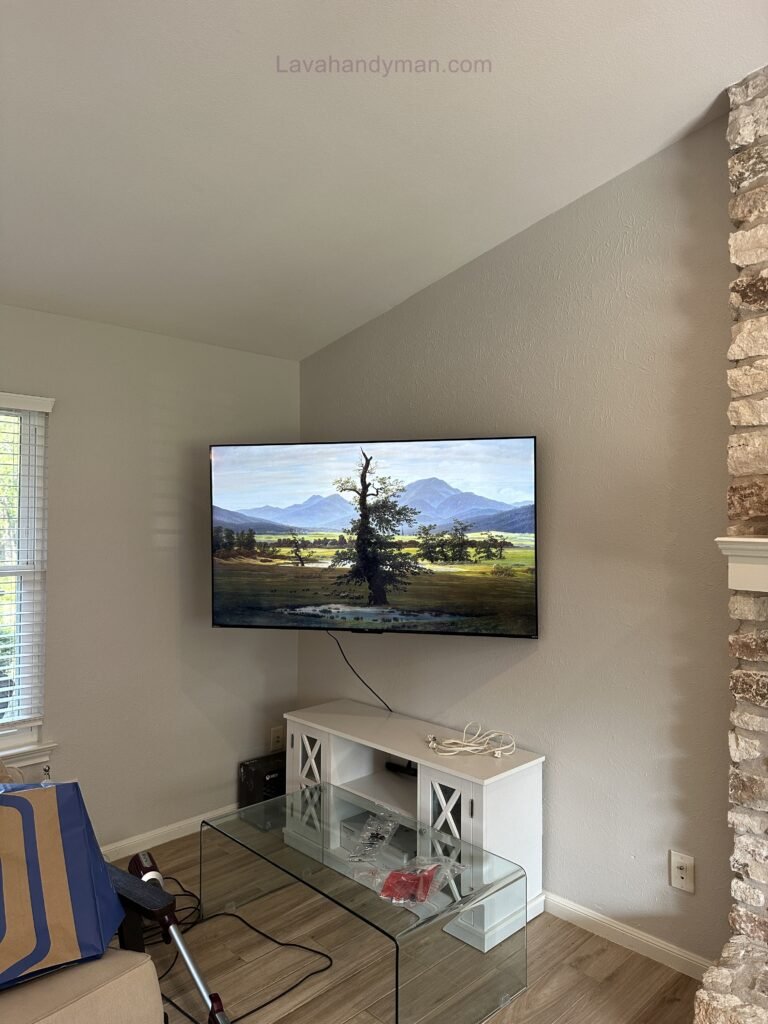
The centre of the screen is often most comfortable when it is close to seated eye level, although the ideal position depends on your room layout and viewing habits.
Before installation, sit in your usual viewing position and check the screen height, viewing distance, and possible reflections.
5. How to Mount a TV Without Drilling: Step-by-Step Guide
A successful installation starts with careful preparation.
Step 1: Measure Your Available Space
TV Wall Mounting Without Drilling
Measure the width and height of the area where you plan to position the television.
Consider the screen dimensions, stand base, ventilation space, and access to cables.
Step 2: Check the TV’s Mounting Requirements
Review the user manual and identify the mounting pattern, weight, and required hardware.
Never use screws that are too long or force incompatible hardware into the television.
TV Wall Mounting Without Drilling
Step 3: Prepare the TV Stand or Mount
Read the installation instructions before assembling the support.
Organize all screws, brackets, and accessories. If the manufacturer recommends two people for assembly or lifting, follow that advice.
Step 4: Secure the Television
Attach the mounting plate or support according to the manufacturer’s instructions.
Use only the specified hardware and avoid overtightening screws.
Step 5: Position the TV Correctly
Place the television in its intended position and check that it is level and stable.
Make sure the screen is comfortable to view and that ventilation openings remain unobstructed.
Step 6: Organize the Cables
TV Wall Mounting Without Drilling
Connect the necessary devices and plan the cable route before securing any cable-management accessories.
Keep cables away from sharp edges and avoid stretching or pinching them.
6. How to Hide TV Cables Without Drilling
One of the biggest challenges of a modern entertainment setup is managing visible wires.
Fortunately, there are several ways to hide TV cables without drilling and create a cleaner appearance.
6.1 Use Surface Cable Raceways
TV Wall Mounting Without Drilling
Cable raceways are narrow channels designed to cover and organize wires along walls or furniture.
They are available in different sizes, colors, and finishes. Some models use adhesive backing, making them suitable for certain non-invasive installations.
For the best results:
- Measure the cable route before purchasing.
- Choose a raceway large enough for your cables.
- Follow the manufacturer’s surface-preparation instructions.
- Use compatible corner accessories.
- Avoid sharp bends and cable tension.
TV Wall Mounting Without Drilling
Remember that cable raceways organize cables; they are not designed to support the weight of a television.
6.2 Use Adhesive Cable Clips
Adhesive cable clips help keep individual wires in place along furniture edges, suitable wall surfaces, or behind entertainment units.
They can prevent cables from hanging loosely and reduce visual clutter.
Choose clips that match your cable diameter. Test adhesive products carefully on painted walls or wallpaper because removal may damage delicate finishes.
6.3 Hide Cables Behind Furniture
TV Wall Mounting Without Drilling
An entertainment cabinet can conceal power adapters, streaming devices, HDMI cables, and other accessories.
Choose furniture with built-in cable openings and enough ventilation for electronic equipment.
Reusable cable ties and hook-and-loop straps can help keep wires organized without making future access difficult.
6.4 Use Decorative Wall Panels
Decorative panels can create an attractive feature wall around your television while providing space for cable organization.
However, some panels require drilling or permanent adhesive. Check the installation method before purchasing, particularly if you rent your property.
TV Wall Mounting Without Drilling
6.5 Reduce Wires with Wireless Devices
Wireless streaming devices, speakers, and accessories can reduce the number of visible signal cables.
However, wireless technology does not eliminate every connection. Your television still needs power, and some accessories require charging or separate power supplies.
7. Can You Hide TV Power Cables Inside the Wall?
Hiding cables inside a wall can create a very clean appearance, but it requires special attention to electrical safety.
TV Wall Mounting Without Drilling
Low-voltage cables, such as suitable HDMI and Ethernet cables, may be installed inside walls when the cables are correctly rated and local requirements are followed.
Mains power cables are different. Ordinary TV power cords and extension leads should not simply be placed inside a wall cavity.
If you want a concealed power connection, consult a qualified electrician about an approved in-wall power solution that complies with local regulations.
For a simpler alternative, use a suitable surface-mounted cable raceway.
TV Wall Mounting Without Drilling
8. Common TV Mounting Mistakes to Avoid
Even a simple TV installation can become unsafe if important details are overlooked.
Using Ordinary Adhesive Strips
General-purpose adhesive strips are not designed to support televisions.
Never rely on household glue, hooks, or ordinary adhesive products to hold a TV against a wall.
TV Wall Mounting Without Drilling
Ignoring Weight Limits
A mounting system must support the television’s actual weight. Always check the manufacturer’s specifications.
Choosing the Wrong Cable Raceway
A raceway that is too small can make cable installation difficult and put unnecessary pressure on wires.
Measure your cables before selecting a cover.
Blocking TV Ventilation
TV Wall Mounting Without Drilling
Televisions need sufficient airflow to operate properly.
Follow the manufacturer’s clearance recommendations and avoid covering ventilation openings.
Forgetting Cable Accessibility
A tidy setup should still allow you to access HDMI ports, power connections, and other cables when necessary.
Avoid securing wires so tightly that replacing a device becomes difficult.
9. No-Drill TV Mounting Ideas for Renters
Renters often want a modern entertainment area without leaving permanent marks.
A freestanding TV stand is one of the most practical choices because it does not depend on wall fixings.
Other useful options include:
- A compatible tabletop TV stand
- An entertainment cabinet with cable storage
- A floor-standing TV support
- Removable cable-management accessories suitable for the wall finish
- An existing bracket that has been approved and checked for safe reuse
Before installation, review your tenancy agreement and ask the property manager if you are unsure whether a particular accessory is allowed.
10. Modern TV Setup Ideas for Small Living Rooms
A carefully planned TV area can make a small living room feel more organized and comfortable.
Choose the Right Screen Size
Consider the distance between the sofa and television. A suitable screen size can improve viewing comfort without overwhelming the room.
Use a Slim Entertainment Unit
A narrow cabinet can provide storage for devices and accessories while taking up less floor space.
Keep Accessories Organized
Store remotes, controllers, and streaming devices in designated compartments.
Avoid unnecessary equipment around the television.
Add Soft Ambient Lighting
Indirect lighting can improve the appearance of a TV area and create a comfortable atmosphere.
Position lights carefully to avoid reflections on the screen.
11. How Much Does TV Mounting Without Drilling Cost?
The cost of a no-drill TV setup depends on the support type, television size, cable-management accessories, and whether professional installation is required.
A tabletop setup may be inexpensive if you already own a compatible cabinet and TV stand.
Freestanding TV floor stands usually require a separate purchase. Their prices vary depending on weight capacity, materials, adjustability, and additional features.
Cable raceways and adhesive clips are generally affordable, while decorative panels and professional installation may increase the overall cost.
When comparing products, prioritize compatibility, stability, and safety rather than choosing the cheapest available option.
12. TV Mounting Safety Checklist
Before using your new TV setup, make sure that:
- The support is compatible with your television.
- The weight capacity meets the manufacturer’s requirements.
- The VESA pattern is correct.
- The mounting hardware is suitable.
- The stand or bracket is stable.
- Ventilation openings remain clear.
- Cables are not damaged, stretched, or pinched.
- Power connections remain accessible.
- In-wall wiring complies with local electrical requirements.
- Recommended anti-tip safety measures are followed.
If the television or support feels unstable, stop using the setup until the problem has been checked.
13. Frequently Asked Questions About No-Drill TV Mounting
Can I mount a TV on a wall without drilling holes?
Yes, in certain situations. Purpose-built no-drill mounting systems may be suitable for specific installations. Freestanding TV stands and tabletop supports are also practical alternatives that avoid drilling into walls.
What is the safest way to mount a TV without drilling?
A properly rated freestanding TV stand is often a practical option because it supports the television independently of the wall. Always check weight capacity, VESA compatibility, and stability.
Can adhesive strips hold a TV?
Ordinary adhesive strips should never be used to support a television. Choose a properly engineered support designed for the TV’s weight and installation conditions.
How can I hide TV cables without drilling?
You can use surface-mounted cable raceways, adhesive cable clips, furniture-based cable storage, or suitable decorative panels.
Can I hide HDMI cables without damaging walls?
Yes. Cable covers and clips can conceal HDMI wires without drilling. Make sure the cables are not sharply bent or stretched.
Are wireless devices completely cable-free?
No. Wireless devices can reduce signal cables, but televisions still require power and some accessories need charging.
Is a freestanding TV stand suitable for large TVs?
Some models are designed for large televisions. Check the maximum supported weight, screen size, VESA pattern, and stability requirements before buying.
Can renters use no-drill TV mounts?
Renters can often use freestanding stands or tabletop supports without making permanent wall changes. However, they should check their tenancy agreement before using adhesive accessories or modifying surfaces.
Can TV power cables be hidden inside walls?
Only approved cables and installation methods should be used for in-wall wiring. Ordinary extension leads and TV power cords should not be concealed inside walls. Consult a qualified electrician.
Conclusion
TV wall mounting without drilling or extra cables is a practical way to create a modern, organized, and visually appealing entertainment area.
Whether you live in a rented apartment, want to protect your walls, or prefer a flexible room layout, alternatives such as freestanding TV stands, tabletop supports, existing brackets, and suitable purpose-built systems can help you achieve your goal.
With effective TV cable management, surface raceways, adhesive clips, and smart furniture choices, you can also reduce visible wires and create a cleaner living space.
The most important consideration is safety. Always choose a compatible support, follow manufacturer instructions, and use approved electrical solutions for concealed wiring.
With the right planning, you can enjoy a stylish TV setup without unnecessary drilling, messy cables, or avoidable wall damage.
📞 Need Help?
Let us take care of the hard work while you sit back and relax.
📍 Serving: Austin, Round Rock, Cedar Park & more
📱 Call or Text: (737) 420-6992
🌐 Visit: https://lavahandyman.com