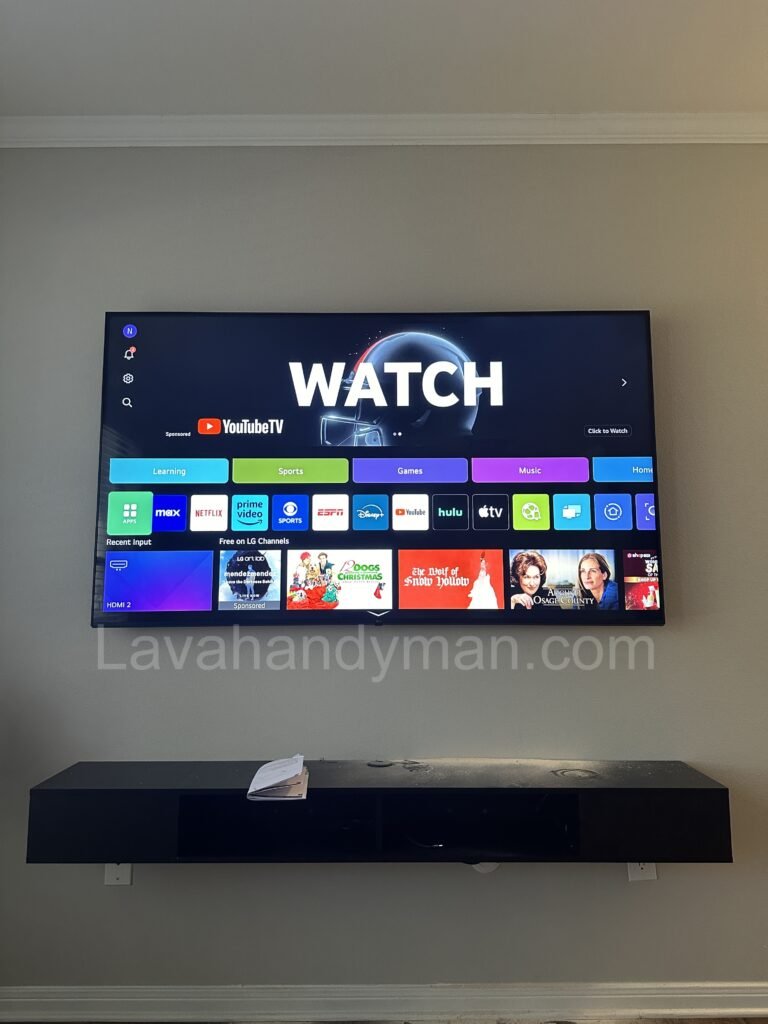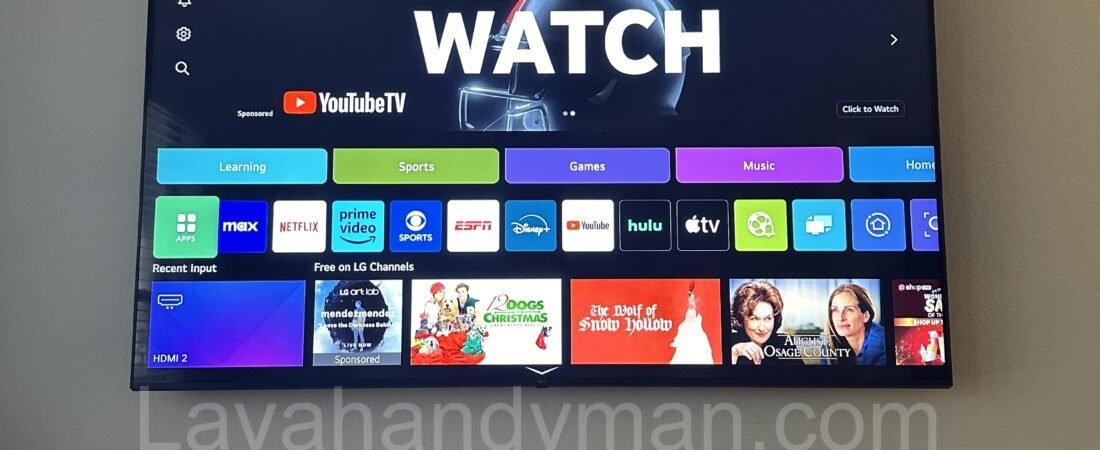
Why TV Updates Are Essential? Impact on Performance and Security
Introduction
Updating your smart TV’s operating system is essential for maintaining optimal performance, enhancing security, and accessing the latest features. Many users overlook the importance of these updates, which can lead to slow performance, software glitches, and compatibility issues with new applications. In this article, we’ll explore why updating your TV’s OS is crucial and how you can do it easily.
Why Should You Update Your TV’s Operating System?
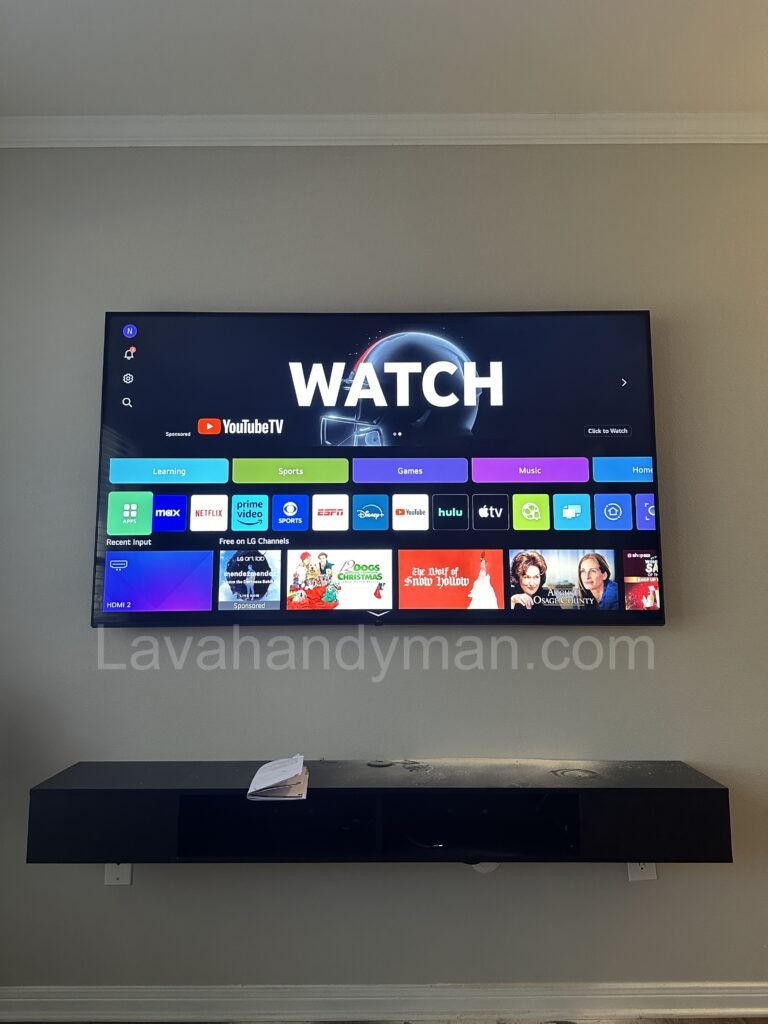
✅ Improved Speed and Performance
Updating your TV ensures better optimization of processing tasks, reducing lags and slowdowns.
✅ Fixing Bugs and Software Issues
Issues like freezing, Wi-Fi disconnection, or app crashes often stem from software bugs that manufacturers fix through updates.
✅ Adding New Features and Capabilities
Updates often introduce enhanced picture settings, improved sound quality, and support for new video formats.
Why TV Updates Are Essential? Impact on Performance and Security
✅ Increased Security
Smart TVs are connected to the internet and are vulnerable to cyber threats. Regular updates patch security vulnerabilities, protecting your data and privacy.
✅ Better App Performance
Streaming apps like Netflix, YouTube, and Disney+ may not function properly on outdated TV software. Updating your TV ensures better app compatibility and smoother performance.
📌 Need professional TV update services? Visit Lavahandyman.com for expert assistance!
How to Update Your TV’s Operating System?
🔹 Method 1: Automatic Update via Internet (OTA)
If your TV is connected to the internet, you can update the software directly through the settings.
📌 Steps to Update via Internet:
- Open the Settings menu.
- Navigate to Support or About TV.
- Select Software Update.
- If an update is available, choose Download & Install.
- Once completed, your TV will restart automatically.
⚠ Note: Do not turn off your TV during the update and ensure a stable internet connection.
Why TV Updates Are Essential? Impact on Performance and Security
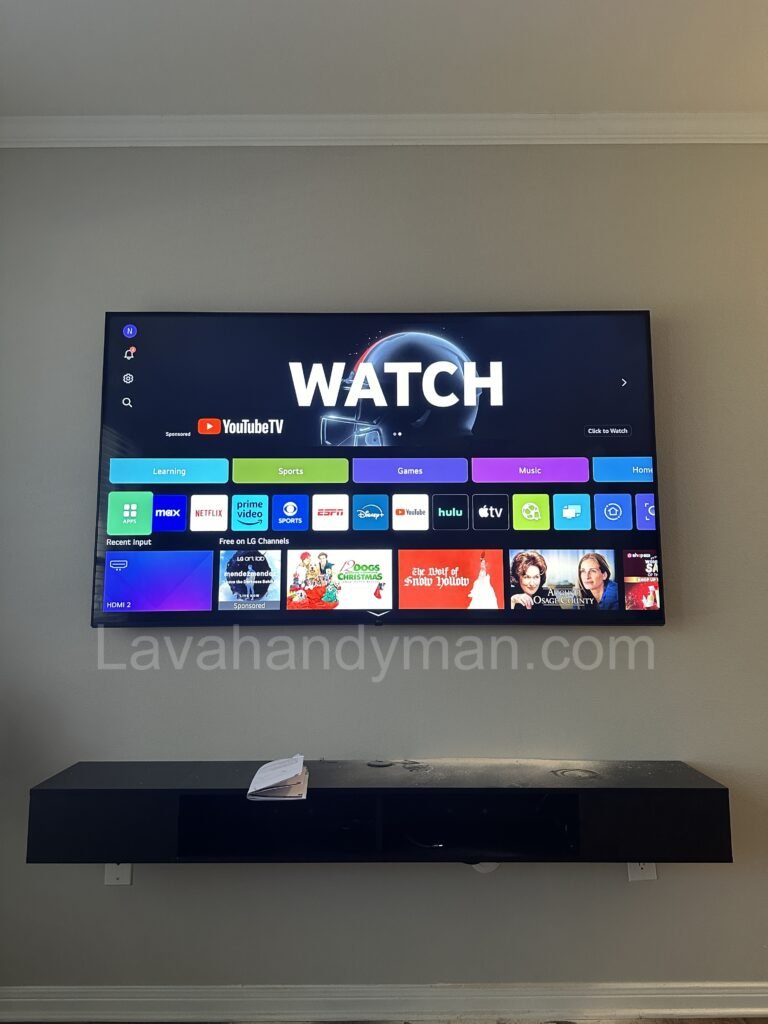
🔹 Method 2: Manual Update via USB
If your TV isn’t connected to the internet or doesn’t support automatic updates, you can install the update manually using a USB drive.
📌 Steps to Update via USB:
- Check your TV model in the settings.
- Visit the official manufacturer’s website (Samsung, LG, Sony, etc.).
- Download the latest firmware update and copy it onto a USB drive formatted to FAT32.
- Insert the USB into the TV’s USB port.
- Go to the TV settings and select Update via USB.
- The TV will detect the update file and start the installation.
- After completion, the TV will restart automatically.
⚠ Note: Always download updates from the official manufacturer’s website to avoid software issues.
Common Issues During TV Updates & Solutions
❌ Update Stuck or TV Freezes:
✅ Restart your TV and try again. If the issue persists, use the USB method for updating.
❌ Error: “No Update Available”
✅ The update may not have been released in your region yet. Check the manufacturer’s website for updates related to your TV model.
❌ TV Slow After Update:
✅ Sometimes, a Factory Reset can help optimize performance after an update.
❌ USB Update Not Recognized:
✅ Ensure the update file is correctly downloaded, and your USB is formatted to FAT32.
Conclusion
Updating your TV’s operating system is essential for enhancing performance, improving security, and accessing new features. You can update your TV automatically via the internet or manually using a USB drive. Keeping your TV software up to date ensures smooth operation and compatibility with the latest applications.
💡 For troubleshooting and professional TV services, visit Lavahandyman.com.
📌 Have you ever updated your TV’s OS? Share your experience in the comments! 🚀
At LavaHandyman.com, we don’t just help you understand TV tech — we also offer expert TV installation services, making sure your home entertainment setup looks and performs at its best.
📞 Need Help?
Let us take care of the hard work while you sit back and relax.
📍 Serving: Austin, Round Rock, Cedar Park & more
📱 Call or Text: (737) 420-6992
🌐 Visit: https://lavahandyman.com