Smart TV User Interface: Design, Challenges, and the Future
🟢 Introduction
The user interface of a smart TV plays a critical role in shaping the overall user experience. As televisions evolve from traditional broadcasting devices into connected multimedia platforms, a well-designed UI becomes essential for delivering seamless interaction with content, apps, voice commands, and more.
Unlike smartphones or tablets, where users are accustomed to complex touch-based interfaces, Smart TVs require an intuitive, accessible, and visually clear UI that works efficiently with remote controls or voice inputs. In this article, we explore the structure, principles, challenges, and future directions of user interface design in smart TVs.
Smart TV User Interface: Design, Challenges, and the Future
✅ The Importance of UI in Smart TVs
User Interface: The Gateway to User Experience
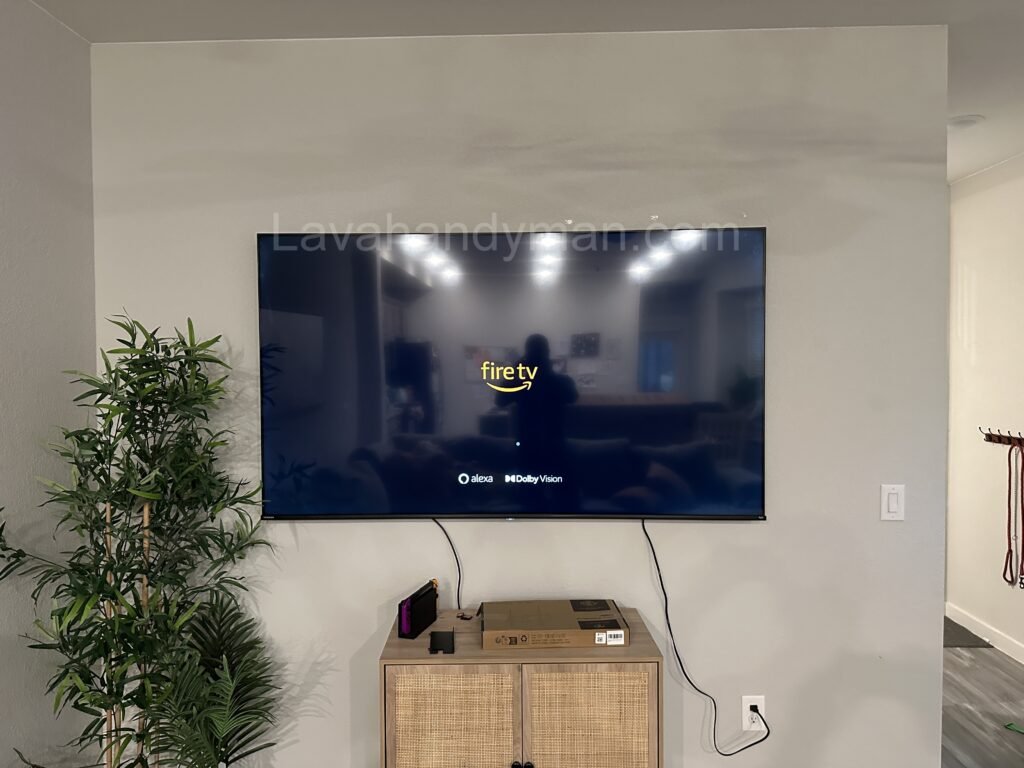
The UI (User Interface) is the first point of contact between the user and the Smart TV. A smooth, responsive, and well-organized interface can significantly enhance user satisfaction—even if the hardware itself is mid-range or entry-level.
Designed for All Age Groups
Smart TVs are used by children, adults, and the elderly alike. Therefore, the user interface must:
- Be simple and intuitive
- Use large, readable fonts
- Offer high-contrast visual elements
- Function easily with basic remote controls or voice commands
✅ Key Components of Smart TV UI
1. Home Screen
The home screen should provide quick access to apps, recommended content, and key settings. A minimal and customizable layout is crucial for user convenience.
2. Navigation Bar
This bar helps users switch between sections (apps, live TV, settings). It must be:
- Clearly visible
- Easy to scroll through
- Optimized for non-touch interaction
3. Voice Search Integration
Modern smart TVs integrate voice assistants like Google Assistant or Alexa. A successful voice search feature must be:
- Fast and accurate
- Context-aware
- Accompanied by visual or audio feedback
4. Notifications and Widgets
Weather updates, content suggestions, and system alerts should appear without interrupting the content being watched.
Smart TV User Interface: Design, Challenges, and the Future
✅ Design Principles for Smart TV Interfaces
🎯 Simplicity
The interface should avoid clutter and prioritize essential functions.
👁 Readability
All text and visual elements must be readable from a distance.
🔄 Consistency
Navigation logic and layout must be consistent across all menus and features.
🛎 Immediate Feedback
Users should receive clear feedback for every action—such as a highlighted icon or confirmation sound.
Smart TV User Interface: Design, Challenges, and the Future
✅ Design Challenges in Smart TV UI
- Limited Control Input: Unlike touchscreens, Smart TVs rely on directional buttons or basic voice commands.
- Multiple Operating Systems: Each brand uses a different platform (e.g., Android TV, webOS, Tizen), making standardization difficult.
- Diverse User Profiles: Smart TVs serve households with varying levels of tech-savviness.
- Hardware Limitations: UI performance must remain smooth even on lower-end processors and RAM.
✅ Comparing Major Smart TV UIs
🔹 webOS – LG
A minimalist interface with a bottom navigation ribbon. Fast, customizable, and user-friendly for all age groups.
🔹 Tizen – Samsung
Offers rich visuals, integrated Smart Hub, and intelligent content recommendations powered by AI.
🔹 Android TV – Google
Card-based layout with deep integration of Google services and powerful voice search functionality.
Smart TV User Interface: Design, Challenges, and the Future
✅ The Future of Smart TV UI with AI
✨ AI-Powered Content Recommendations
By analyzing viewing behavior, the interface can suggest shows, channels, or apps the user is likely to enjoy.
🎙 Enhanced Voice Interfaces
More natural and conversational interactions with voice assistants for search, control, and multitasking.
🧠 Personalized User Experiences
Dynamic UIs that adapt to the user’s preferences, profile, language, and even facial recognition.
🕹 Touchless & Motion Control
Emerging technologies allow users to control the interface through gestures or eye-tracking, reducing reliance on remotes.
Smart TV User Interface: Design, Challenges, and the Future
✅ Frequently Asked Questions (FAQ)
❓ What is a Smart TV User Interface?
A Smart TV UI is a graphical interface that lets users navigate and control the TV’s features, apps, and content.
❓ Which Smart TV UI is best?
Brands like LG (webOS) and Samsung (Tizen) offer user-friendly, fast, and AI-integrated UIs that are highly rated by consumers.
❓ Can you customize the UI on a Smart TV?
Yes, most Smart TVs allow basic customization such as rearranging apps, creating user profiles, and adjusting language settings.
✅ Advantages, Disadvantages, and Challenges of Smart TV User Interfaces
🟩 Advantages of Smart TV UI
Modern Smart TV interfaces (UIs) offer numerous benefits that significantly enhance the user experience and increase accessibility for a wide range of users.
1. User-Friendly Experience
Well-designed interfaces allow people of all ages and skill levels to interact with the TV easily, thanks to clear menus, large icons, and simplified navigation systems.
2. Quick Access to Digital Content
Smart TV UIs provide immediate access to popular services such as Netflix, YouTube, Disney+, Amazon Prime Video, and other streaming platforms.
3. Voice Search & Intelligent Commands
Most modern Smart TVs support voice assistants like Google Assistant, Amazon Alexa, or Bixby, allowing users to search and control their devices hands-free.
4. Personalized User Experience
Users can customize the home screen layout, profile settings, language, and display preferences, making the interface more intuitive and tailored.
5. Smart Home Integration
The interface often acts as a central hub for controlling other smart home devices, such as lights, cameras, and thermostats, offering a unified experience.
🟥 Disadvantages of Smart TV UI
Despite the advantages, there are still several drawbacks and limitations that impact the performance or usability of Smart TV interfaces.
1. Complexity for Elderly or Less Tech-Savvy Users
Some UIs feature deep menus or unfamiliar terms, which can overwhelm or confuse users who are less familiar with digital technology.
2. Lag or Slow Performance in Budget Models
Smart TVs with lower processing power or RAM may exhibit sluggish UI behavior, creating a frustrating user experience.
3. Built-in Ads on the Home Screen
Certain manufacturers include ads or sponsored content directly within the UI, which can be intrusive and reduce overall satisfaction.
4. Inconsistency Across Brands
Since each TV brand uses its own OS (e.g., webOS, Android TV, Tizen), users switching between brands may face a steep learning curve.
5. Software Update Issues
Occasional firmware or UI updates may introduce bugs, reset user preferences, or break existing functionality.
⚠️ Challenges in Smart TV UI Design
Designing a user-friendly and efficient Smart TV interface involves several technical and usability challenges that must be addressed:
1. Non-Touch Navigation
Unlike smartphones, Smart TVs rely on remote controls, D-pad buttons, or voice input, limiting interaction and navigation options.
2. Viewing Distance
Since viewers typically sit several feet away from the screen, UI elements must be large, readable, and high contrast to be effective.
3. Screen Size & Resolution Diversity
Smart TV interfaces must scale and render properly across a wide range of resolutions—from HD to 8K—and screen sizes.
4. Multi-User Environment
Smart TVs are often shared among multiple users. The UI must support user profiles, personalized recommendations, and separate viewing histories.
5. Internet Connectivity & Privacy
Always-connected Smart TVs raise concerns around data privacy, especially when integrated with voice assistants and third-party apps.
6. Integration with External Apps & Services
Smart TV UIs must provide smooth compatibility with third-party apps, app stores, and streaming platforms, avoiding performance issues or crashes.
✅ Conclusion
The user interface in smart TVs is no longer a secondary feature—it’s central to how users interact with their content. From voice commands to content personalization, a good UI bridges the gap between powerful technology and user-friendly access.
With emerging innovations like AI, gesture control, and adaptive UIs, the future of Smart TV interfaces promises greater intuitiveness, personalization, and interactivity.
At LavaHandyman.com, we don’t just help you understand TV tech — we also offer expert TV installation services, making sure your home entertainment setup looks and performs at its best.
📞 Need Help?
Let us take care of the hard work while you sit back and relax.
📍 Serving: Austin, Round Rock, Cedar Park & more
📱 Call or Text: (737) 420-6992
🌐 Visit: https://lavahandyman.com