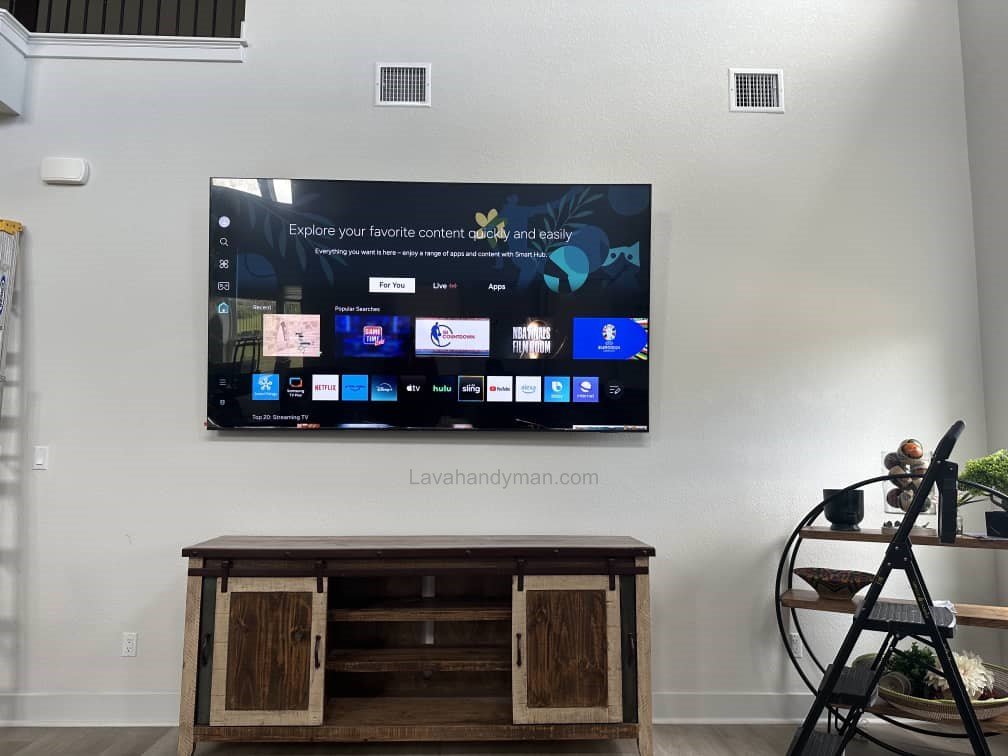
TV Wall Mount Installation Tips for Perfect Viewing Height
Introduction
Wall-mounted TV installation has become one of the most popular layout choices in modern homes. This method not only enhances the visual appeal of interior spaces but also saves space and improves safety. However, if the TV wall mounting height is not chosen correctly, it can lead to eye strain, neck pain, and a poor viewing experience.
Achieving the ideal viewing height when installing a TV on the wall is essential from both an ergonomic and user-experience perspective. In this article, we provide a complete and practical guide to the key tips, standards, and principles of wall-mounted TV installation to help you achieve the perfect viewing height.
TV Wall Mount Installation
Why Does TV Wall Mounting Height Matter?
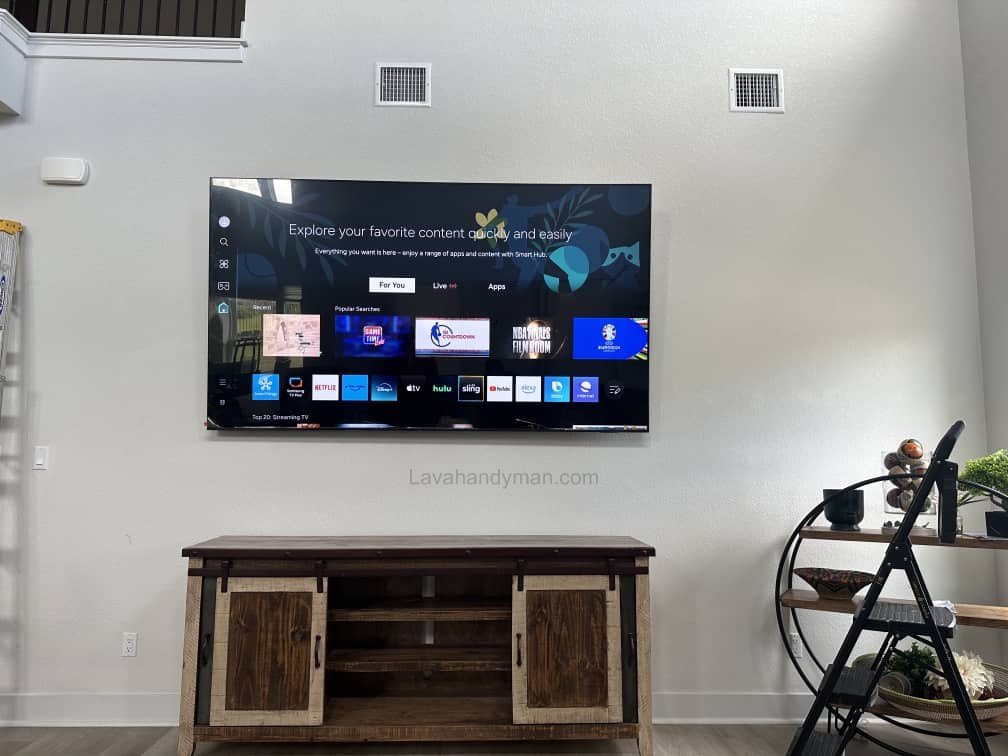
The height at which a TV is mounted directly affects physical health and viewing comfort. When a TV is installed too high, the neck is forced into an unnatural upward angle, which can cause muscle strain and discomfort during extended viewing. On the other hand, mounting the TV too low can require constant downward head movement, leading to fatigue.
Proper wall-mounted TV installation helps to:
- Maintain a natural viewing angle
- Reduce neck and eye strain
- Preserve true picture quality
TV Wall Mount Installation
What Is the Ideal TV Viewing Height?
The ideal viewing height refers to positioning the center of the TV screen at eye level when seated. In this position, viewers can watch the screen comfortably without tilting their head up or down.
On average, the recommended height for the center of a wall-mounted TV is between 35 and 43 inches (90–110 cm) from the floor, depending on the room setup and seating arrangement.
Key Factors That Determine the Correct TV Mounting Height
1. Seating Height
The height of your sofa or chair plays a crucial role. Higher seating positions raise eye level, requiring the TV to be mounted slightly higher.
2. Viewing Distance
In smaller rooms with shorter viewing distances, precise height adjustment is more important to maintain a comfortable viewing angle.
3. TV Screen Size
Larger TVs (55 inches and above) have a higher screen center, which must be considered when determining mounting height.
4. Panel Type and Viewing Angle
Some TV panels have limited viewing angles. Improper height placement can negatively affect color accuracy and contrast.
TV Wall Mount Installation
A Simple Formula to Calculate TV Wall Mount Height
To determine the ideal viewing height, follow this simple method:
- Sit on your main viewing seat
- Measure the distance from your eyes to the floor
- Mount the center of the TV screen at the same height
If height limitations exist, using a tilting wall mount is highly recommended.
Common Mistakes in Wall-Mounted TV Installation
TV Wall Mount Installation
Mounting the TV Too High
This often happens when homeowners copy showroom setups or mount TVs above fireplaces.
Ignoring the Seated Viewing Position
Some users assess TV height while standing, which leads to incorrect installation.
Overlooking TV Size
The larger the TV, the more critical precise height placement becomes.
The Role of TV Wall Mounts in Achieving Ideal Viewing Height
Choosing the right wall mount significantly impacts installation quality. Common wall mount types include:
- Fixed mounts
- Full-motion (articulating) mounts
- Tilting mounts
Tilting and adjustable mounts provide better flexibility and viewing comfort.
TV Wall Mount Installation
Recommended TV Mounting Height for Different Spaces
Living Room TV Installation
Recommended center height: 37–41 inches (95–105 cm)
Bedroom TV Installation
Due to semi-reclined viewing positions, TVs may be mounted slightly higher, but tilt adjustment is essential.
Office and Commercial Spaces
The TV should be mounted at a height suitable for viewers of different heights.
TV Wall Mount Installation
How Proper TV Mounting Height Affects Eye and Neck Health
Correct TV height installation helps:
- Reduce neck muscle tension
- Prevent eye fatigue
- Improve focus and viewing comfort
Many physical discomfort complaints stem from improper TV installation rather than screen quality.
Final Tips for Professional Wall-Mounted TV Installation
- Simulate the installation position before drilling
- Always use a level to ensure alignment
- Conceal or organize cables properly
- Maintain safe distance from heat sources
The Importance of Lighting in Wall-Mounted TV Installation for Achieving Ideal Viewing Height
Lighting is one of the most important factors in wall-mounted TV installation, affecting both the aesthetics of a room and the viewing experience. Improper lighting can cause eye strain, neck pain, and reduced picture quality. For a professional and comfortable installation, room lighting, light angles, and brightness should be coordinated with the height and position of the TV.
TV Wall Mount Installation
Why Is Lighting Important for Your TV?
Reduces Eye Strain
Watching TV in a room that is too dark or too bright puts stress on the eyes. Using soft and balanced lighting helps reduce eye fatigue and improves the overall viewing experience.
Prevents Screen Glare
Direct light from windows, ceiling lights, or side lamps can create reflections on the TV screen, reducing clarity. Installing the TV in an appropriate location and adjusting the room lighting can solve this issue.
Enhances Picture Quality
Proper lighting ensures colors and contrast appear more natural and that details in dark scenes are clearly visible.
TV Wall Mount Installation
Best Lighting Methods for Wall-Mounted TVs
1. Indirect Backlighting
Using LED strips or soft lights behind the TV provides several benefits:
- Reduces eye strain
- Makes contrast appear more natural
- Adds a modern visual effect
2. Even Ambient Lighting
Room lighting should be uniform, not too bright or too dim. Balanced light allows the eyes to adjust naturally between the screen and the surrounding environment.
TV Wall Mount Installation
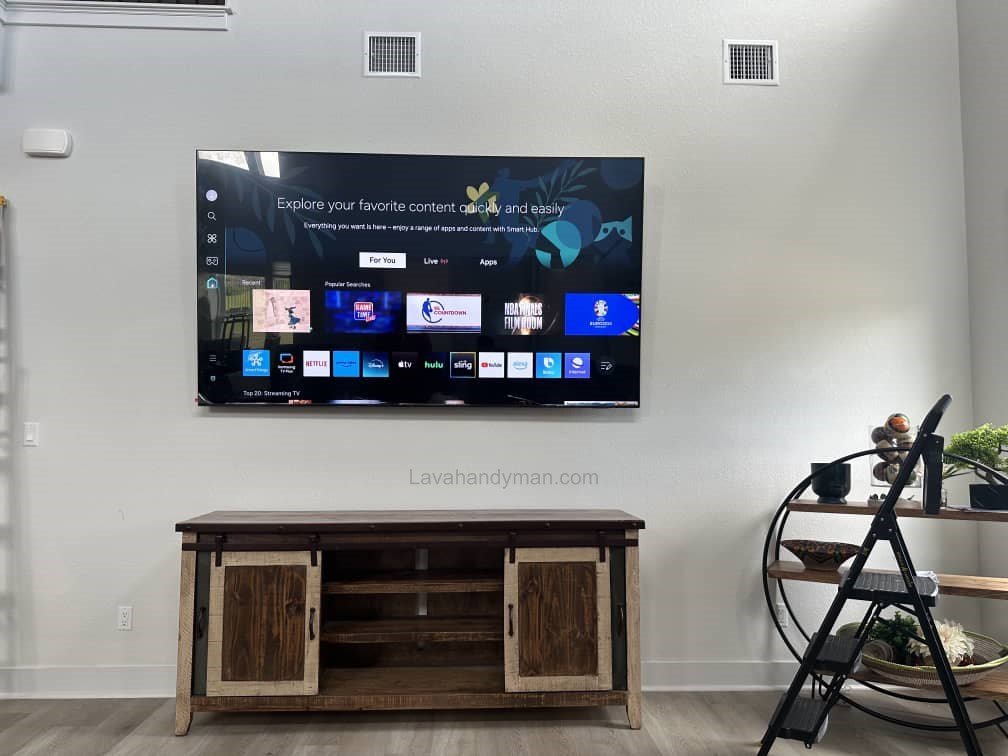
Problems Caused by Improper Lighting
- Reflections on the TV screen
- Rapid eye fatigue and headaches
- Reduced focus while watching
- Poor picture quality in dark scenes
- Uncomfortable viewing experience over long periods
Optimal TV Placement Relative to Light Sources
- Avoid installing the TV directly in front of windows
- No strong light sources should be above the TV or behind the viewer
- Use curtains or blinds to control natural light if needed
How Lighting Affects TV Mounting Height
Proper lighting also influences the selection of the ideal TV mounting height. Bright or poorly positioned light sources can create glare, making improper height installation uncomfortable. In these cases:
- Choose the height carefully
- Consider using a tilting wall mount to adjust the viewing angle
TV Wall Mount Installation
Ideal Lighting for Nighttime TV Watching
At night, completely turning off lights is not recommended. The best setup:
- Soft ambient lighting
- Indirect backlighting behind the TV
- No direct light in the viewer’s line of sight
This combination reduces eye strain and enhances the overall viewing experience.
Step-by-Step Guide to Wall-Mounted TV Installation
TV Wall Mount Installation
Step 1: Choose the Right Location for the TV
- Ensure the TV aligns with your natural seated eye level.
- Avoid direct reflections from windows or lights.
- Maintain proper distance from heat sources such as fireplaces or heaters.
- Allow space for cable management and connected devices.
Step 2: Select the Appropriate Wall Mount
Common types of wall mounts:
- Fixed Mount – simple, stationary installation
- Articulating/Full-Motion Mount – allows rotation and angle adjustment
- Tilting Mount – ideal for correcting viewing angle and reducing glare
- Choose the mount type based on TV size, weight, and desired viewing angle.
TV Wall Mount Installation
Step 3: Measure and Determine Mounting Height
- TV center height = seated eye level
- For larger TVs, the screen center may be slightly higher.
- Use a tape measure and level to mark precise mounting points on the wall.
Tip: Using indirect backlighting can add flexibility in height adjustment and reduce eye strain.
Step 4: Mark Drill Points
- Mark the bracket holes on the wall with a pencil.
- Use a level to ensure markings are perfectly horizontal.
- Follow the spacing instructions provided by the wall mount manufacturer.
TV Wall Mount Installation
Step 5: Drill and Install the Bracket
- Use a suitable drill and wall bit.
- For drywall or hollow walls, use appropriate wall anchors.
- Secure the bracket firmly to the wall.
Safety Tip: Ensure the bracket can fully support the TV’s weight.
Step 6: Mount the TV on the Bracket
- Mounting should be done by at least two people.
- Secure all screws or safety locks.
- For tilting or articulating mounts, adjust the viewing angle.
Step 7: Manage Cables and Accessories
- Organize power, HDMI, and other connection cables.
- For aesthetics and safety, use cable channels or wall covers.
- Ensure cables are not stretched or under pressure.
TV Wall Mount Installation
Step 8: Adjust Lighting and Viewing Angle
- Use soft ambient lighting and optional backlighting behind the TV.
- Position the TV so the center of the screen is at eye level.
- Check for reflections from windows or lights and adjust if necessary.
Step 9: Test TV Functionality
- Turn on the TV and check the picture.
- Evaluate viewing angle, color, and contrast while seated.
- Ensure audio and video are working properly.
TV Wall Mount Installation
Step 10: Additional Tips for Professional Installation
Maintaining ideal viewing height and proper lighting optimizes the user experience.
Always use a level and proper tools.
For drywall installations, use strong, reliable anchors.
Large TVs should be installed with two or more people.
TV Wall Mount Installation
Conclusion
Achieving the ideal viewing height in wall-mounted TV installation requires applying ergonomic principles and considering room-specific conditions. Proper installation not only enhances interior aesthetics but also plays a vital role in physical comfort and long-term viewing satisfaction. By following the guidelines in this article, you can ensure a safe, professional, and comfortable TV wall-mounting experience.
📞 Need Help?
Let us take care of the hard work while you sit back and relax.
📍 Serving: Austin, Round Rock, Cedar Park & more
📱 Call or Text: (737) 420-6992
🌐 Visit: https://lavahandyman.com