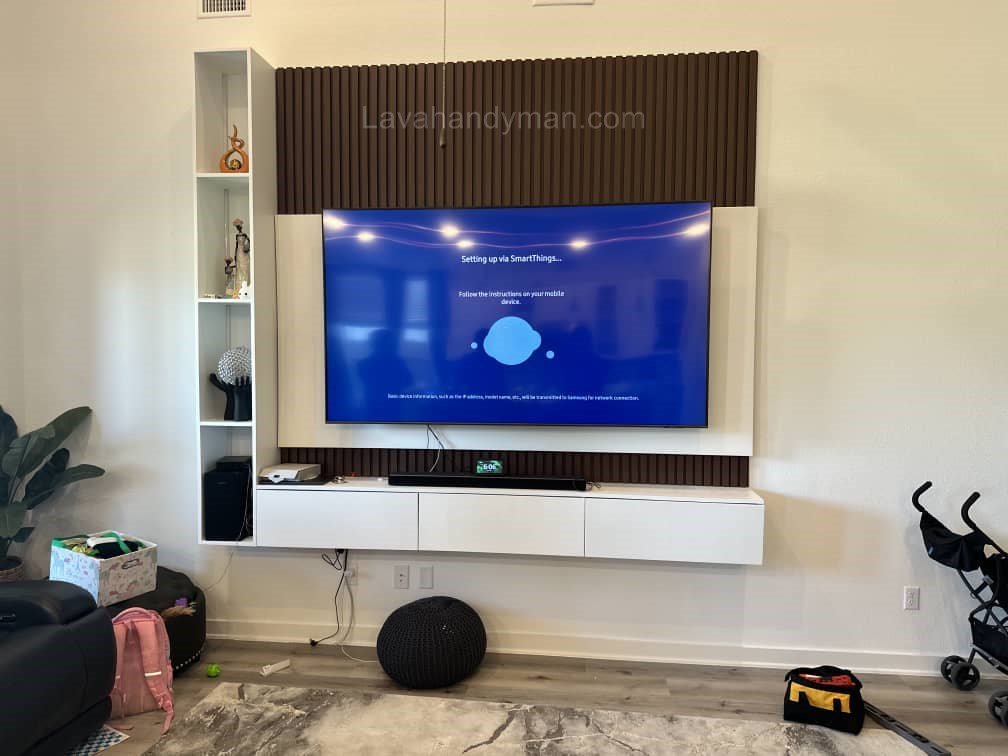
Samsung TV Wall Mount Setup: Tools, Safety Tips, and Installation Steps
Introduction
In recent years, Samsung TV wall mount installation has become one of the most searched topics among homeowners and tech enthusiasts. Mounting your TV on the wall not only saves valuable space but also gives your living room a modern, minimalist look.
With its advanced and slim designs, Samsung has made wall mounting easier and safer than ever before. Models such as QLED, OLED, Crystal UHD, and The Frame are designed with wall installation in mind.
This article provides a step-by-step guide on how to mount your Samsung TV on the wall, including required tools, choosing the right wall mount, safety considerations, and common mistakes to avoid.
Samsung TV Wall Mount Setup
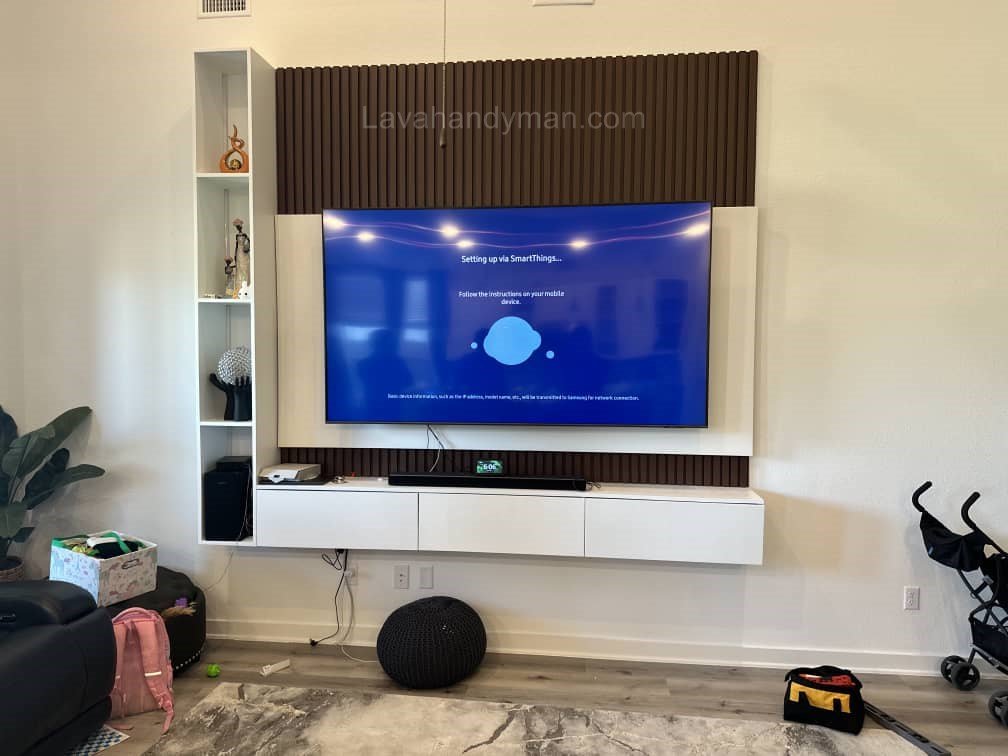
Benefits of Mounting a Samsung TV on the Wall
Save Space
One of the main advantages of mounting your Samsung TV on the wall is freeing up space. You no longer need a TV stand, which makes your room look larger and cleaner — especially beneficial for smaller apartments.
Modern and Stylish Look
Samsung’s ultra-thin TV designs make wall-mounted setups look sleek and artistic. Models like Samsung The Frame even function as digital picture frames when not in use.
Improved Safety
If you have children or pets, wall mounting prevents your TV from being accidentally knocked over. It’s a safer, more stable setup for any home.
Samsung TV Wall Mount Setup
Choosing the Right Wall Mount for Your Samsung TV
Check the VESA Standard
All Samsung TVs use the VESA mounting standard, which specifies the distance between mounting holes on the back of the TV (e.g., 400×400 mm for a 55-inch model).
Always verify your TV’s VESA pattern in the user manual before purchasing a wall mount.
Types of Wall Mounts
- Fixed Mount: Keeps the TV flush against the wall for a clean, minimalist look.
- Tilting Mount: Allows slight vertical angle adjustment to prevent glare from lights or windows.
- Full-Motion / Swivel Mount: Enables you to pull the TV away from the wall and adjust viewing angles horizontally and vertically — perfect for large rooms.
Weight and Size Capacity
Check the TV’s weight and ensure the wall mount supports at least 20% more than that weight. Using an undersized mount can be dangerous.
Samsung TV Wall Mount Setup
Tools Required for Samsung TV Wall Mount Installation
To safely and correctly mount your Samsung TV, you’ll need the following tools:
- Power drill with appropriate drill bits
- Level (manual or laser)
- Screwdriver (manual or electric)
- Heavy-duty screws and wall anchors
- Measuring tape and pencil for marking
- Adjustable wrench or socket wrench
- Compatible Samsung TV wall mount bracket
- Long HDMI and power cables
Step-by-Step Guide: How to Install a Samsung TV on the Wall
1. Choose the Right Location
The wall should be solid (brick or concrete) and free from cracks. Avoid drywall unless using a mount designed for it.
Ideal height: the center of the screen should be about 110–120 cm (43–47 inches) from the floor — roughly at eye level when seated.
2. Mark Drill Points
Hold the wall mount against the wall, use the level to ensure it’s perfectly straight, and mark the drill points with a pencil.
3. Drill the Holes
Use your drill to make holes at the marked points, ensuring they’re slightly deeper than the wall anchors.
4. Attach the Mounting Bracket to the Wall
Insert the wall anchors, align the mount, and tighten the screws securely. Double-check the stability before proceeding.
5. Attach Mounting Arms to the TV
Secure the bracket arms to the back of your Samsung TV using the screws provided with the mount. Do not overtighten.
6. Hang the TV on the Wall Mount
With the help of another person, carefully lift and attach the TV to the mounted bracket until it clicks into place.
7. Manage Cables Neatly
Use cable covers or wall channels to hide HDMI and power cords. Many newer Samsung TVs (e.g., QLED models) feature the One Connect Box, which simplifies cable management.
Samsung TV Wall Mount Setup
Important Safety Tips
- Always have two people handle the installation.
- Unplug the TV before lifting or connecting any cables.
- Avoid mounting on weak or hollow walls unless using special anchors.
- Keep at least 2 inches (5 cm) of clearance between the wall and TV for ventilation.
- Do not mount near heat sources like radiators or fireplaces.
Advanced Tips for a Professional Installation
- For QLED and OLED Samsung TVs, use ultra-slim wall mounts to match their thin profile.
- If using a soundbar, install it directly beneath the TV for best audio alignment.
- Separate power and signal cables to avoid electromagnetic interference.
- After installation, access your TV’s settings and enable Wall Mount Setup for optimized sound output.
Samsung TV Wall Mount Setup
Common Mistakes to Avoid
- Mounting the TV too high on the wall.
- Using the wrong type of screws or anchors.
- Failing to level the wall mount properly.
- Blocking ventilation by mounting too close to the wall.
- Leaving cables exposed and untidy.
Post-Installation Maintenance
- Clean dust from behind the TV every few months.
- Use a surge protector to protect your Samsung TV from voltage fluctuations.
- If moving the TV, always detach it from the wall mount first.
- Inspect the mount and wall periodically for cracks or loosened screws.
Samsung TV Wall Mount Setup
Recommended Samsung Models for Wall Mounting
- Samsung QLED Q80C: Slim design and wide viewing angle.
- Samsung Crystal UHD BU8000: Lightweight and budget-friendly.
- Samsung The Frame: Designed for wall mounting with an art-like aesthetic.
- Samsung OLED S90C: Ultra-thin panel with stunning contrast and premium design.
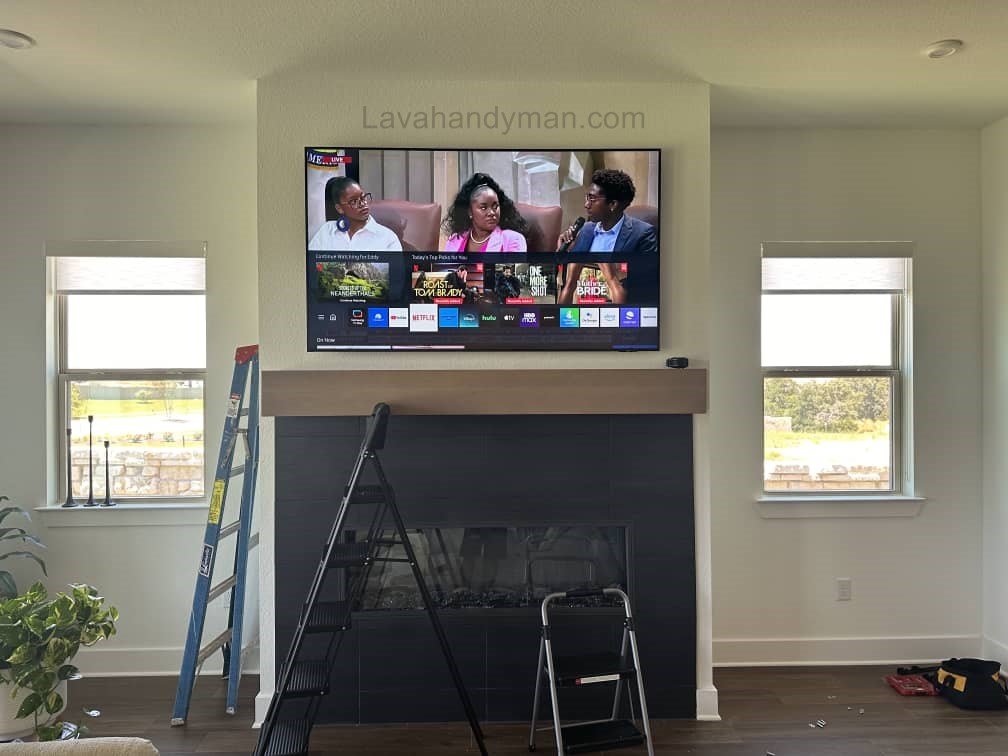
🔧 Step-by-Step Guide to Samsung TV Wall Mount Installation
Mounting your Samsung TV on the wall is one of the best ways to save space, enhance home aesthetics, and improve safety. If you want to mount your TV but don’t know where to start, this comprehensive guide will walk you through every step of Samsung TV wall mount installation, including safety tips and professional advice.
🧰 Tools and Equipment Needed
Before starting the installation, prepare the following tools:
- Drill and appropriate drill bits (for concrete or wood)
- Level (manual or laser)
- Screwdriver and adjustable wrench
- Heavy-duty wall anchors and screws
- Measuring tape and pencil
- Samsung TV wall mount bracket
- At least one helper (two people for larger TVs)
- Cable cover or raceway for tidy cable management
Samsung TV Wall Mount Setup
📏 Step 1: Choose the Right Height
The first step in Samsung TV wall mount installation is determining the correct height.
- Recommended: Center of the screen 110–120 cm (43–47 inches) from the floor for comfortable seated viewing.
- Adjust for bedrooms or reclining positions.
🔹 Pro Tip: Measure eye level while seated and align the center of the TV accordingly to avoid neck strain and ensure optimal viewing angles.
🧱 Step 2: Locate and Mark Mounting Points
Hold the wall mount bracket against the wall and mark the drill holes with a pencil.
- Use a level to ensure the bracket is perfectly horizontal.
- Determine your wall type:
- Concrete or brick: Standard installation.
- Drywall (gypsum or plasterboard): Locate studs using a stud finder. Mount brackets directly into the studs.
- Wooden wall: Use appropriate wood screws.
Samsung TV Wall Mount Setup
🔩 Step 3: Drill Holes and Install Anchors
Drill the holes according to your wall type:
- Concrete/brick: Use masonry drill bits and heavy-duty plastic anchors.
- Drywall: Use toggle bolts or molly bolts if mounting between studs.
- Wood studs: Directly screw into the stud without anchors.
After placing the anchors, loosely attach the bracket and recheck level alignment before fully tightening.
🖥️ Step 4: Attach Mounting Arms to the TV
Place the TV screen-down on a soft surface (blanket or carpet).
Attach the mounting arms or bracket plate to the VESA holes on the back of the TV.
- Tighten screws securely but do not overtighten.
- Always use screws provided by the mount or recommended by Samsung to prevent internal damage.
Samsung TV Wall Mount Setup
⚙️ Step 5: Hang the TV on the Wall Bracket
With the help of another person:
- Lift the TV and carefully hook it onto the wall bracket.
- Most mounts have a safety lock; ensure the TV clicks in and is secure.
- If using a tilting or full-motion mount, adjust angles and check that the screen is level.
🔌 Step 6: Manage Cables and Test
Connect power, HDMI, and other cables.
- Use cable covers or raceways to hide and organize wires.
- For in-wall cable management, use In-Wall Rated cables to maintain safety standards.
Final checks:
- Turn on the TV.
- Test all inputs (HDMI, USB, audio).
- Verify the screen is level and the mount is stable.
Samsung TV Wall Mount Setup
⚠️ Important Safety Tips
- Always install with two people for safety, especially for TVs over 40 inches.
- Use original Samsung or high-quality compatible brackets and screws.
- Make sure the wall can support the TV’s weight.
- Maintain at least 5 cm (2 inches) of clearance for ventilation.
- Avoid installation near moisture, heat sources, or direct sunlight.
🧩 Common Installation Issues
| Issue | Likely Cause | Solution |
|---|---|---|
| TV appears crooked | Bracket not leveled | Adjust using a level |
| TV wobbles | Loose screws or anchors | Retighten and check anchors |
| No picture or sound | Improper cable connection | Test HDMI and input sources |
| TV gets hot | Poor ventilation | Increase space behind TV |
🏁 Final Checklist
Test power, video, and audio connections
Wall bracket is securely mounted and level
Screws and anchors tightened properly
TV is locked in place and stable
Cables are organized and safe
Ventilation clearance maintained
Conclusion
Mounting your Samsung TV on the wall is an excellent way to combine aesthetics, safety, and functionality. With the right tools, a compatible wall mount, and attention to detail, you can achieve a professional-looking installation that enhances your viewing experience.
If you’re not confident using power tools, it’s best to hire a professional Samsung TV installer to ensure safety and avoid potential damage.
📞 Need Help?
Let us take care of the hard work while you sit back and relax.
📍 Serving: Austin, Round Rock, Cedar Park & more
📱 Call or Text: (737) 420-6992
🌐 Visit: https://lavahandyman.com