
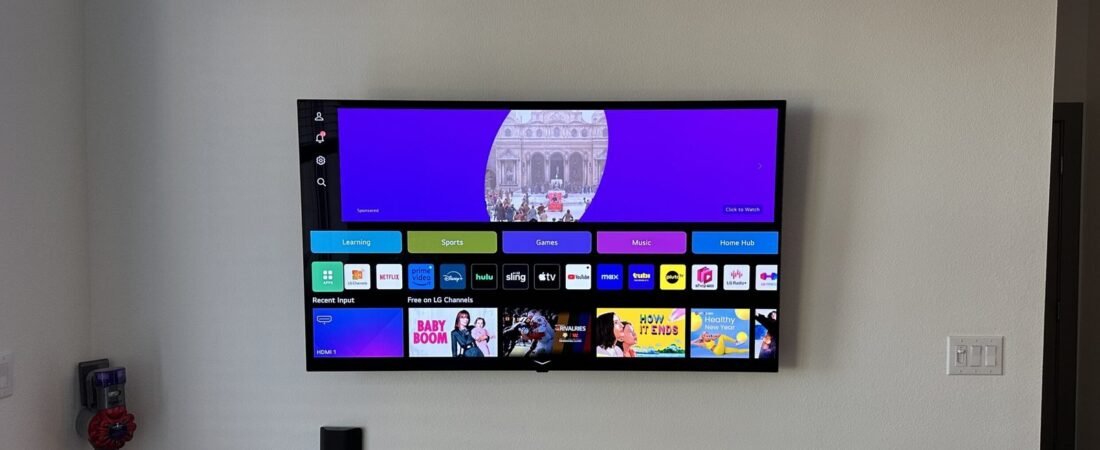
Proper care of your TV after installation can extend the device’s lifespan and improve picture quality. Here are some important tips in this regard:
- Ideal Placement: Place your TV in a location away from direct sunlight. Direct light can damage the screen and reduce picture quality.
- Optimal Picture Settings: After installation, adjust the TV’s picture settings according to your environment and needs. Avoid using default modes; instead, modify contrast, brightness, and color settings to suit your preferences.
- Regular Screen Cleaning: Clean the TV screen regularly with a soft, dry cloth. Avoid strong chemicals or abrasive materials, as they may damage the screen.
- Temperature and Humidity Control: Keep the TV in an environment with suitable temperature and controlled humidity. Extremely high or low temperatures and excessive humidity can damage the device.
- Use a Surge Protector: To prevent damage from power surges, use a suitable surge protector.
- Avoid Pressure on the Screen: Refrain from applying pressure to the screen, as this can lead to cracks or damage.
- Turn Off the TV When Not in Use: If you won’t be using the TV for an extended period, turn it off to reduce energy consumption and extend the device’s lifespan.
- Check Cables and Connections: Regularly inspect cables and connections to ensure they are in good condition.
- Update TV Software: If possible, keep your TV‘s software updated to benefit from new features and improvements.
- Use the Remote Control Carefully: Handle the remote control with care and store it safely to prevent dropping or damaging it.
By following these tips, you can enhance the lifespan of your TV and enjoy its high quality.