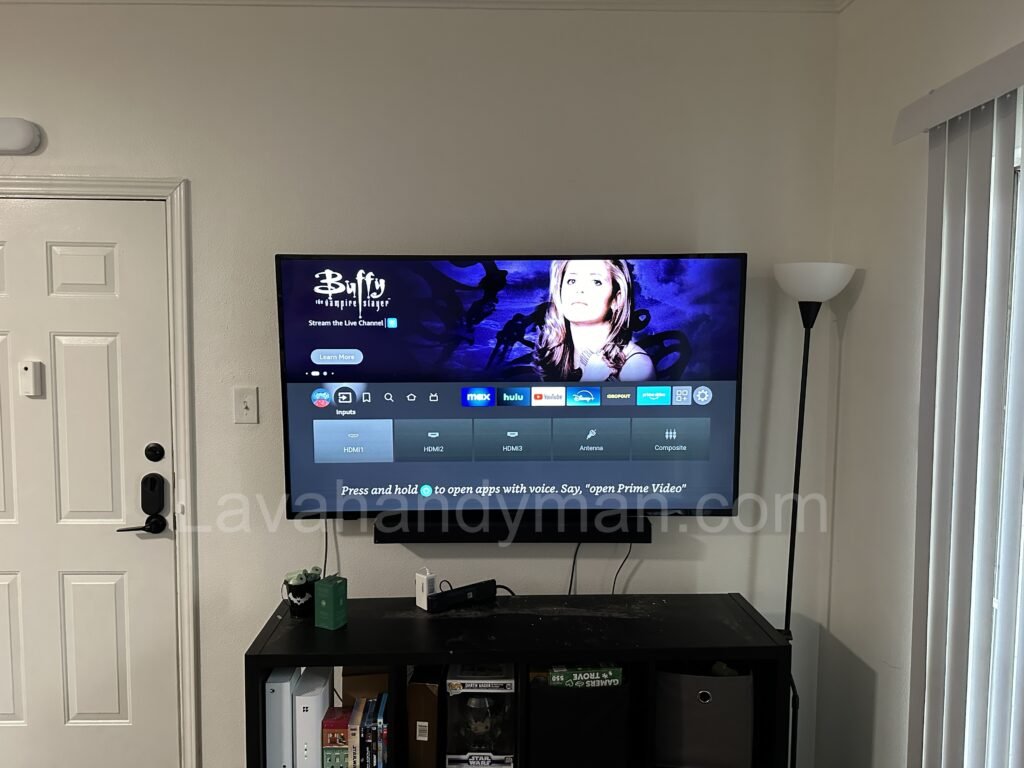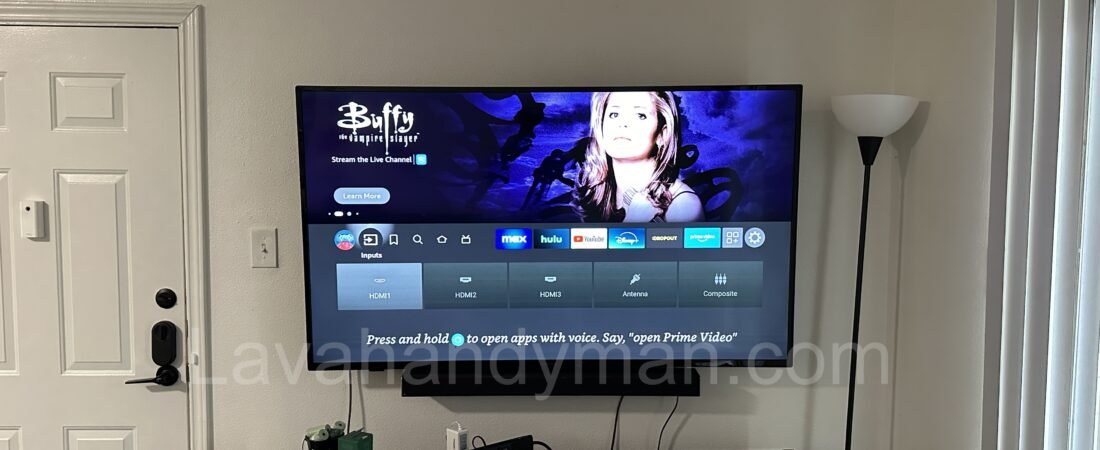
How to Professionally Install Your TV: Step-by-Step Guide
Installing your TV correctly and professionally can significantly enhance your viewing experience. Improper installation can lead to issues such as damage to the TV, reduced picture quality, or even security problems. In this comprehensive guide, we will help you install your TV properly and enjoy the process of professional installation.
1. Choosing the Right Location for TV Installation
Before you start installing, it’s important to choose the right spot for your TV. Here are some key considerations when selecting the location:
- Proper Height: The TV should be at eye level. When sitting, the TV should be at or slightly below your line of sight.
- Proper Viewing Distance: The distance between you and the TV should be determined by the size of the TV. For 4K TVs, you can sit closer. The optimal distance is generally 1.5 to 2.5 times the TV’s screen size.
- Lighting: The TV should not be in direct sunlight, as this can reduce picture quality.
- Access to Power Outlets and HDMI Ports: Make sure you have easy access to power outlets, HDMI ports, and other connections.
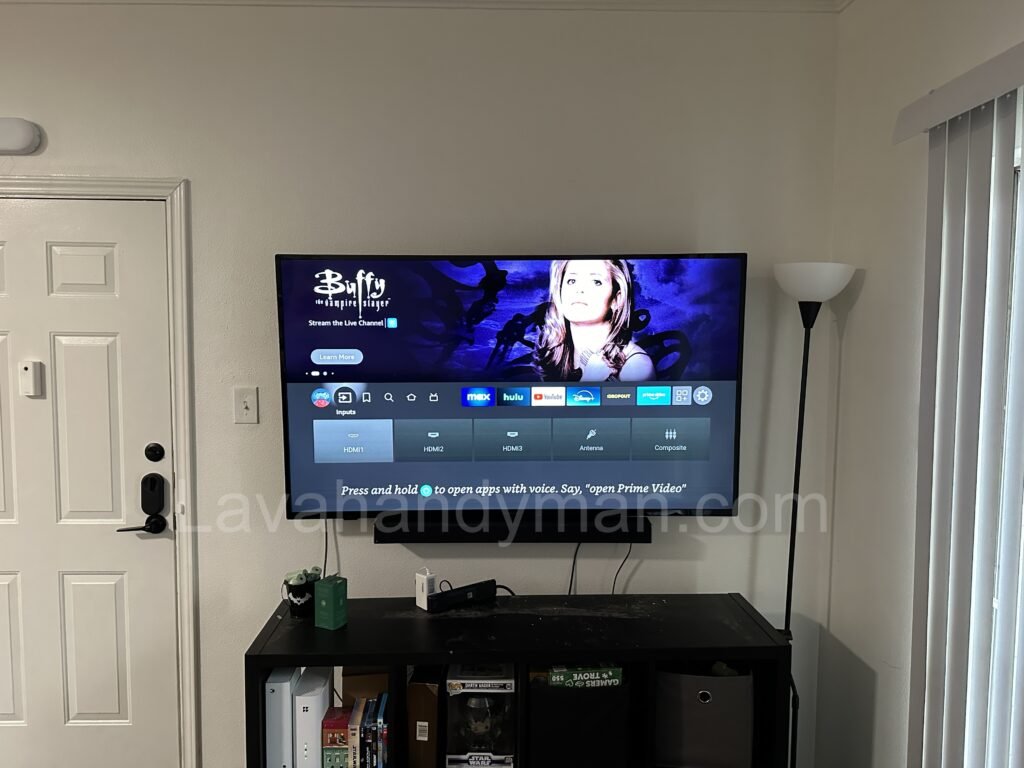
How to Professionally Install Your TV: Step-by-Step Guide
2. Choosing the Right Mount or Bracket for TV Installation
To mount the TV on the wall, you need a suitable wall bracket or TV mount. Important considerations for choosing a bracket:
- TV Size and Weight: Brackets are designed for different TV sizes. Make sure the bracket you choose is suitable for your TV’s size and weight.
- Wall Type: Different wall types (drywall, concrete, or brick) require different types of brackets. Make sure the bracket is compatible with your wall type.
- Bracket Adjustability: Some brackets allow you to tilt or rotate the TV, which can be beneficial for adjusting the viewing angle.
How to Professionally Install Your TV: Step-by-Step Guide
3. Tools Needed for TV Installation
To install your wall-mounted TV, you will need tools such as the following:
- Tape Measure and Ruler: To measure the exact location of installation.
- Drill: For drilling holes into the wall.
- Appropriate Screws and Anchors: Depending on your wall type and the bracket.
- LED Light: For better visibility of drilling spots.
- Level: To ensure the TV is mounted straight and level.
How to Professionally Install Your TV: Step-by-Step Guide
4. Step-by-Step TV Wall Mounting Process
- Choose the Installation Location: Use a tape measure to mark the exact location for mounting the bracket.
- Install the Wall Bracket: Mark the mounting points on the wall, drill holes, and secure the bracket with screws.
- Mount the TV on the Bracket: Attach the TV to the bracket, ensuring it is securely mounted.
- Connect Cables: Plug in HDMI, USB, power, and other cables to the TV.
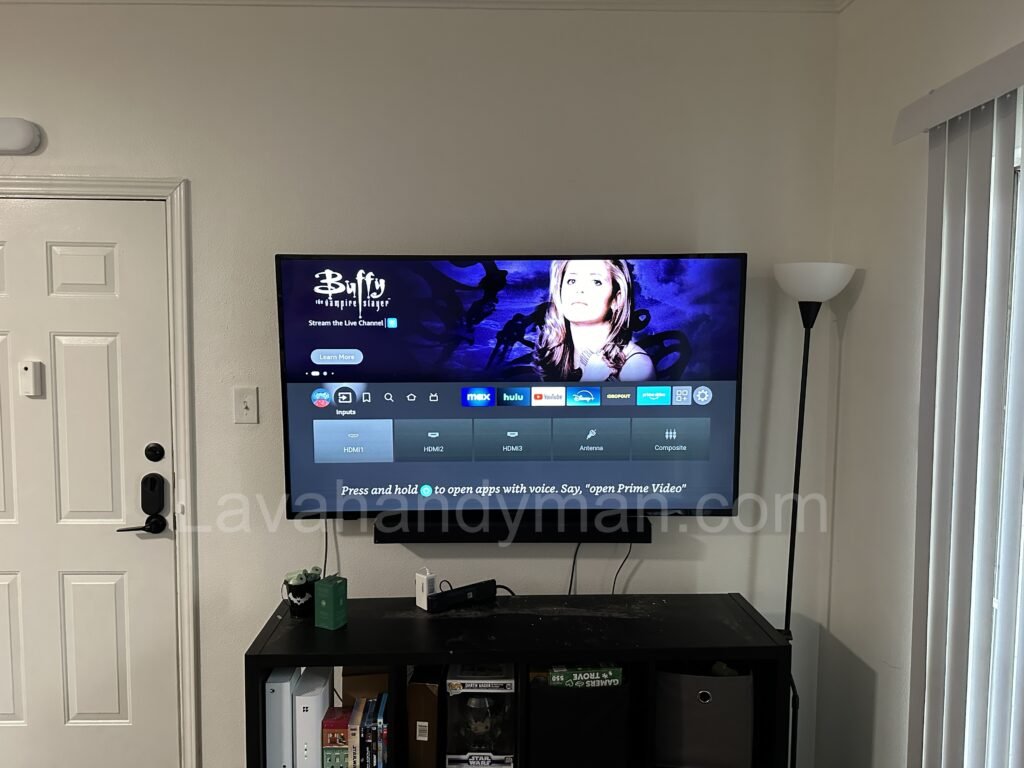
How to Professionally Install Your TV: Step-by-Step Guide
How to Professionally Install Your TV: Step-by-Step Guide
5. Initial TV Setup After Installation
After installation, you’ll need to perform initial setup on the TV:
- Picture Settings: Adjust the resolution, brightness, contrast, and other settings for optimal picture quality.
- Sound Settings: Adjust the sound and connect to an external audio system if needed.
- Internet Connection: Smart TVs require an internet connection. Set up Wi-Fi or Ethernet.
- Install Apps: Install streaming services and apps like Netflix, YouTube, or Amazon Prime.
6. Additional Tips for TV Installation
- Test Mount Stability: Before using the TV, double-check that all screws are tight and the bracket is secure.
- Handle the TV with Care: Be cautious when handling the TV to avoid damage.
- Install in Safe Locations: Avoid areas where the TV could easily fall or be bumped.
How to Professionally Install Your TV: Step-by-Step Guide
7. Wall Mounting vs. Tabletop Installation
- Wall Mounting: Wall-mounted TVs give your space a clean, modern look and save space.
- Tabletop Installation: If you prefer not to mount the TV on the wall, you can use a tabletop stand for installation.
How to Professionally Install Your TV: Step-by-Step Guide
Conclusion
Proper and professional TV installation ensures you can fully enjoy the best picture and sound quality. If you need assistance or encounter any issues during installation, the expert team at Lavahandyman.com is ready to provide TV installation and TV repair services.
At LavaHandyman.com, we don’t just help you understand TV tech — we also offer expert TV installation services, making sure your home entertainment setup looks and performs at its best.
📞 Need Help?
Let us take care of the hard work while you sit back and relax.
📍 Serving: Austin, Round Rock, Cedar Park & more
📱 Call or Text: (737) 420-6992
🌐 Visit: https://lavahandyman.com