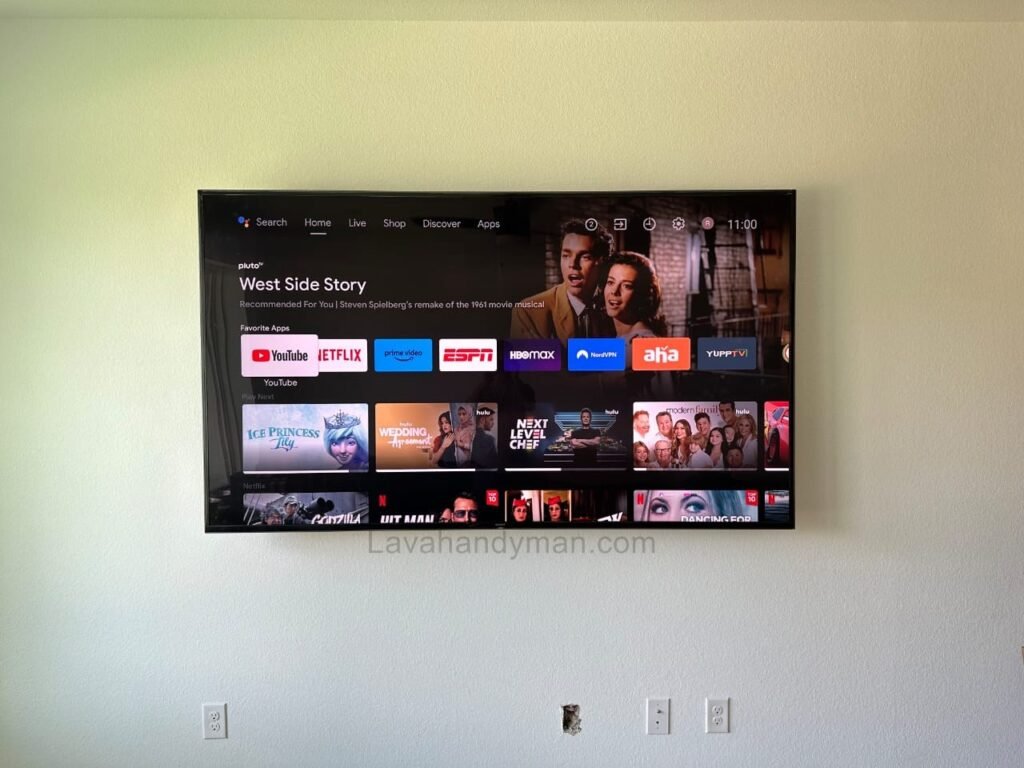
How to Install a TV on a Drywall Safely | Step-by-Step Professional Guide
Introduction
Installing a TV on a drywall wall (also known as a gypsum board or Knauf wall) is a common concern in modern homes, offices, and commercial spaces. As drywall systems become increasingly popular in interior design, many people assume that these walls cannot safely support the weight of a television. However, this assumption is incorrect.
Mounting a TV on a drywall wall is completely safe when proper installation methods, suitable wall mounts, and correct fixing tools are used. This article provides a complete and professional guide to installing a TV on drywall, including installation methods, required tools, safety tips, and common mistakes to avoid.
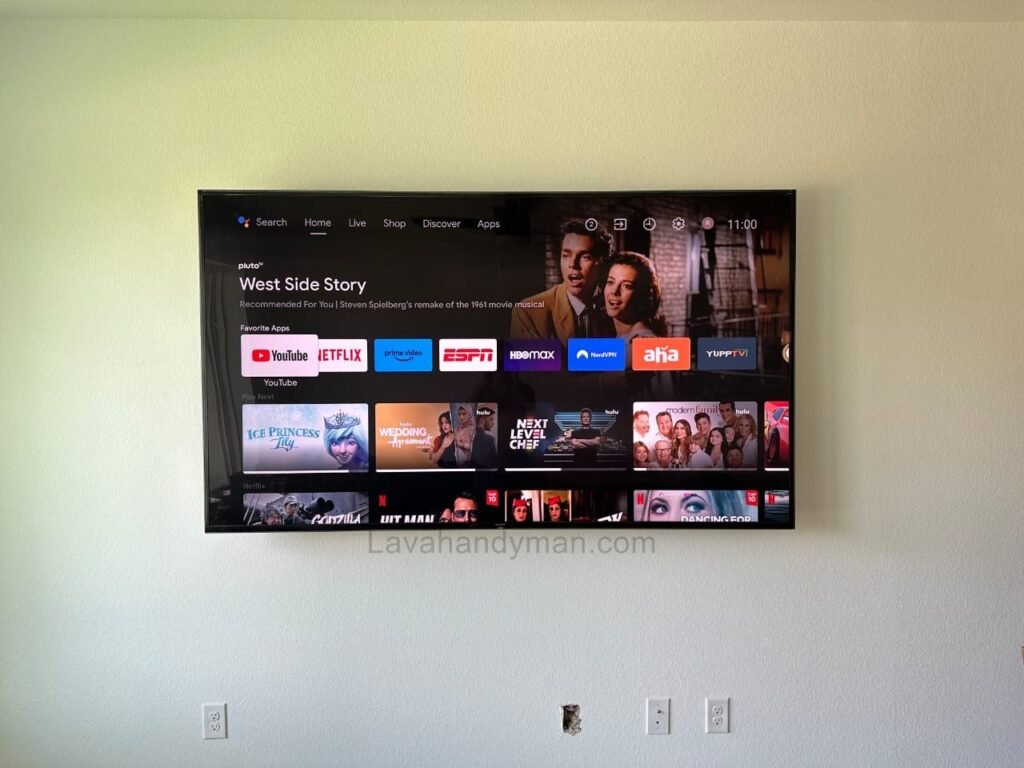
Install a TV on a Drywall
Understanding Drywall Wall Structure
A drywall wall typically consists of:
- Metal studs and tracks forming the wall frame
- Gypsum boards attached to the metal structure
- Empty cavities used for electrical wiring and utilities
It is important to understand that the drywall panel itself is not load-bearing. The real structural strength comes from the metal studs behind the drywall. Therefore, a safe TV installation must transfer the TV’s weight to the wall structure rather than relying solely on the gypsum board.
Is It Safe to Mount a TV on a Drywall Wall?
Yes, mounting a TV on a drywall wall is safe when the following factors are properly considered:
- TV size and weight
- Type of wall mount (TV bracket)
- Strength and spacing of metal studs
- Quality of screws and drywall anchors
- Correct installation technique
Ignoring these factors may result in wall damage or TV failure.
Best Methods for Installing a TV on Drywall
1. Mounting the TV Directly to Metal Studs (Safest Method)
The most secure and professional way to install a TV on drywall is by fixing the wall mount directly to the metal studs behind the wall.
Advantages:
- Maximum load capacity
- Suitable for large and heavy TVs
- Long-term safety and durability
Basic steps:
- Locate metal studs using a stud finder
- Mark drilling points accurately
- Drill holes and use self-drilling metal screws
- Secure the TV mount firmly and test stability
Install a TV on a Drywall
2. Using Heavy-Duty Drywall Anchors (Lightweight TVs Only)
If metal studs are not accessible and the TV is relatively light, heavy-duty drywall anchors can be used.
Recommended anchors:
- Toggle bolts
- Spring-loaded anchors
- Heavy-duty drywall anchors
⚠️ This method is not suitable for large TVs or full-motion mounts.
3. Reinforcing the Drywall Wall Before Installation
In new construction or renovation projects, reinforcing the wall before closing it is the best solution.
Common reinforcement methods:
- Installing steel box profiles
- Adding plywood, MDF, or OSB panels
- Increasing the number of metal studs
This allows safe installation of heavy televisions.
Install a TV on a Drywall
Tools Required for Drywall TV Installation
- Power drill or cordless drill
- Drill bits suitable for drywall and metal
- Level (manual or laser)
- Screwdriver or impact driver
- Drywall anchors or metal screws
- TV wall mount
- Measuring tape and pencil
Choosing the Right TV Wall Mount
Types of mounts:
- Fixed mounts (best option for drywall)
- Tilt mounts
- Full-motion mounts (require reinforced walls)
Important tips:
- Mount load rating must exceed TV weight
- VESA compatibility
- High-quality steel construction
Install a TV on a Drywall
Step-by-Step TV Installation
- Determine the ideal viewing height
- Locate metal studs or select proper anchors
- Mark drilling points using a level
- Drill carefully to avoid wall damage
- Install the wall mount securely
- Hang the TV on the mount
- Check alignment and stability
Essential Safety Tips
- Never mount heavy TVs directly on drywall without reinforcement
- Avoid standard plastic wall plugs
- Do not use full-motion mounts without structural support
- Plan cable routing in advance
- Hire a professional if unsure
Install a TV on a Drywall
Common Mistakes
- Screwing directly into gypsum board
- Using low-quality anchors
- Ignoring weight limits
- Installing without leveling
- Damaging hidden cables
Step-by-Step Guide to Installing a TV on a Drywall (Gypsum Board) Wall
Step 1: Choose the Correct Location and Installation Height
The first step in drywall TV installation is selecting the correct location and mounting height.
Ideally, the center of the TV screen should be at eye level when seated.
Recommended height: approximately 100–110 cm (40–43 inches) from the floor
Important considerations:
- Proper viewing distance from seating
- Avoiding direct light reflection on the screen
- Easy access to power outlets and cable connections
Install a TV on a Drywall
Step 2: Locate the Metal Studs Behind the Drywall
Drywall alone cannot support the weight of a TV. Therefore, locating the metal studs behind the drywall is critical.
Common methods to find metal studs:
- Using a stud finder
- Tapping the wall to detect solid areas
- Checking drywall construction plans (if available)
⚠️ For large or heavy TVs, mounting directly to metal studs is mandatory.
Install a TV on a Drywall
Step 3: Select the Right TV Wall Mount for Drywall
Choosing the correct TV wall mount is essential for safety.
Key points:
- The mount’s weight capacity must exceed the TV’s weight
- Fixed mounts are the safest option for drywall walls
- Full-motion (articulating) mounts require reinforced walls
Using drywall-specific anchors or metal screws is strongly recommended.
Step 4: Mark the Mounting Points Accurately
Use a measuring tape and level to mark the exact drilling points on the wall.
Accurate marking prevents crooked installation and uneven TV alignment.
Tips:
- Always use a level
- Double-check measurements before drilling
Install a TV on a Drywall
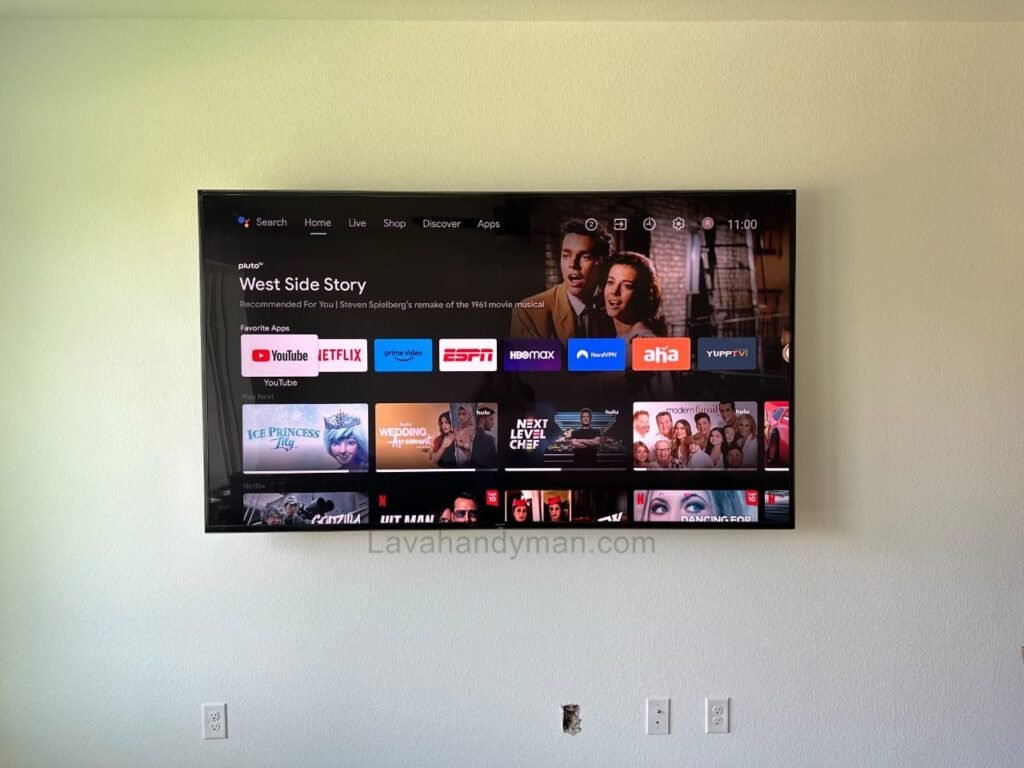
Step 5: Drill the Wall Properly
Drilling should be done carefully to avoid damaging the drywall surface.
Best practices:
- Use drill bits suitable for drywall or metal
- Apply controlled pressure
- Switch to a metal drill bit if a stud is reached
Install a TV on a Drywall
Step 6: Install the Wall Mount on the Drywall
Attach the wall mount using the appropriate fixing method:
Installation options:
- Directly securing the mount to metal studs (safest method)
- Using heavy-duty drywall anchors (for lightweight TVs only)
After installation, gently pull the mount to ensure it is firmly secured.
Install a TV on a Drywall
Step 7: Attach the Mounting Plate to the TV
Secure the mounting plate or brackets to the back of the TV according to the VESA standard.
Note: Screws should be tight but not over-tightened to avoid damaging the TV.
Step 8: Hang the TV on the Wall Mount
With the help of another person, carefully lift and hang the TV onto the wall mount.
Safety tips:
- Ensure locking mechanisms are fully engaged
- Avoid sudden movements or impact
Install a TV on a Drywall
Step 9: Final Adjustment and Leveling
Check the TV’s alignment and level.
Use the mount’s adjustment screws if necessary to achieve a perfectly straight display.
Step 10: Cable Management and Final Inspection
In the final step:
- Organize and conceal cables neatly
- Use cable ducts or drywall cable channels if available
- Perform a final stability and safety check
Install a TV on a Drywall
Important Safety Tips for Drywall TV Installation
For large TVs, professional installation is recommended
Never mount heavy TVs directly onto drywall without reinforcement
Do not use standard plastic wall plugs
Full-motion mounts require strong structural support
TV Mounting Height on Drywall (Gypsum Board / Knauf Wall)
Installing a TV on a drywall wall requires careful planning to ensure both optimal viewing comfort and wall safety. One of the most important factors is determining the correct height for mounting the TV.
Install a TV on a Drywall
1. Align the Center of the TV with Eye Level
The best approach for TV mounting is to position the center of the screen approximately at eye level while seated.
- Eye level when sitting is usually between 100–120 cm (40–47 inches) from the floor.
- This ensures minimal neck and eye strain and provides the most comfortable viewing experience.
Approximate formula:
TV center height ≈ Eye level when seated
Install a TV on a Drywall
2. Maintain an Appropriate Viewing Distance
The recommended viewing distance depends on the TV size:
| TV Size | Recommended Viewing Distance |
|---|---|
| 40–50 inches | 1.5–2.5 meters |
| 55–65 inches | 2–3 meters |
| 70 inches+ | 3 meters or more |
- The greater the distance between the seating area and the TV, the slightly higher the TV can be mounted, but the center should remain close to eye level.
3. Ensure Proper Viewing Angle
- The TV should not be more than 15 degrees above or below eye level.
- If the TV must be mounted higher (for example, above a fireplace), a tilt wall mount can help maintain a comfortable viewing angle.
Install a TV on a Drywall
4. Safety Tips for Drywall Installation
Large or heavy TVs should always be mounted to the metal studs behind the drywall to prevent the TV from falling.
Drywall walls are lightweight; mounting a TV at a high position without connecting to metal studs or using heavy-duty drywall anchors is risky.
TV Viewing Angle and Lighting on Drywall (Gypsum Board / Knauf Wall)
To enjoy a comfortable and high-quality TV experience, having the proper height and sturdy drywall is not enough. Viewing angle and lighting play a crucial role in image quality and eye comfort.
Install a TV on a Drywall
1. Standard TV Viewing Angle
A proper viewing angle ensures the image is clear and natural while reducing neck and eye strain.
Key Points:
- Center of the TV should be at eye level when seated (approximately 100–120 cm / 40–47 inches from the floor).
- Vertical angle: ±15 degrees from eye level
- Horizontal angle: Maximum 30 degrees from the center of the TV
- If the TV must be mounted higher (e.g., above a fireplace), use a tilt wall mount to adjust the viewing angle.
💡 Pro Tip: Most modern TVs have a wide horizontal viewing angle, but vertical viewing is limited. Therefore, correct height and tilt are more important.
Install a TV on a Drywall
2. Proper Ambient and Natural Lighting
Lighting significantly affects TV visibility. Improper lighting can cause glare, reduce contrast, and lead to eye strain.
Recommendations:
- Controlled natural light
- If the TV is near a window, use blinds or curtains to prevent direct sunlight on the screen.
- Soft ambient lighting
- Ceiling lights or LED strips behind the TV reduce eye strain and enhance viewing comfort.
- Avoid direct light on the TV screen
- Light from lamps or windows hitting the screen directly can create glare and reduce image quality.
- Bias lighting (LED behind the TV)
- Installing LED lighting behind the TV increases contrast and reduces eye fatigue in dark rooms.
💡 Pro Tip: Combining soft ambient lighting with controlled natural light creates the best viewing experience.
Install a TV on a Drywall
3. Summary
- TV center ≈ Eye level when seated
- Vertical angle ±15° and horizontal angle ≤30°
- Avoid direct light hitting the screen
- Use ambient and bias lighting to improve contrast and reduce eye strain
Following these guidelines ensures that mounting a TV on a drywall (Knauf) wall is not only safe but also provides a comfortable and enjoyable viewing experience.
Conclusion
Installing a TV on a drywall wall is safe and reliable when done correctly. Proper wall mounts, strong anchors, and connection to metal studs are the key factors for a secure installation. By following the guidelines in this article, you can achieve a clean, modern, and risk-free TV setup.
📞 Need Help?
Let us take care of the hard work while you sit back and relax.
📍 Serving: Austin, Round Rock, Cedar Park & more
📱 Call or Text: (737) 420-6992
🌐 Visit: https://lavahandyman.com