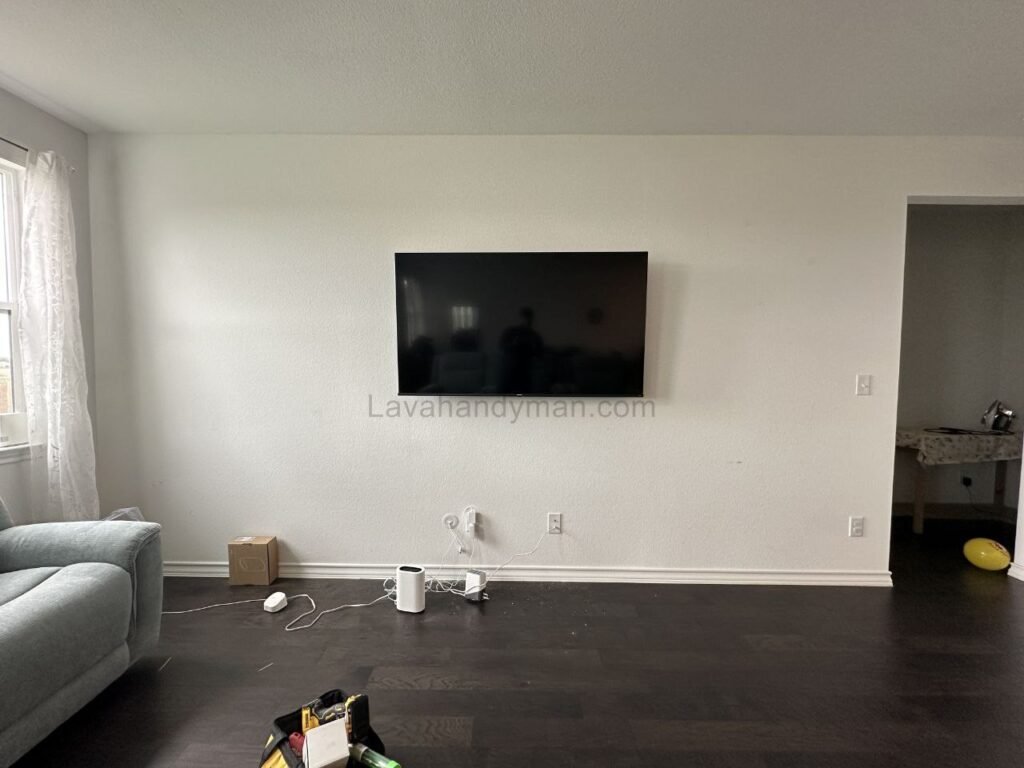
Concealed Cable Management in Wall-Mounted TV Installation with a Modern Design Approach
Introduction
With the growing popularity of modern and minimalist interior styles, wall-mounted TVs have become a primary choice in contemporary home design. Mounting a TV on the wall not only saves space but also creates a clean, sophisticated aesthetic. However, visible and disorganized cables can significantly undermine this visual appeal.
Concealed cable management in wall-mounted TV installation is not merely a decorative step—it is a combination of engineering principles, safety standards, functionality, and intelligent design. This article explores professional methods, technical standards, and modern solutions for effectively hiding cables while maintaining both safety and aesthetics.
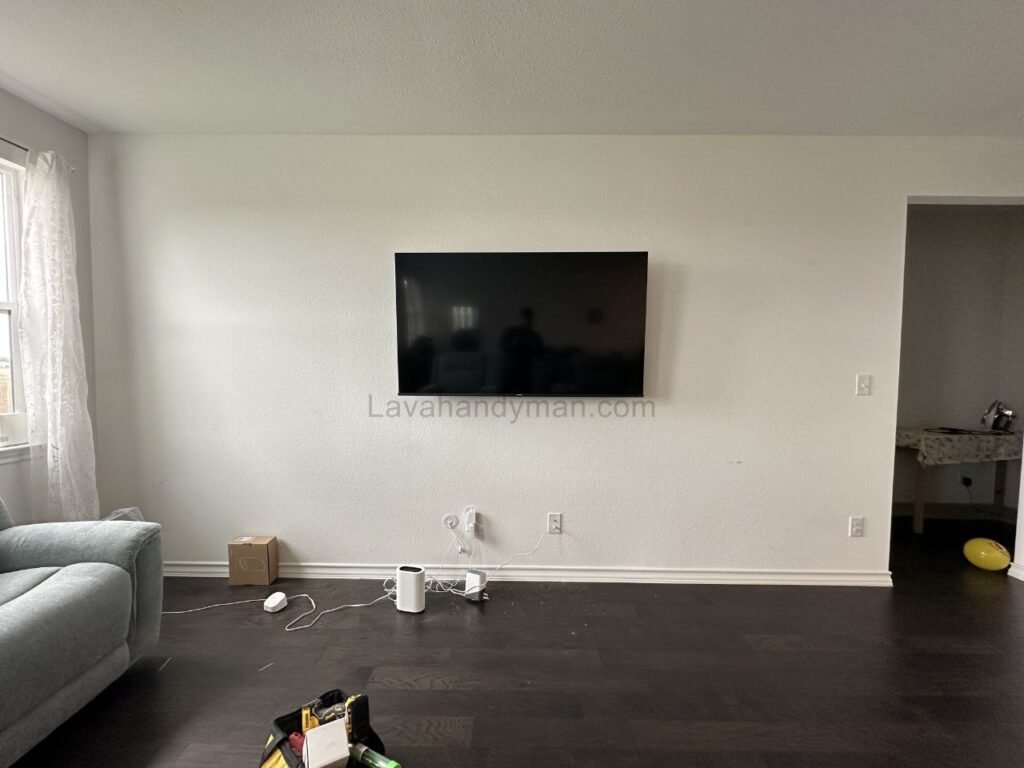
Concealed Cable Management
Why Cable Management Matters in Wall-Mounted TV Installation
1. Preserving Visual Cleanliness
Modern interior design prioritizes simplicity and order. Exposed cables create visual clutter and disrupt the harmony of a space. Proper cable concealment enhances the sleek and polished look of a mounted TV setup.
2. Improving Safety
Loose or exposed cables can lead to:
- Tripping hazards
- Cable damage due to pulling or tension
- Electrical risks, including short circuits
Organized and concealed cable routing significantly reduces these risks.
3. Extending Equipment Lifespan
Improper cable bending, tension, or poor routing can strain ports and connectors. Well-managed cable systems prevent stress on connections and help extend the lifespan of televisions and connected devices.
Concealed Cable Management
Technical Considerations Before Installation
Identify the Wall Type
The installation method depends largely on the wall structure:
- Concrete walls (require professional channel cutting)
- Brick walls
- Drywall or gypsum board
- Double-layer or partition walls
Drywall allows easier cable routing but requires reinforcement for secure TV mount installation.
Follow Electrical and Safety Standards
When implementing concealed cable management, it is essential to:
- Separate power cables from signal cables (such as HDMI)
- Use certified conduit pipes or flexible tubing
- Install a power outlet directly behind the TV
- Use high-quality, certified cables
- Ensure adequate ventilation for connected devices
Concealed Cable Management
Professional Methods for Concealed TV Cable Management
1. In-Wall Cable Routing (Fully Concealed Method)
This is the most professional approach and involves:
- Cutting channels into the wall.
- Installing conduit or tubing inside the wall.
- Running cables through the conduit.
- Repairing and repainting the wall surface.
Advantages:
- Completely invisible wiring
- Highly professional finish
- Ideal for new constructions or renovations
Disadvantages:
- Requires minor wall demolition
- Higher installation cost
Concealed Cable Management
2. Decorative Wall Panel Behind the TV
In this method, a decorative panel (MDF, wood, PVC, or artificial stone) is installed behind the TV, allowing cables to be hidden within the panel structure.
This solution is popular in modern design because:
- No wall demolition is required
- It allows integrated LED backlighting
- It creates a premium and stylish appearance
3. Surface Cable Trunking (Color-Matched Ducts)
For budget-friendly projects, slim PVC or plastic cable ducts can be used and painted to match the wall color.
This method offers:
- Quick installation
- Easy access for maintenance
- Lower cost
However, it is less seamless compared to fully concealed in-wall systems.
Concealed Cable Management
4. Integrated TV Feature Wall (TV Wall Unit)
In high-end modern interiors, the entire wall is designed as a decorative feature that includes:
- Hidden cable routing channels
- Dedicated compartments for devices
- LED backlighting
- Floating cabinets or storage units
This method combines architectural design with technical planning and provides the most refined visual outcome.
Managing Cables for Connected Devices
Modern TVs are often connected to multiple devices, such as:
- Digital receivers
- Gaming consoles
- Sound systems
- Routers or modems
- Media players
Concealed Cable Management
To prevent clutter:
- Use floating cabinets to house devices
- Design concealed wall niches
- Separate power and signal cables
- Use cable organizers and fastening systems
Modern Design Principles for Cable Concealment
1. Minimalism
The fewer visible elements, the stronger the modern aesthetic. Concealment supports a clean and distraction-free environment.
2. Precise Alignment
Cable exit points should be centered directly behind the TV mount to remain fully hidden.
3. Complementary Lighting
LED backlighting behind the TV:
- Reduces eye strain
- Enhances ambiance
- Softens the visual boundaries of the installation
4. Material and Color Coordination
Panels, ducts, and cabinets should harmonize with wall finishes and furniture to maintain a cohesive design.
Concealed Cable Management
Common Mistakes in Concealed Cable Installation
- Running power and HDMI cables through the same unprotected channel
- Failing to plan for future cable additions
- Using low-quality cables
- Incorrect outlet placement
- Ignoring ventilation needs
Avoiding these errors ensures both safety and long-term performance.
Cost Considerations
The total cost of concealed cable management depends on:
- Wall type
- Extent of wall modification
- Materials used
- Number of cables
- Level of decorative design
Fully concealed in-wall systems are generally more expensive but provide superior long-term value and aesthetics.
Concealed Cable Management
The Future of Cable Management in Modern Interiors
With advancements in wireless technology, such as:
- Wireless HDMI transmission
- Wireless audio systems
- High-speed Wi-Fi connectivity
The number of required cables is gradually decreasing. However, power cables remain essential, making concealed routing solutions still highly relevant in modern installations.
Step-by-Step Guide to Concealing Cables in Wall-Mounted TV Installation
Concealing cables when installing a wall-mounted TV is not just about appearance. It is a process that combines technical planning, safety considerations, and modern design principles. When executed correctly, it results in a clean, organized, and professional-looking space.
Below are the structured and professional steps for proper concealed cable installation.
Concealed Cable Management
Step 1: Initial Assessment and Planning
Before starting, evaluate the following:
- Wall type (concrete, brick, drywall, or partition wall)
- Exact TV mounting location
- Existing power outlet position
- Number and type of cables (power, HDMI, Ethernet, antenna, audio system)
🔹 Important: Always separate the power cable path from signal and data cables to prevent electromagnetic interference.
Proper planning at this stage prevents unnecessary wall damage and additional costs later.
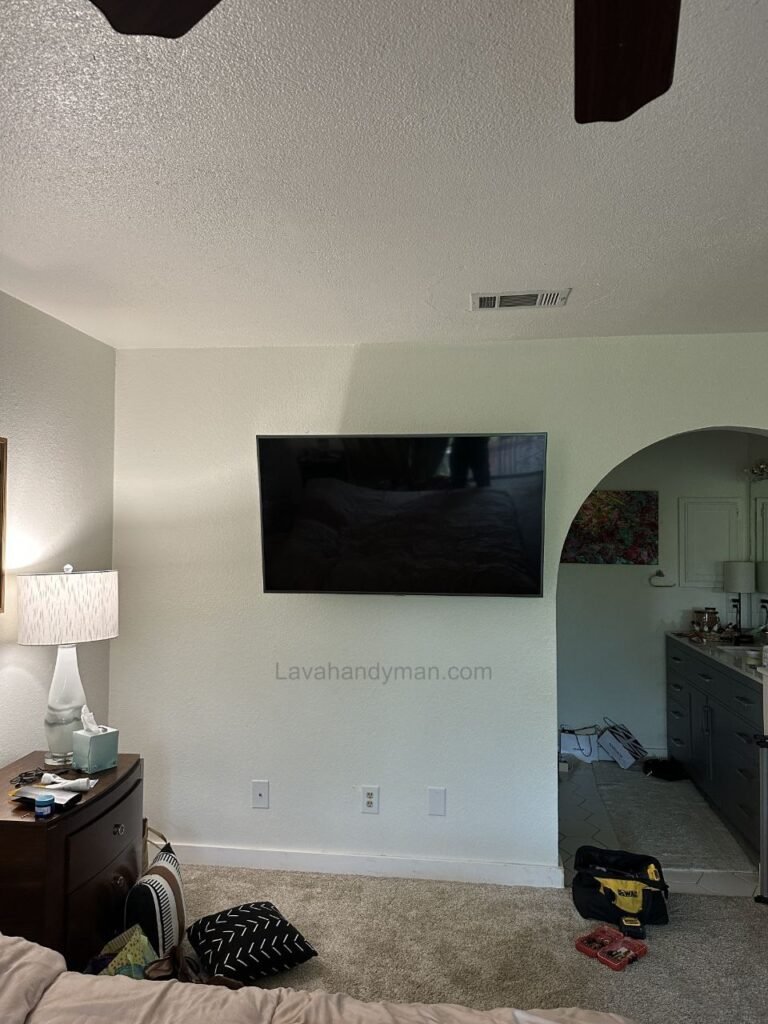
Concealed Cable Management
Step 2: Choose the Appropriate Concealment Method
Depending on your space and budget, select one of the following:
1. In-Wall Cable Routing
Ideal for new constructions or renovations. Completely hidden and highly professional.
2. Decorative Panel Behind the TV
No wall demolition required. Suitable for modern interior designs.
3. Color-Matched Surface Cable Trunking
A cost-effective and quick solution with easy maintenance access.
4. Integrated TV Feature Wall
A premium solution that includes hidden cable channels and built-in LED lighting.
Choosing the right method significantly impacts the final result.
Concealed Cable Management
Step 3: Determine the Standard Mounting and Cable Exit Position
To keep cables completely hidden:
- The cable exit point must be directly behind the center of the TV.
- It should align precisely with the mounting bracket.
- The mounting height should match eye level when seated.
Typically, the center of the TV screen should align with the viewer’s eye level while sitting on a sofa.
Step 4: Create the Cable Path (For In-Wall Method)
If you choose in-wall routing:
- Mark the exact cable path on the wall.
- Use appropriate tools (wall chaser or professional drill) to create channels.
- Install certified conduit or flexible tubing.
- Run cables through the conduit.
- Repair the wall using plaster or filler.
- Repaint the surface after drying.
⚠️ Safety Warning: Ensure there are no existing electrical or plumbing lines in the path before cutting into the wall.
Concealed Cable Management
Step 5: Install a Concealed Power Outlet
For a fully professional result:
- Install a grounded power outlet directly behind the TV.
- Add in-wall HDMI or Ethernet ports if needed.
- Use a surge protector for safety.
This eliminates visible hanging wires from the lower section of the wall.
Step 6: Manage Cables for External Devices
Modern TVs connect to multiple devices. To avoid clutter:
- Place devices inside floating cabinets or hidden compartments.
- Use cable organizers and fastening clips.
- Choose cables with appropriate length (not too long, not too short).
- Separate power and signal cables.
- Ensure proper ventilation to prevent overheating.
Proper device cable management significantly enhances the overall appearance.
Concealed Cable Management
Step 7: Final Inspection and Testing
After completing the installation:
- Ensure cables are not under tension or sharply bent.
- Test picture and sound functionality.
- Check all connections.
- Verify the bracket’s stability and the TV’s alignment.
This final step ensures both safety and long-term durability.
Professional Tips for a Flawless Installation
✔ Use high-quality, certified cables.
✔ Plan extra conduit space for future device additions.
✔ Reinforce the mounting area if installing on drywall.
✔ Do not ignore ventilation for connected equipment.
✔ Always prioritize electrical safety.
Concealed Cable Management
What Type of Mount Is Used for Installing a TV?
When installing a TV on the wall, different types of mounts (brackets) are used depending on the TV’s size, weight, viewing angle requirements, and room layout. Choosing the right mount ensures safety, stability, and an optimal viewing experience.
Below are the main types of TV wall mounts explained clearly and professionally:
1. Fixed Mount (Low-Profile Mount)
Features:
- Slim and minimal design
- Keeps the TV close to the wall
- No movement or angle adjustment
Best For:
- Rooms where the TV is viewed directly from the front
- Minimalist interior designs
Advantages:
✔ Clean appearance
✔ Easy installation
✔ Affordable
Disadvantages:
✖ No tilt or swivel adjustment
Concealed Cable Management
2. Tilt Mount
Features:
- Allows vertical angle adjustment (tilts up or down)
- Ideal for reducing glare
Best For:
- TVs installed higher than eye level (such as above a fireplace)
Advantages:
✔ Better viewing angle control
✔ Reduces screen reflection
Disadvantages:
✖ No horizontal swivel capability
Concealed Cable Management
3. Full-Motion / Articulating Mount
Features:
- Allows tilting, swiveling, and extending away from the wall
- Provides maximum flexibility
Best For:
- Large rooms with multiple seating positions
- Spaces where viewing angles vary
Advantages:
✔ Maximum viewing flexibility
✔ Adjustable for different positions
Disadvantages:
✖ Higher cost
✖ Slightly more complex installation
4. Ceiling Mount
Features:
- Mounted directly to the ceiling
- Adjustable positioning
Best For:
- Commercial spaces
- Retail stores
- Areas without suitable wall space
Advantages:
✔ Ideal for special layouts
✔ Adjustable positioning
Disadvantages:
✖ Less common in residential spaces
5. Recessed / Hidden Mount
Features:
- Designed to remain concealed behind panels or feature walls
- Often integrated into custom TV walls
Best For:
- Luxury interiors
- Custom-designed feature walls
Advantages:
✔ Seamless, premium appearance
✔ Ideal for modern interior design
Disadvantages:
✖ Higher cost
✖ Requires professional planning
Important Factors When Choosing a TV Mount
Before selecting a mount, consider the following:
- TV size and weight capacity
- VESA compatibility (mounting hole pattern on the TV)
- Wall type (concrete, brick, drywall)
- Viewing height and seating arrangement
- Room lighting and potential glare
Quick Selection Guide
| Mount Type | Best For | Adjustability |
|---|---|---|
| Fixed | Minimalist setups | None |
| Tilt | Higher wall installations | Vertical tilt |
| Full-Motion | Flexible viewing areas | Full adjustment |
| Ceiling | Commercial or special layouts | Adjustable |
| Hidden | Luxury feature walls | Integrated design |
Conclusion
Concealed cable management in wall-mounted TV installation is a fusion of electrical engineering, safety compliance, and modern interior design principles. When executed properly, it:
- Enhances the visual appeal of a space
- Improves household safety
- Extends equipment lifespan
- Elevates overall property value
In modern design, technology should be experienced—not seen. Effective cable management ensures that the focus remains on clean lines, balanced composition, and seamless integration of technology into living spaces.
📞 Need Help?
Let us take care of the hard work while you sit back and relax.
📍 Serving: Austin, Round Rock, Cedar Park & more
📱 Call or Text: (737) 420-6992
🌐 Visit: https://lavahandyman.com