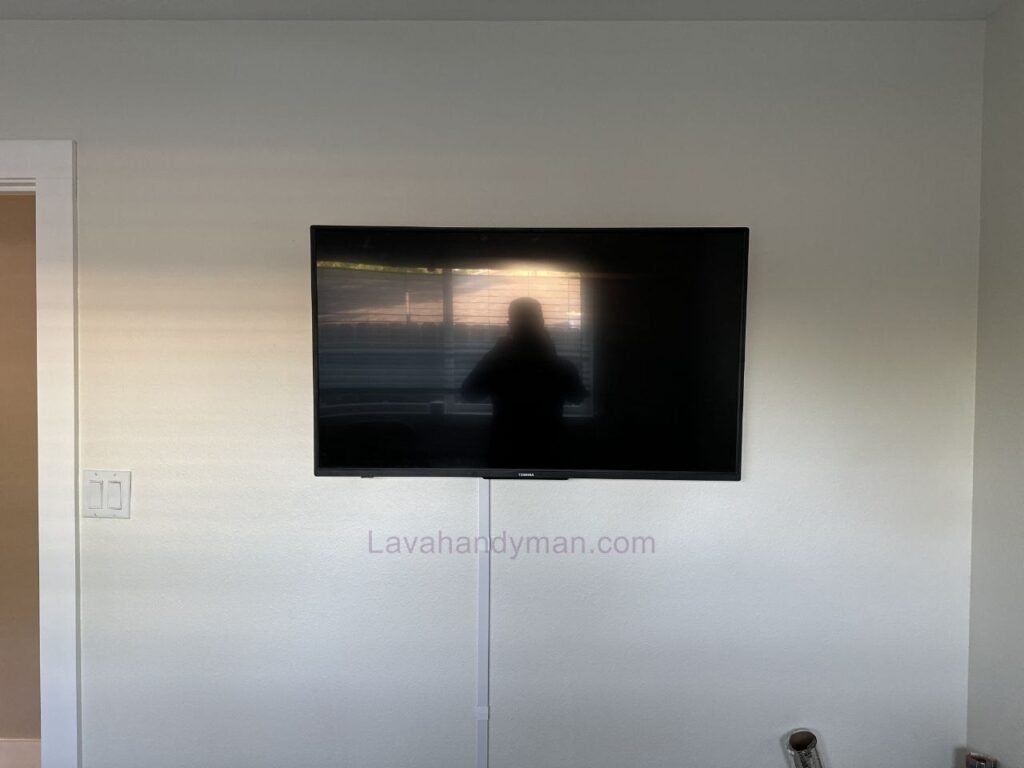
How to Wall Mount a Toshiba TV: Tools, Steps & Safety Tips
Toshiba TVs are popular due to their solid build quality, modern design, and reliable performance. Most Toshiba television models support the global VESA mounting standard, which makes wall installation straightforward and similar to other major TV brands.
This comprehensive guide explains all required steps, tools, safety tips, and common mistakes to help you install your Toshiba TV securely and correctly.
Step 1: Essential Checks Before Installation
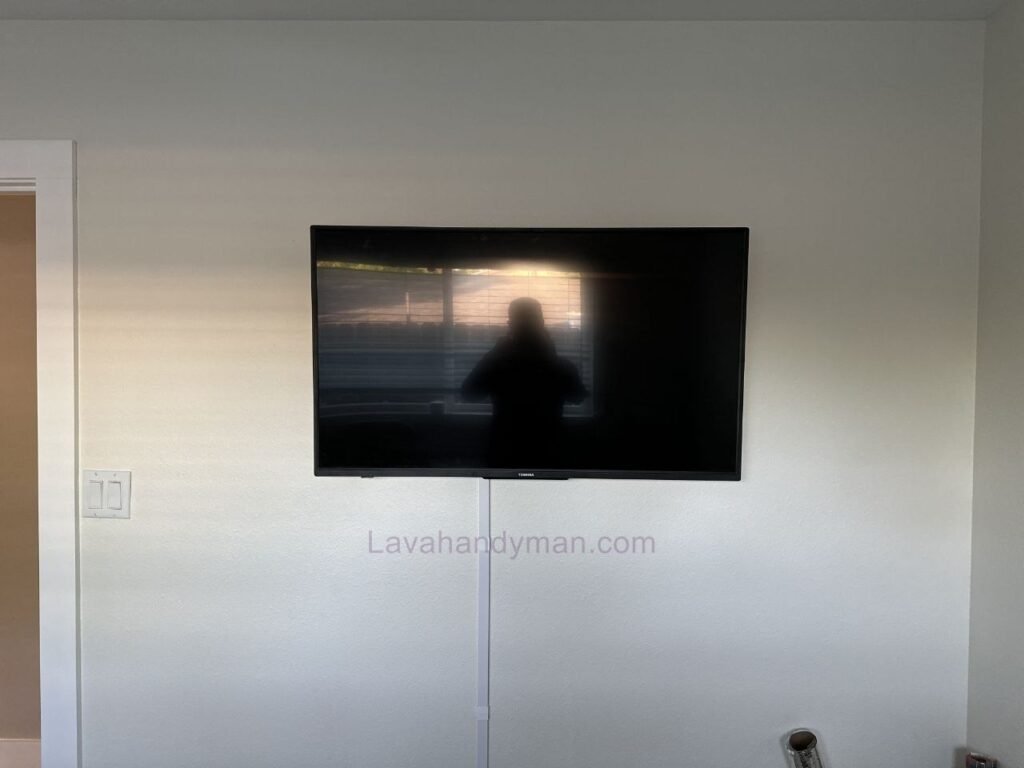
Wall Mount a Toshiba TV
Before starting the installation, make sure to check the following:
1. TV Size and Weight
Larger TVs (such as 55”, 65”, or 75”) are heavier and require stronger wall mounts.
Always check the exact weight of your TV in the user manual.
2. VESA Mounting Standard
On the back of the TV, there are four mounting holes.
The horizontal and vertical distance between them defines the VESA pattern (e.g., 200×200 or 400×400 mm).
Your wall mount must match this pattern exactly.
3. Wall Type
The wall material plays a crucial role in installation safety:
- Concrete or solid brick wall (best option)
- Brick wall
- Drywall or gypsum wall (requires reinforcement)
For drywall installations, the mount must be attached to metal studs, not just the plasterboard.
Wall Mount a Toshiba TV
Choosing the Right Wall Mount
TV wall mounts are generally available in three main types:
✔ Fixed Mount
- No movement
- TV sits close to the wall
- Affordable and ideal for small rooms
✔ Tilt Mount
- Allows vertical angle adjustment
- Suitable for TVs mounted higher than eye level
✔ Full-Motion (Articulating) Mount
- Swivels left and right
- Extends forward and retracts
- Ideal for large rooms and multiple viewing angles
For large Toshiba TVs, a full-motion mount is usually recommended.
Wall Mount a Toshiba TV
Required Tools
To ensure a safe and accurate installation, you will need:
- Power drill
- Appropriate drill bit (masonry bit for concrete walls)
- Heavy-duty wall anchors (rawl plugs)
- Mounting screws
- Spirit level
- Measuring tape
- Pencil
- Screwdriver or socket wrench
Using proper tools significantly improves safety and durability.
Determining the Correct Mounting Height
The ideal height places the center of the TV screen at eye level while seated.
General guideline:
- Center of TV: approximately 90–110 cm (35–43 inches) from the floor
- For mounting above a fireplace, a tilt mount is recommended
Wall Mount a Toshiba TV
Step-by-Step Toshiba TV Wall Installation
1. Accurate Marking
- Decide the exact mounting location
- Measure and mark screw positions
- Use a level to ensure perfect alignment
Incorrect marking results in a crooked TV.
Wall Mount a Toshiba TV
2. Proper Drilling
- Drill holes using the correct bit
- Hole depth should slightly exceed anchor length
- Insert wall anchors fully into the holes
For concrete walls, use thick and strong anchors.
3. Mounting the Wall Plate
- Position the main mount plate on the wall
- Tighten all screws firmly
- Recheck alignment with a level
This plate supports the full weight of the TV and must be extremely secure.
4. Attaching Brackets to the TV
- Secure the mounting arms to the back of the TV
- Do not overtighten the screws
- Use the correct screw length to avoid internal damage
Wall Mount a Toshiba TV
5. Hanging the TV on the Wall Mount
This step should be done by two people.
- Carefully lift the TV
- Hook the mounting arms onto the wall plate
- Tighten the safety locking screws
Once installed, the TV should not wobble or shift.
Cable Management
For a clean and professional look:
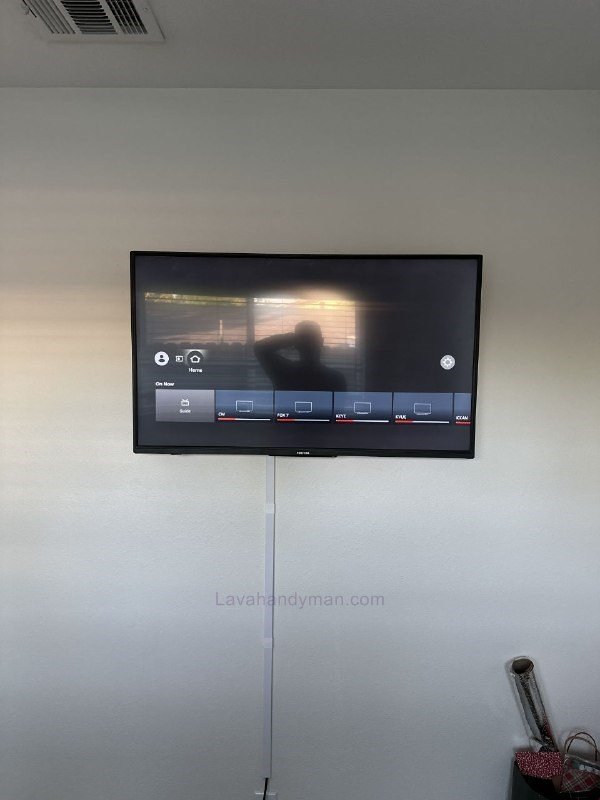
- Use cable trunking
- Route cables inside the wall (if possible)
- Secure cables with cable ties
Ensure power and HDMI cables are not stretched or pinched.
Wall Mount a Toshiba TV
Important Safety Tips
- Never install a heavy TV alone
- Check for electrical wiring before drilling
- Avoid low-quality screws and anchors
- If unsure, hire a professional installer
Common Installation Mistakes
- Not using a level
- Using weak wall anchors
- Overtightening TV mounting screws
- Installing on weak walls without reinforcement
Wall Mount a Toshiba TV
Recommended Viewing Distance
- 43-inch TV → 1.5–2 meters (5–6.5 ft)
- 55-inch TV → 2–2.5 meters (6.5–8 ft)
- 65-inch TV → 2.5–3 meters (8–10 ft)
Proper distance helps reduce eye strain.
When Should You Hire a Professional?
You should consider professional installation if:
- The TV is larger than 65 inches
- The wall is drywall or gypsum
- You lack proper tools
- You have little installation experience
Wall Mount a Toshiba TV
What Is the Best Toshiba TV Size for Wall Mounting?
Toshiba TVs are available in various screen sizes, but choosing the right size for wall mounting is not just about going bigger.
Room dimensions, viewing distance, wall strength, and TV weight all play an important role in selecting the best option.
Below, we review the most common sizes to help you decide which one fits your space best.
43 Inches – Ideal for Small Spaces
Best for: Bedrooms, small living rooms, studio apartments
Recommended viewing distance: 1.5–2 meters (5–6.5 ft)
Advantages:
- Easier installation due to lighter weight
- Requires a simpler wall mount
- Fits compact spaces well
If your seating distance is less than 2 meters, a 43-inch TV is a smart and balanced choice.
Wall Mount a Toshiba TV
50 to 55 Inches – The Most Popular Standard Choice
Best for: Medium-sized living rooms and apartments
Recommended viewing distance: 2–2.5 meters (6.5–8 ft)
Advantages:
- Excellent balance between size and picture quality
- Attractive wall appearance
- Manageable weight for installation
For most homes, this size range offers the best balance of aesthetics, safety, and viewing comfort.
Wall Mount a Toshiba TV
65 Inches – Perfect for Large Living Rooms
Best for: Spacious living areas
Recommended viewing distance: 2.5–3 meters (8–10 ft)
Advantages:
- Near-cinema viewing experience
- Better performance with 4K content
- Modern and premium look
Important: A heavy-duty wall mount is required, and professional installation is recommended if you lack experience.
Wall Mount a Toshiba TV
75 Inches and Larger – Designed for Very Large Spaces
Best for: Large halls, villas, or home theater rooms
Recommended viewing distance: Over 3 meters (10+ ft)
Advantages:
- Fully immersive cinematic experience
- Covers large wall areas effectively
- Ideal for movie and gaming enthusiasts
For these sizes, wall strength and mount quality are critical factors.
How to Choose the Right Size
1️⃣ Viewing Distance
A simple rule of thumb:
Recommended distance ≈ 1.5 to 2.5 times the TV’s screen size
Examples:
- 55-inch → about 2 to 2.5 meters
- 65-inch → about 2.5 to 3 meters
Wall Mount a Toshiba TV
2️⃣ Wall Strength
As screen size increases:
- TV weight increases
- Stronger anchors and screws are required
- The mount must support higher loads
3️⃣ Interior Design Balance
A wall-mounted TV is a central visual element in your space.
In small rooms, an oversized TV can feel overwhelming.
On large empty walls, a small TV may look disproportionate.
Wall Mount a Toshiba TV
Quick Summary
| TV Size | Best For | Installation Level |
|---|---|---|
| 43 inch | Small spaces | Easy installation |
| 50–55 inch | Medium rooms | Standard & balanced |
| 65 inch | Large rooms | Requires strong mount |
| 75 inch+ | Very large spaces | Professional installation recommended |
Wall-Mounted TV Lighting: A Guide to Creating a Professional, Modern Look
Backlighting (Bias Lighting) is one of the most important elements in modern interior design. For Toshiba TVs—or any brand—proper lighting not only enhances the room’s aesthetics but also reduces eye strain.
Why Backlighting Is Important
- Reduces Eye Strain: Soft lighting behind the TV reduces the contrast between the bright screen and a dark wall.
- Creates a Luxurious Look: Adds depth to the wall and gives a modern, professional appearance.
- Improves Focus on the Screen: Background lighting makes colors and details appear more natural.
Wall Mount a Toshiba TV
Recommended Lighting Methods
1️⃣ LED Strip Behind the TV
- Easy and low-cost installation
- Low energy consumption
- Color-changing capability in RGB models
Recommendation: For most homes, soft white or warm white LEDs work best.
2️⃣ Hidden Lighting Inside a Frame or Wall Box
- Installed inside MDF or drywall TV panels
- Provides even light distribution
- Offers a high-end, custom look
Ideal for luxury or minimalistic designs.
3️⃣ Linear Lighting Above or Below the TV
- Mounted above or below the TV on the wall
- Works well with minimalist setups and TV walls made of wood or stone
- Adds a sleek and modern aesthetic
Wall Mount a Toshiba TV
Ideal Light Color and Intensity
- Color: Natural white (~4000K) or warm white
- Intensity: About 10–20% of the TV’s screen brightness
- Avoid very cool or overly strong lights to prevent screen reflections.
Installation Tips
- Light sources should not be directly visible
- Ensure even light distribution
- Keep cables hidden and tidy
- Use high-quality LEDs to prevent flickering
Common Mistakes
❌ Using overly bright or harsh colors
❌ Light reflecting on the screen
❌ Improper installation with visible cables
❌ Low-quality or unstable lighting
Wall Mount a Toshiba TV
📊 Benefits of Wall-Mounting a Toshiba TV
| Benefit | Description |
|---|---|
| 📏 Space-Saving | Wall-mounting frees up floor space and keeps the room tidy. |
| 🎯 Optimal Viewing Angle | Proper height installation provides comfortable and standard viewing. |
| 🧠 Reduces Eye Strain | With proper backlighting, long viewing sessions are easier on the eyes. |
| 🎨 Modern & Stylish Look | A wall-mounted TV adds a sleek, minimal, and professional touch to the decor. |
| 🔊 Enhanced Audio Experience | Proper placement allows soundbars or speakers to deliver better sound. |
| 🧹 Cable Management | Wires are hidden and organized, keeping the wall clean and uncluttered. |
| 📺 Better Use of Larger TVs | TVs 55 inches and above are more immersive and cinematic when wall-mounted. |
| 🛠 Increased Safety | Proper mounting with a standard bracket prevents falls or damage. |
| 💡 Professional Lighting Options | LED strips or backlighting improve both aesthetics and viewing experience. |
| 📈 Customizable Decor Design | TV walls, frames, or shelving can be added for a luxury or personalized look. |
Final Summary
Wall-mounting a Toshiba TV involves the following steps:
- Check TV weight and VESA pattern
- Choose the correct wall mount
- Determine proper mounting height
- Drill and anchor securely
- Install the wall plate
- Mount the TV safely
- Organize cables neatly
When done correctly, your Toshiba TV will be safely mounted, perfectly aligned, and will enhance the modern appearance of your living space.
- 📞 Need Help?Let us take care of the hard work while you sit back and relax.
- 📍 Serving: Austin, Round Rock, Cedar Park & more
- 📱 Call or Text: (737) 420-6992
- 🌐 Visit: https://lavahandyman.com