“Complete Guide to Installing a Smart TV: Step-by-Step Setup & Tips”
Introduction
Smart TVs have become one of the most essential and widely used electronic devices in modern homes. These devices go beyond a regular television, offering internet connectivity and a wide range of features such as online streaming of movies and TV shows, web browsing, using apps, and controlling other smart home devices. Proper installation of a Smart TV is crucial, as incorrect installation can cause damage, reduce picture quality, and even pose safety hazards.
This article provides a comprehensive, step-by-step guide for installing and setting up a Smart TV. By following this guide, you can safely and effectively install your Smart TV and make the most of its features.
What is a Smart TV?
A Smart TV is a digital television equipped with a built-in operating system that allows internet connectivity. Most Smart TVs use operating systems such as Android TV, WebOS, or Tizen. With a Smart TV, you can:
- Stream movies and TV shows online
- Install and use various apps
- Connect to smartphones or laptops
- Use voice assistants to control the TV
Understanding these features will help you make the best settings choices during installation and setup.
Installing a Smart TV
Importance of Proper Smart TV Installation
Proper installation ensures safety, enhances picture quality, and prolongs the life of your device. Incorrect installation may lead to:
- Reduced picture and sound quality
- Eye strain and neck discomfort during long viewing sessions
- TV falls and potential injury
- Damage to cables and input ports
Following installation guidelines and using the right tools significantly reduces these risks.
Installing a Smart TV
Choosing the Right Location for Your Smart TV
Proper Viewing Distance
The distance between the TV and the seating area should match the screen size. For example:
- 43 to 50-inch TVs: 2–2.5 meters (6.5–8 ft)
- 55 to 65-inch TVs: 2.5–3 meters (8–10 ft)
Maintaining an appropriate distance improves picture clarity and reduces eye strain.
Optimal Height
The center of the screen should be at eye level when seated. This positioning ensures comfort and reduces physical strain during extended viewing.
Ambient Lighting
Avoid placing the TV opposite direct sunlight or bright light sources, as glare can reduce picture quality. Soft, indirect lighting provides the best viewing experience.
Wall Material and Surrounding Space
For wall-mounted TVs, ensure the wall is strong enough and there is enough space for ventilation and easy cable access.
Installing a Smart TV
Installing Your Smart TV
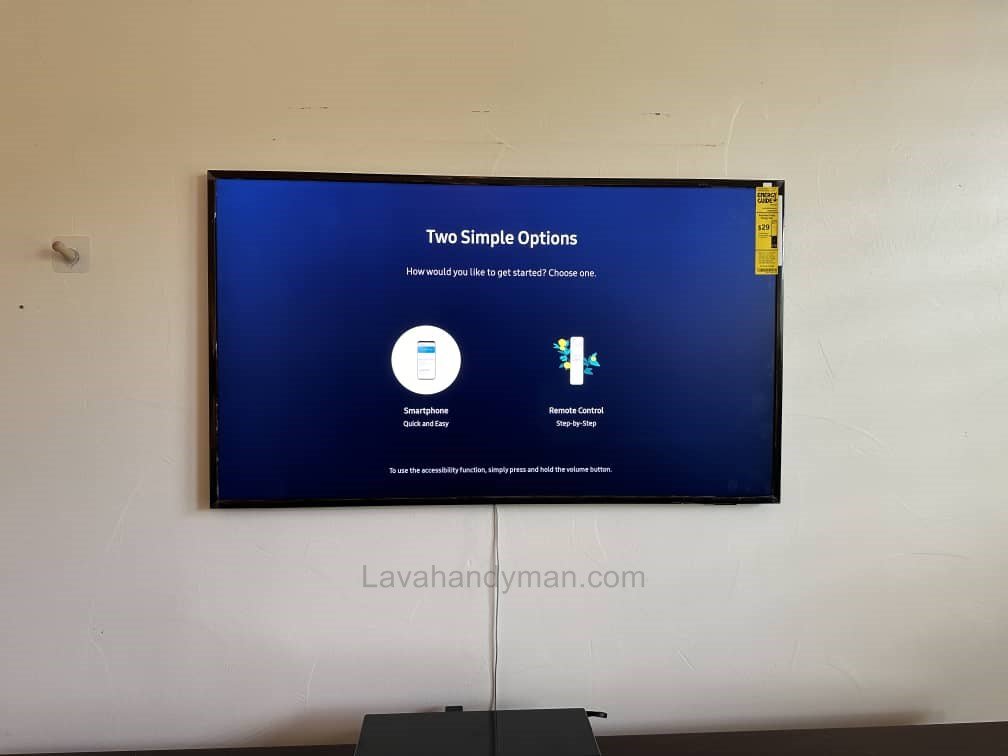
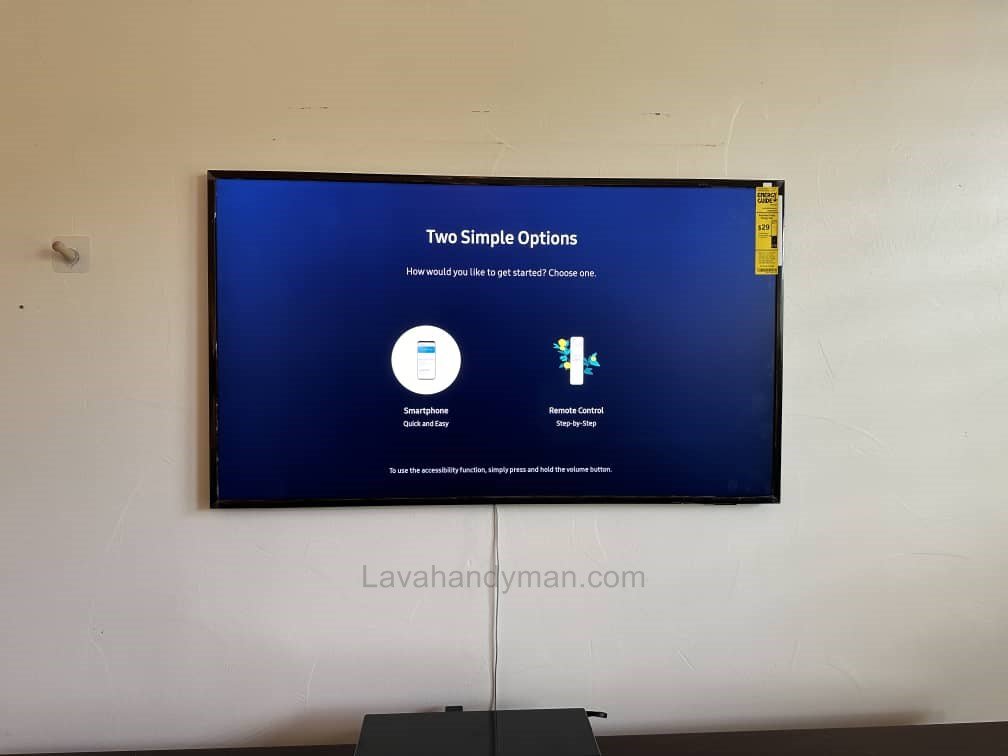
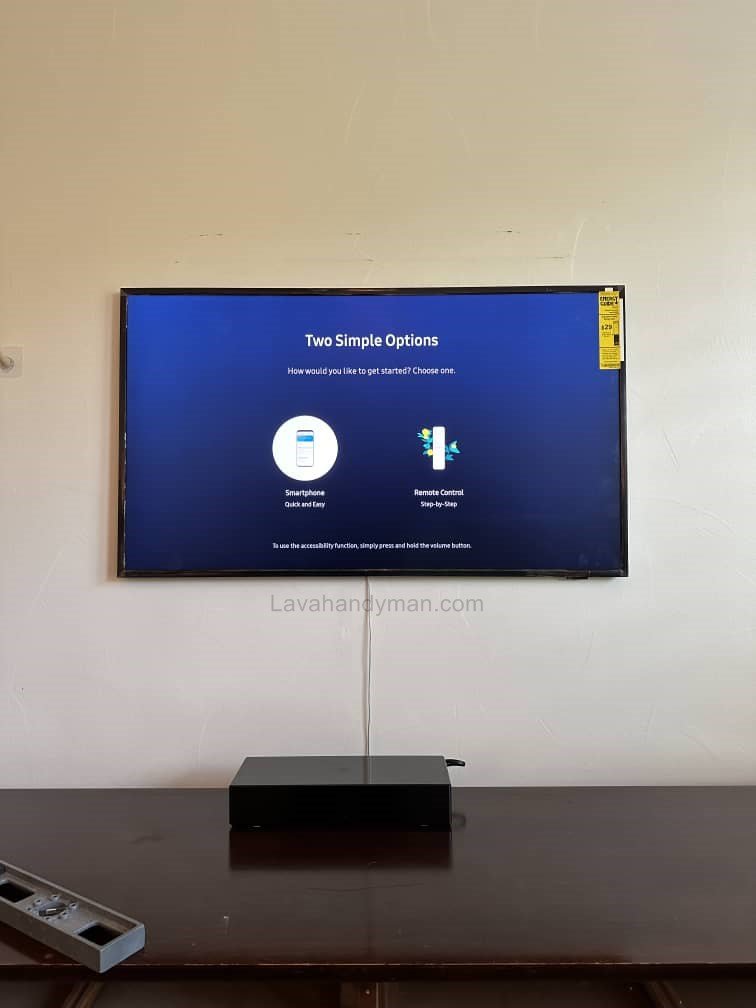
Wall-Mounted Installation
Mounting your TV on the wall saves space, enhances aesthetics, and increases safety.
Installation Steps:
- Choose a standard wall mount suitable for your TV
- Mark drill points using a level
- Drill holes and insert anchors
- Attach the mount and then the TV
- Check for level and secure installation
Tabletop Installation
If wall mounting isn’t possible, place the TV on a stable table or stand. Ensure the surface can support the TV’s weight and consider securing the TV to the wall to prevent tipping.
Installation in Special Environments
For homes with children or pets, position the TV at a safe height and use secure, durable mounts.
Installing a Smart TV
Connecting Cables and Accessories
- Power cable
- HDMI cables for gaming consoles, laptops, and other devices
- Antenna or digital receiver cable
- Network cable (if needed)
Cable management with clips or ducts helps maintain a tidy setup and improves safety.
Initial Setup of Your Smart TV
Connecting to the Internet
Smart TVs connect via Wi-Fi or Ethernet cable. A stable internet connection ensures smooth streaming and app performance.
Installing a Smart TV
Software Updates
Update your TV’s operating system to the latest version for improved security and performance.
Account Sign-In
Signing into your account is necessary for accessing apps and online services, providing seamless integration across devices.
Picture and Sound Settings
- Adjust brightness, contrast, and color based on room lighting
- Select picture modes such as Movie, Standard, or Dynamic
- Adjust sound and audio modes according to your environment
These settings enhance your overall viewing experience.
Safety Tips
- Use a sturdy wall or stand for mounting
- Keep the TV out of reach of children
- Use certified and undamaged cables
- Avoid placing heavy objects on the TV
- Ensure proper ventilation
Installing a Smart TV
Maintenance and Longevity
- Clean the screen with a microfiber cloth
- Turn off the TV when not in use for long periods
- Prevent excessive heat exposure
- Keep software and apps updated
Installing a Smart TV
Troubleshooting Common Issues
Internet Connection Problems
- Check Wi-Fi or Ethernet connections
- Restart the modem and TV
External Device Not Recognized
- Check HDMI and USB cables
- Ensure connected devices are powered on
Picture and Sound Issues
- Reset picture and sound settings
- Inspect cable connections
Installing a Smart TV
Key Features of a Smart TV
Smart TVs have significant advantages over traditional televisions and offer unique features that enhance your viewing experience. Here are the most important features and benefits of Smart TVs:
1. Internet Connectivity
Smart TVs can connect directly to the internet, allowing you to stream movies, TV shows, YouTube videos, and other online content. Connectivity is possible via Wi-Fi or LAN cable, providing access to thousands of hours of online entertainment.
Installing a Smart TV
2. Built-in Operating System
Smart TVs come with a dedicated operating system that provides extensive functionality, such as:
- Android TV (Google)
- WebOS (LG)
- Tizen (Samsung)
These operating systems allow you to install apps, update software, and access app stores, making the TV more versatile.
3. App Installation and Usage
You can install a wide range of apps on a Smart TV, including:
- Online streaming services (Netflix, Disney+)
- Social media apps
- Educational and gaming applications
This feature transforms the Smart TV into a complete entertainment hub.
Installing a Smart TV
4. Smart Control and Voice Assistants
Most Smart TVs include voice assistants such as Google Assistant or Alexa. You can use voice commands to turn the TV on/off, switch channels, and even search and play videos, providing a hands-free experience.
5. Connectivity with Other Devices
Smart TVs can synchronize with other digital devices, including:
- Smartphones and tablets
- Laptops and computers
- Gaming consoles
- Audio systems and smart speakers
This feature offers a seamless and integrated user experience.
Installing a Smart TV
6. Support for High-Quality Content
Smart TVs support high-definition content, including:
- HD, Full HD, 4K, and 8K resolutions
- HDR support for better color and contrast
These features ensure images are more vivid, sharp, and realistic.
Installing a Smart TV
7. Networking and Web Browser Features
Smart TVs include a web browser and network connectivity, allowing you to browse the internet or stream files from your home network.
8. Software Updates
Smart TVs can automatically update their software and apps, ensuring optimal performance, enhanced security, and a better long-term user experience.
How to Install a Smart TV on the Wall (Smart TV Wall Mount)
Mounting a Smart TV on the wall not only saves space but also gives your room a modern and elegant look while providing more safety compared to placing it on a stand. However, improper installation can lead to TV falls, wall damage, or reduced device lifespan. This guide provides a step-by-step tutorial for safely installing a Smart TV on the wall.
Installing a Smart TV
Step 1: Choose the Right Location
Before starting, make sure the wall and location meet the following criteria:
- A sturdy wall without cracks or moisture
- Standard viewing distance from the seating area (about 2–3 meters depending on TV size)
- Proper height: center of the screen should be at eye level when seated
- Avoid direct sunlight or strong light sources
- Enough space for ventilation and easy cable access
Installing a Smart TV
Step 2: Select a Suitable Wall Mount
- Choose a wall mount compatible with your TV’s size and weight.
- The mount should be durable and ideally allow tilt or swivel adjustments.
- Make sure the screws and anchors provided with the mount are suitable for your wall type.
Step 3: Mark the Drill Points
- Place the mount on the wall and use a level (manual or laser) to mark the drill points.
- Ensure the mount is perfectly horizontal and level to prevent the TV from being crooked after installation.
Step 4: Drill Holes and Install Anchors
- Use a suitable drill to make holes at the marked points.
- Insert the appropriate anchors depending on wall type (drywall, brick, or concrete).
- Anchors must be strong enough to support the TV’s weight.
Installing a Smart TV
Step 5: Attach the Mount to the Wall
- Secure the wall mount to the anchors using screws.
- Use a level to check that it is perfectly horizontal.
- Tighten all screws to ensure the mount is stable and secure.
Step 6: Mount the TV
- With the help of another person, lift the TV and attach it to the mount.
- Ensure all locking brackets or screws are properly secured.
- Adjust the tilt or angle if your mount supports it.
Step 7: Connect Cables and Manage Wires
- Connect power, HDMI, network, and other necessary cables.
- Use cable ducts or clips to keep wires organized and safe.
Installing a Smart TV
Step 8: Final Check
- Turn on the TV and check picture and sound quality.
- Make sure the TV is firmly and safely mounted on the wall.
- Maintain a proper viewing distance for long-term comfort.
Important Safety Tips
Keep cables organized and out of reach of children.
Always have two people for installation to reduce the risk of accidents.
Use high-quality, standard mounts and screws.
Do not install the TV on damp walls or cracked surfaces.
Conclusion
Proper installation of a Smart TV increases safety, picture quality, and device longevity. Choosing the right location, correct mounting, proper cable connections, and initial setup are all critical steps. By following this guide, you can enjoy a fully functional and safe Smart TV experience.
📞 Need Help?
Let us take care of the hard work while you sit back and relax.
📍 Serving: Austin, Round Rock, Cedar Park & more
📱 Call or Text: (737) 420-6992
🌐 Visit: https://lavahandyman.com