Ultimate Guide to Wall-Mounting a Smart TV in a Small Space (2025 Edition)
Introduction: Why Wall-Mounting a Smart TV Matters
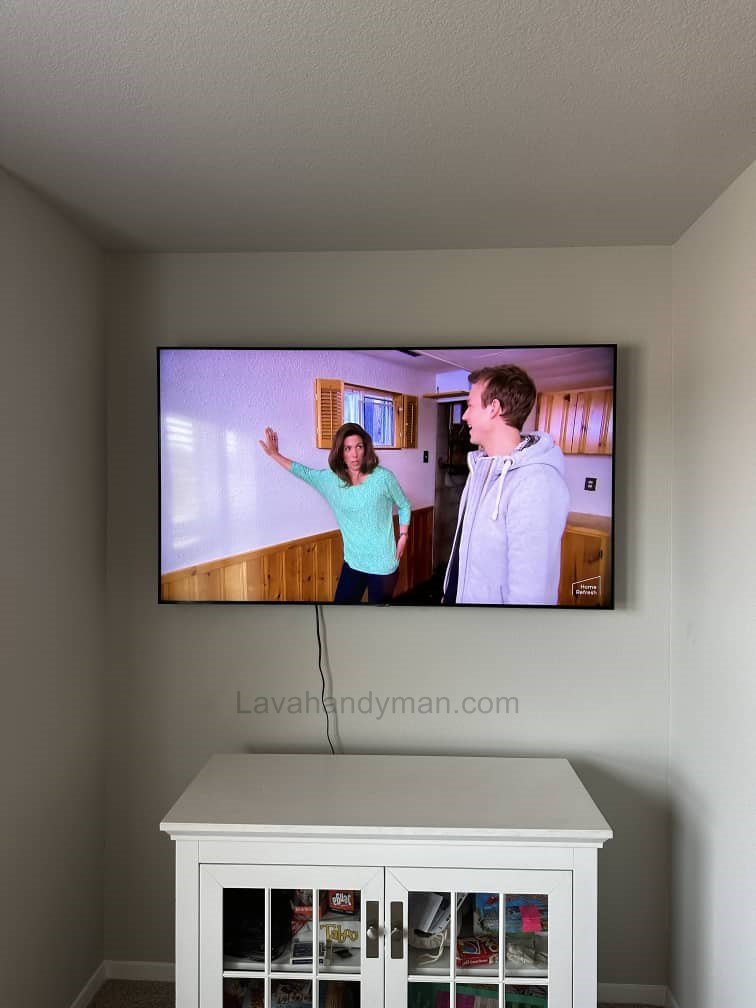
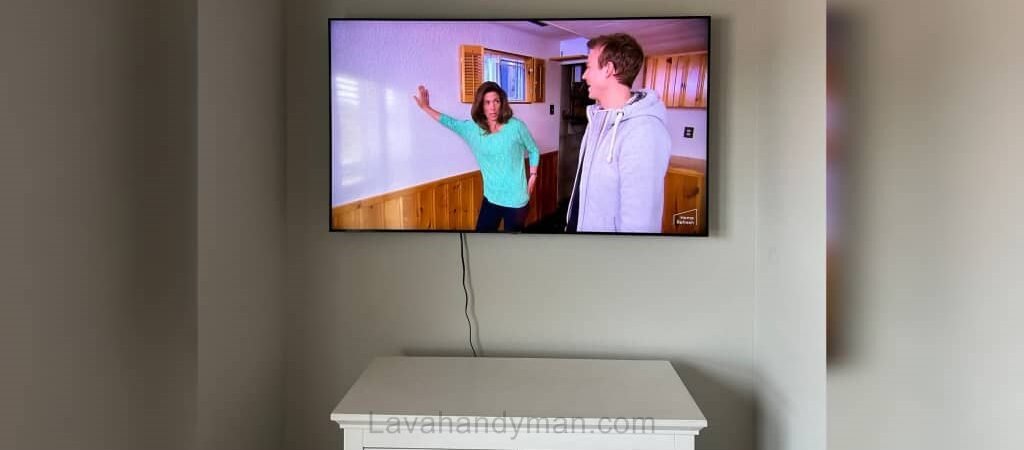
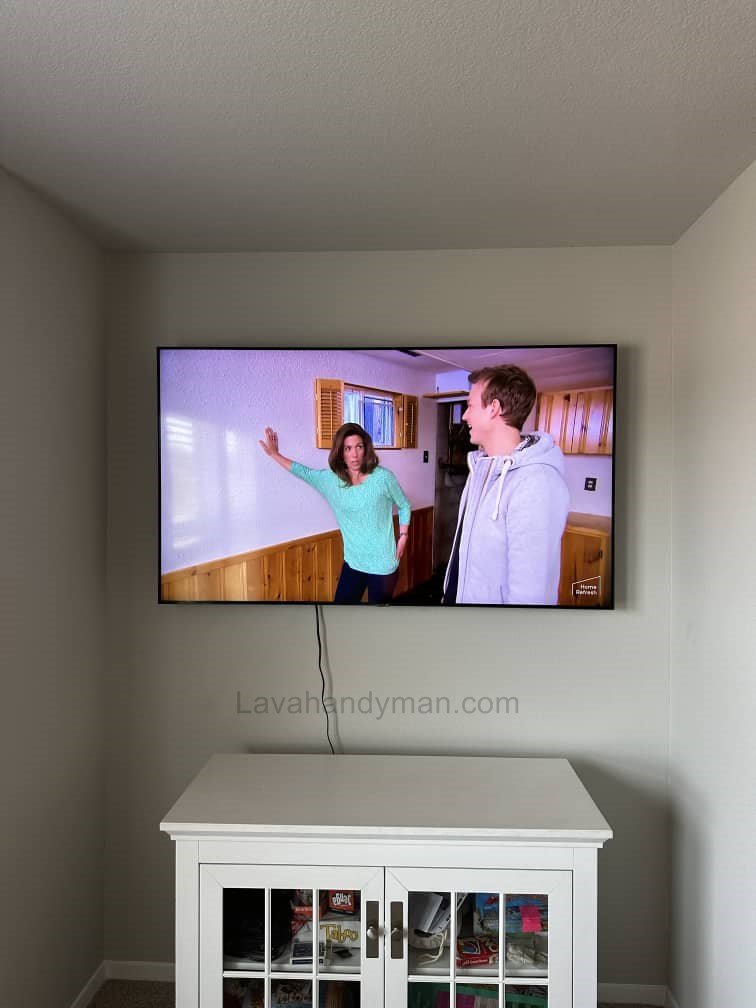
If you live in a small home or apartment, one of the best ways to save space is by wall-mounting your smart TV. Wall installation not only improves the overall look of your interior but also maximizes available space and enhances your viewing experience.
Wall-Mounting a Smart TV
Benefits of Wall-Mounting a Smart TV in a Small Space
1. Freeing Up Floor Space & Reducing Clutter
Wall-mounting your TV frees up valuable floor space, making the room look wider and less crowded. In small apartments, eliminating the TV stand greatly improves the room’s visual openness.
2. Enhancing Interior Aesthetics
A wall-mounted smart TV gives your home a clean, modern, and minimal appearance. When combined with proper cable management, it creates a seamless design.
3. Improving Safety
In homes with children or pets, a TV placed on a stand is at risk of falling. Wall mounting eliminates this danger entirely.
How to Choose the Best Wall Location for Your TV
1. Selecting the Right Wall
Wall-Mounting a Smart TV
Choose a wall that:
- Faces your main seating area
- Is away from direct sunlight
- Has minimal decorations or distractions
Avoid mounting on walls near windows to reduce glare and reflection.
2. Standard Mounting Height
The center of the screen should be at eye level:
- Recommended height: 100–120 cm (39–47 in) from the floor
- If mounting higher, use a tilting wall mount for better viewing comfort.
3. Ideal Viewing Distance
This is one of the most commonly searched questions:
| TV Size | Recommended Viewing Distance |
|---|---|
| 32″ | 1.2–1.5 m |
| 43″ | 1.5–2 m |
| 50″ | 1.8–2.5 m |
| 55″ | 2–2.8 m |
Wall-Mounting a Smart TV
How to Choose the Right Wall Mount for Your Smart TV
1. Fixed Wall Mount
- Ideal for very small spaces
- Affordable and easy to install
- Excellent stability
2. Tilting Wall Mount
- Allows the TV to tilt downward
- Great for higher installation
- Suitable for compact rooms
3. Full-Motion/Articulating Mount
- Rotates left and right
- Extends forward
- Perfect for corner installations
Important: Check VESA Compatibility
Before purchasing a mount, verify that the mount’s VESA pattern matches your TV.
Common VESA sizes: 200×200, 300×300, 400×400, etc.
Wall-Mounting a Smart TV
Step-by-Step Guide: How to Mount a Smart TV on the Wall
Step 1: Mark the Position
Determine the correct height and mark the screw points on the wall with a pencil.
Step 2: Drill Holes
Use the correct drill bit for your wall type:
- Concrete → Concrete bit
- Drywall → Butterfly anchors
- Brick → Ideal surface for mounting
Step 3: Attach the Wall Mount
Secure the wall mount using screws and ensure it is perfectly level using a spirit level.
Step 4: Attach the Bracket to the TV
Align the bracket with the VESA holes on the TV and tighten the screws.
Step 5: Hang the TV on the Mount
Carefully lift the TV and secure it onto the mount. Lock the safety mechanism if available.
Wall-Mounting a Smart TV
Cable Management Tips for a Clean & Minimal Look
One of the most important SEO topics in TV installation is cable management.
Best Cable Management Methods
- Wall cable channels
- In-wall cable routing
- Decorative cable covers
- Slim floating shelves for consoles or routers
Choosing the Best Smart TV for a Small Space
If you haven’t purchased your TV yet, consider:
Key Features:
- Size between 32–55 inches
- Slim design
- Low energy consumption
- Fast operating system
- Lightweight for easier wall mounting
Wall-Mounting a Smart TV
Common Mistakes to Avoid When Mounting a TV in Small Spaces
- Mounting the TV too high
- Using low-quality mounts
- Drilling without checking electrical lines
- Installing on weak drywall without proper studs
- Placing furniture too close to the screen
Pro Tips for Improving Your TV Wall Setup
- Add LED backlighting
- Use wood or textured wall panels
- Keep the background simple
- Install a slim floating shelf for devices
⭐ Step-by-Step Guide to Wall-Mounting a Smart TV in a Small Space :
1. Choosing the Best Wall for Mounting Your TV in a Small Space
Start by selecting the most suitable wall—one that:
- Faces your seating area
- Does not receive direct light
- Has enough room for cable management
Choosing the right wall reduces glare and improves viewing quality.
Wall-Mounting a Smart TV
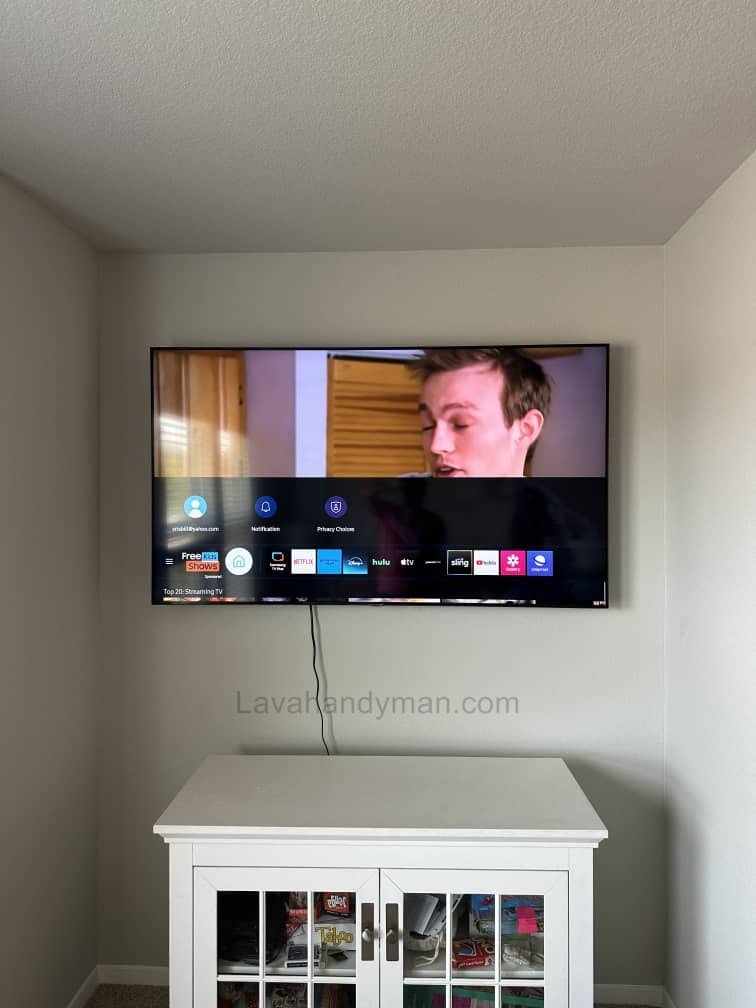
2. Selecting the Right Wall Mount for Your Smart TV
Different types of mounts exist: fixed, tilting, and full-motion.
For small spaces, a full-motion mount is usually the best option, as it allows angle adjustments.
Important points when buying a mount:
- TV VESA standard
- Weight capacity
- Build quality
- Range of motion
3. Setting the Correct Height for TV Installation
Proper height is essential for comfortable viewing.
Recommended height:
- The center of the TV should be at eye level when seated.
- Usually, 100–120 cm (39–47 in) from the floor works well.
In small rooms, correct height placement prevents eye strain.
Wall-Mounting a Smart TV
4. Measuring and Marking the Installation Area
To avoid drilling mistakes:
- Measure distances accurately with a tape measure
- Use a level to draw straight lines
- Mark the exact screw points with a pencil
Precision ensures the TV sits perfectly straight.
5. Drilling the Wall and Installing the Mount
Use a drill to create holes based on your markings.
Insert wall plugs and secure the mount with screws.
Safety tips:
- Use the correct drill bit for drywall, concrete, or brick
- Make sure no electrical wires are behind the wall
6. Mounting the TV onto the Bracket
Carefully lift the TV and attach it to the installed bracket.
Do the following:
- Ensure all safety locks are secured
- Gently pull the TV forward to test stability
In small spaces, make sure the TV doesn’t extend too far into the room.
Wall-Mounting a Smart TV
7. Cable Management to Keep the Space Tidy
Cable organization is extremely important in small rooms.
Cable management solutions:
- Wall cable ducts
- Cable clips
- In-wall routing
- Cable sleeves
Clean cable management greatly improves the appearance of the room.
8. Final Adjustments and Viewing Angle Check
After installation, turn on the TV and adjust the angle.
For the best viewing experience:
If using a full-motion mount, set the ideal viewing angle
Wall-Mounting a Smart TV
Check for light reflections
Adjust brightness and contrast
⭐ Optimal TV Wall-Mount Height in Small Spaces:
Why Is the Correct TV Mounting Height Important?
The height at which you mount your TV is one of the most important factors in your viewing experience—especially in small spaces. Installing a TV too high or too low can lead to neck pain, eye strain, and reduced picture quality. That’s why following the standard height guidelines for TV wall-mounting is essential.
Standard Height for Wall-Mounting a TV
As a general rule, the center of the TV screen should be aligned with the viewer’s eye level when seated.
This position provides the best comfort and prevents neck strain.
✔ Recommended height from the floor:
100 to 120 cm (39–47 inches) to the center of the TV
This is the most widely used standard among professional installers.
Wall-Mounting a Smart TV
How to Calculate the Ideal TV Mounting Height
1. Measure your eye level while seated
Most people have a seated eye level between 95 and 105 cm (37–41 inches).
2. Calculate half of the TV’s height
For example, if you have a 55-inch TV:
- TV height: approx. 71 cm
- Half of it: 35 cm
3. Align the TV’s center with your eye level
Example calculation:
Eye level (100) + half TV height (35) =
📍 135 cm (53 inches) from the floor → ideal bracket mounting height
This method is the most accurate way to determine the correct installation height.
Wall-Mounting a Smart TV
How TV Size Affects Mounting Height
Larger TVs need to be installed slightly lower so that the center of the screen stays at eye level.
Recommended heights based on TV size:
- 43-inch TV: 105–115 cm
- 50–55 inch TV: 100–110 cm
- 65-inch TV: 95–100 cm
These height ranges work especially well in small rooms.
Best TV Mounting Height for Bedrooms
Since people usually watch TV while reclining in bed:
✔ Mount the TV 20–30 cm (8–12 inches) higher than the standard seated height
✔ A tilting wall mount is ideal to adjust the viewing angle
TV Mounting Height in Very Small Spaces
In tight or limited spaces, consider these important points:
- Avoid mounting the TV too high
- Install the TV slightly lower than typical standards
- Use a slim or low-profile mount to save depth
- If viewing distance is under 2 meters, the TV should be mounted lower than normal
Wall-Mounting a Smart TV
Signs the TV Is Mounted at the Wrong Height
If you experience any of these issues, the height is incorrect:
❌ Neck stiffness or discomfort
❌ Having to tilt your head up or down to see the screen
❌ Poor visibility of the upper part of the picture
❌ Eye fatigue after a few minutes of viewing
In such cases, adjust the TV mounting height.
Conclusion
Mounting a smart TV on the wall in a small space is one of the best ways to make your home look modern, organized, and spacious. By choosing the right mount, installing it properly, and managing cables efficiently, you can create an attractive and highly functional TV wall setup.
📞 Need Help?
Let us take care of the hard work while you sit back and relax.
📍 Serving: Austin, Round Rock, Cedar Park & more
📱 Call or Text: (737) 420-6992
🌐 Visit: https://lavahandyman.com