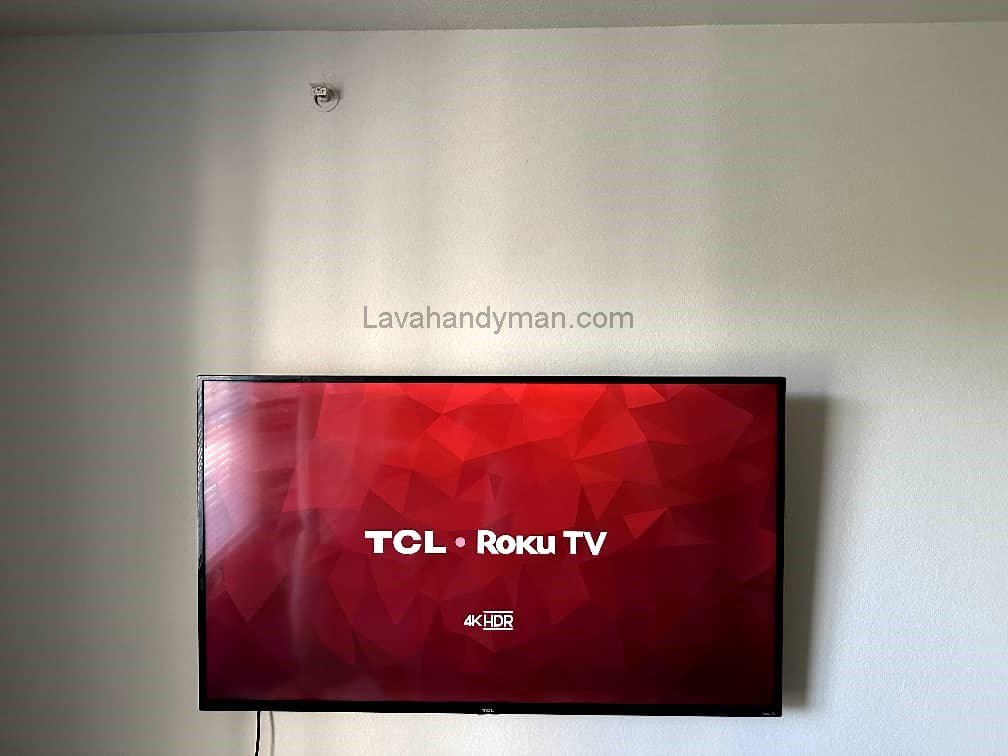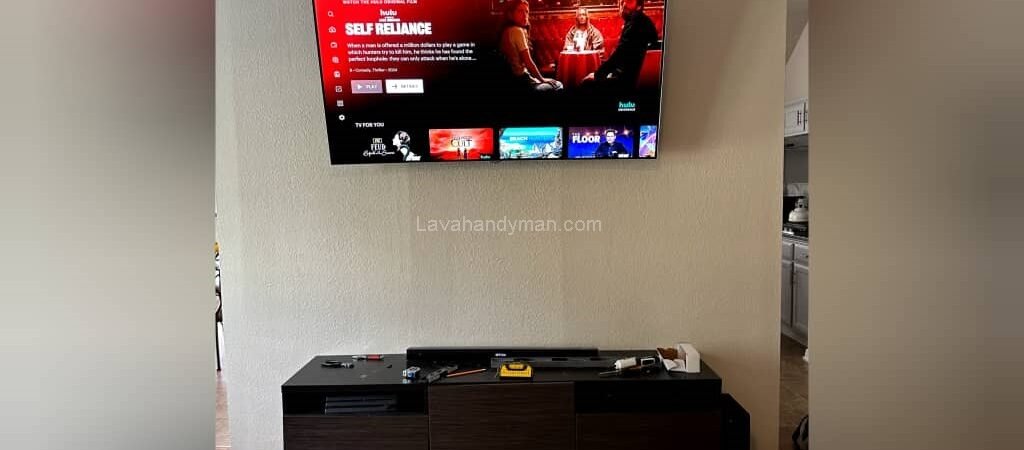
Installing a TCL TV on the Wall: Step-by-Step Guide
Introduction
Today, TVs are not just entertainment devices; they are also an essential part of home décor. Mounting a TV on the wall not only enhances the room’s aesthetics but also optimizes space and provides a more comfortable viewing experience.
TCL TVs are popular for their high picture quality and modern design. Properly mounting a TV ensures safety, better visual appeal, and longer device lifespan. This article walks you through all the steps to safely and efficiently install your TCL TV on the wall.
Required Tools and Materials
For a safe and smooth installation, you will need the following tools and materials:
- Wall mount bracket compatible with your TV: Check your TV’s VESA standard. Brackets can be fixed or swivel/tilting.
- Screws and wall anchors: Choose according to the wall type (concrete, brick, or drywall).
- Drill and appropriate drill bits: To make holes in the wall.
- Level or plumb line: To ensure the TV is perfectly horizontal.
- Screwdrivers and wrench: To tighten all screws and attachments.
- Pencil and ruler: For marking drill locations.
- Cable management tools (optional): To keep cables organized and reduce clutter.
Installing a TCL TV on the Wall: Step-by-Step Guide
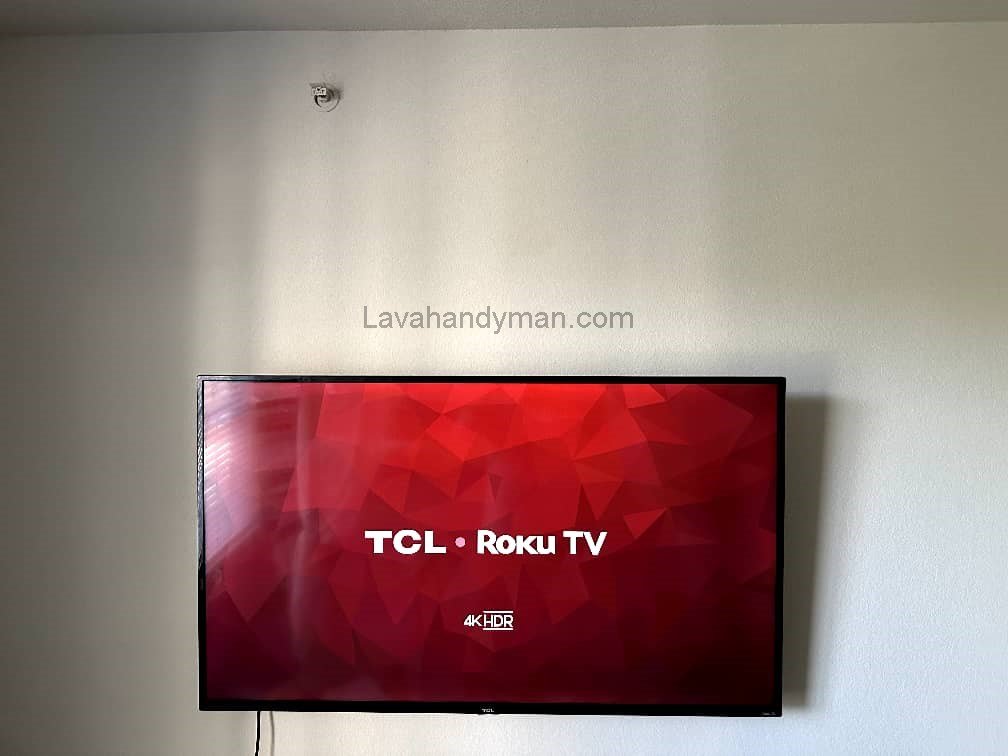
Choosing the Right Location
The TV’s placement significantly affects viewing comfort and picture quality:
- Optimal height: The center of the screen should align with the viewer’s eye level while seated (about 110–120 cm from the floor).
- Viewing angle: Avoid direct light reflection on the screen and ensure a comfortable viewing angle.
- Distance from heat and moisture sources: Keep the TV away from heaters, fireplaces, or humid areas.
- Access to power outlets and ports: Ensure easy connection to electricity and other devices.
Preparing the Wall and TV
Before installing the bracket, prepare the wall and TV:
- Check the wall type: Determine the type of wall to select the correct anchors and screws.
- Clean the wall surface: Ensure it is dry and free of dust to secure the bracket firmly.
- Prepare the TV: Place the TV on a soft, flat surface and check the bracket mounting screws.
Installing a TCL TV on the Wall: Step-by-Step Guide
Installing the Wall Bracket
This is the most critical step in the installation process:
- Mark the drill holes: Hold the bracket against the wall and mark the screw locations with a pencil. Use a level to make sure it’s horizontal.
- Drill the holes: Use a suitable drill bit to create the holes. Make sure the depth matches the wall anchors.
- Insert wall anchors: Push the anchors firmly into the holes.
- Mount the bracket: Attach the bracket to the wall and tighten the screws. Recheck with a level to ensure it is straight.
Attaching the TV to the Bracket
After mounting the bracket, attach the TV:
- Hang the TV: With the help of another person, lift the TV and attach it to the bracket.
- Secure the screws: Tighten the TV mounting screws so the TV is stable.
- Adjust the viewing angle: If using a swivel bracket, adjust the tilt for optimal comfort.
Installing a TCL TV on the Wall: Step-by-Step Guide
Cable Management and Safety
Proper cable management ensures both safety and aesthetics:
- Organize cables: Use cable clips or channels to keep wires tidy.
- Hide cables (optional): For a cleaner look, route cables through the wall or decorative channels.
- Safety: Check all electrical connections and avoid overloading outlets. Keep the TV away from impacts, moisture, and excessive heat.
Common Installation Issues
- TV is wobbly: Recheck screws and wall anchors. Use stronger anchors if needed.
- Viewing angle is off: Adjust the height or angle of the bracket, or consider installing a tilting/swivel bracket.
- Cables are too short: Use longer, high-quality HDMI or power cables and organize them neatly.
Installing a TCL TV on the Wall: Step-by-Step Guide
Wall-Mounting Your TV: Step-by-Step Guide
Step 1: Choose the Right Location
- Optimal height: The center of the screen should be at eye level while seated (about 110–120 cm from the floor).
- Viewing angle: Place the TV where direct light from windows or lamps won’t cause reflections.
- Distance from heat and moisture: Keep the TV away from heaters, fireplaces, or damp areas.
- Access to power and devices: Ensure easy connection to outlets and other devices.
Installing a TCL TV on the Wall: Step-by-Step Guide
Step 2: Prepare Tools and Materials
You will need:
- Wall mount bracket compatible with your TV (check VESA standard)
- Screws and wall anchors suitable for your wall type
- Drill and appropriate drill bits
- Level or plumb line
- Screwdrivers and wrench
- Pencil and ruler
- Cable management tools (optional)
Step 3: Prepare the Wall and TV
- Check the wall: Concrete, brick, and drywall require different types of anchors and screws.
- Clean the wall: The surface must be dry and free of dust.
- Prepare the TV: Place it on a soft, flat surface and check the bracket mounting screws on the back.
Installing a TCL TV on the Wall: Step-by-Step Guide
Step 4: Install the Bracket on the Wall
- Mark the drill holes: Hold the bracket on the wall and mark screw positions with a pencil. Use a level to ensure it’s horizontal.
- Drill the holes: Make holes according to your marks; match depth to the wall anchors.
- Insert wall anchors: Push them firmly into the holes.
- Mount the bracket: Attach it to the anchors and tighten screws. Check again that it is level.
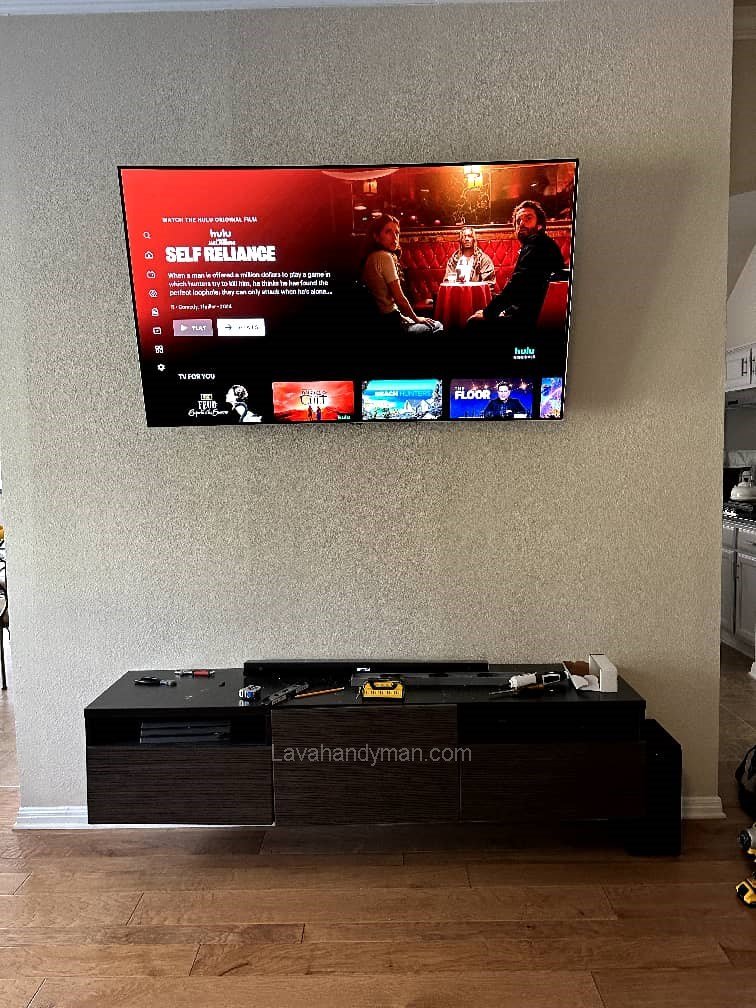
Step 5: Attach the TV to the Bracket
- Hang the TV: With a second person’s help, lift and place the TV onto the bracket.
- Secure the screws: Tighten all TV-to-bracket screws.
- Adjust the viewing angle: If the bracket swivels, tilt the TV to the viewer’s optimal position.
Installing a TCL TV on the Wall: Step-by-Step Guide
Step 6: Manage Cables and Ensure Safety
- Organize cables: Use cable clips or channels to prevent wires from hanging.
- Hide cables (optional): Route cables inside the wall or through decorative channels for a cleaner look.
- Safety: Check electrical connections and keep the TV away from impact, moisture, and excessive heat.
Step 7: Final Check
Connect all cables and devices and ensure everything works properly.
Gently push the TV to confirm stability.
Recheck the angle and level.
Installing a TCL TV on the Wall: Step-by-Step Guide
Types of TV Mounts and Their Uses
TV mounts allow you to securely attach your TV to the wall while optimizing viewing angles and room space. They can be categorized based on movement and adjustability:
1. Fixed/Flat Mount
- Features: The TV sits flat and close to the wall with no tilt or swivel.
- Advantages: Compact, inexpensive, and gives a neat appearance.
- Disadvantages: Viewing angle is fixed.
- Use: Ideal for rooms where seating is directly in front of the TV.
2. Tilt Mount
- Features: Allows slight tilting up or down (usually 10–15°) to reduce glare.
- Advantages: More flexibility than fixed mounts.
- Disadvantages: Slightly extends the TV from the wall.
- Use: Suitable for TVs mounted higher than eye level or in bright rooms.
Installing a TCL TV on the Wall: Step-by-Step Guide
3. Full-Motion/Swivel Mount
- Features: TV can rotate left and right and tilt up and down, usually with an extendable arm.
- Advantages: Maximum flexibility in viewing angles, suitable for multiple viewing positions.
- Disadvantages: Larger and more expensive than fixed or tilt mounts.
- Use: Ideal for large rooms or spaces where the TV is viewed from different angles.
4. Pull-Out/Articulating Mount
- Features: A type of full-motion mount that allows the TV to be pulled forward or pushed closer to the wall.
- Advantages: Easy access to the back of the TV and flexible viewing angles.
- Disadvantages: More complex and expensive than basic mounts.
- Use: Best for users who frequently connect or rearrange cables.
Installing a TCL TV on the Wall: Step-by-Step Guide
5. Ceiling Mount
- Features: The TV attaches to the ceiling and may be fixed or swivel.
- Advantages: Ideal for spaces without adequate wall space; offers a modern look.
- Disadvantages: Installation is more complex and costly.
- Use: Suitable for conference rooms, restaurants, or rooms with limited wall space.
Tips for Choosing a TV Mount
Viewing angle and distance: Choose the mount based on seating location and room lighting.
TV weight: The mount must support your TV’s weight.
VESA standard: Hole spacing on the TV’s back must match the mount.
Wall type: Heavy mounts require solid walls (concrete or brick).
Installing a TCL TV on the Wall: Step-by-Step Guide
Installing a TCL TV on the Wall: Step-by-Step Guide
Optimal TV Wall-Mount Height
Choosing the right height for mounting a TV directly affects viewing comfort, reduces eye and neck strain, and enhances the overall experience. The ideal height depends on the TV size, viewing distance, and type of wall mount.
1. Center of the TV at Eye Level
- Standard recommendation: The center of the screen should be approximately 110–120 cm (43–47 inches) from the floor for seated viewers.
- Reason: Reduces neck and eye strain and provides a comfortable viewing angle.
2. Viewing Distance
- Optimal distance ≈ 1.5 to 2.5 times the screen diagonal.
- Example: For a 55-inch TV, the ideal distance is 2–3 meters (6.5–10 feet).
- Shorter distance → mount the TV slightly lower.
- Longer distance → TV can be mounted slightly higher.
3. Vertical Viewing Angle
- Recommended vertical angle: about 15° above or below eye level.
- Tilt mounts help optimize the angle if the TV is installed slightly higher.
4. Room Type and Seating Position
- Living room: Center of the TV should align with seated eye level.
- Bedroom: If watching from a bed, a slightly higher position may be more comfortable.
- Large rooms or halls: TV may be mounted higher, but the viewing angle should be adjustable with a mount.
5. Distance from Wall and Mount Type
- Full-motion or tilt mounts allow angle adjustments even if the TV is mounted slightly higher.
- Avoid mounting the TV too high to prevent neck strain.
Key Takeaway
The TV height should combine eye-level center, proper viewing distance, and comfortable vertical angle to ensure a long, strain-free viewing experience.
Conclusion
Mounting a TCL TV on the wall enhances aesthetics, optimizes space, and improves the viewing experience. By selecting the right location, using proper tools, carefully installing the bracket, and managing cables, your TV will remain secure and functional for years. Attention to safety and precision is the key to a successful installation.
📞 Need Help?
Let us take care of the hard work while you sit back and relax.
📍 Serving: Austin, Round Rock, Cedar Park & more
📱 Call or Text: (737) 420-6992
🌐 Visit: https://lavahandyman.com