Heat Management and Ventilation in Slim TVs: How to Prevent Heat Damage
Heat management in slim TVs is one of the key considerations in the design of these advanced devices. As modern designs aim for thinner profiles and more elegant aesthetics, ventilation in slim TVs has become a major challenge. Ignoring proper heat management can lead to reduced TV lifespan, lower picture quality, and even hardware failures.
Why Is Heat Management in Slim TVs Important?
Excessive heat can disrupt the performance of LED, OLED, and QLED panels. High temperatures may damage processing chips, light sources, and electronic circuits. Therefore, using a proper ventilation system is essential for increasing the lifespan of your TV.
Heat Management and Ventilation in Slim TVs: How to Prevent Heat Damage
Methods for Effective Heat Management in Slim TVs
1. Natural Ventilation in TVs
Many slim TVs use natural ventilation. This simple method involves designing vents and gaps in the TV body to facilitate air circulation. It helps in cooling the TV without needing extra mechanical parts.
2. Use of Heat Pipes
Heat pipes are highly effective for cooling modern TVs. These pipes absorb heat from hot components and transfer it to cooler areas of the device. By evenly distributing heat, they help extend the lifespan of internal components.
3. Active Ventilation with Fans
In models with high heat generation, active ventilation systems using small fans are employed. These fans help regulate internal temperatures and prevent overheating. Especially in larger, high-performance TVs, fan-based heat management plays a crucial role.
Heat Management and Ventilation in Slim TVs: How to Prevent Heat Damage
4. Using Heat-Conductive Materials
Modern TVs often incorporate heat-conductive materials like aluminum and copper. These lightweight, strong materials help dissipate heat quickly and prevent hot spots from forming inside the TV.
5. Energy Consumption Optimization
An indirect yet effective method for managing heat in slim TVs is optimizing energy consumption. Technologies like OLED panels use less power, which means they also produce less heat, reducing the need for extensive ventilation systems.
6. How Ventilation Affects Picture and Sound Quality
Excessive internal heat can affect color accuracy, brightness, and image clarity. It can also impact audio components like speakers and amplifiers. Thus, proper ventilation in slim TVs directly supports both picture and sound quality.
Heat Management and Ventilation in Slim TVs: How to Prevent Heat Damage
Tips to Keep Your TV Cool at Home
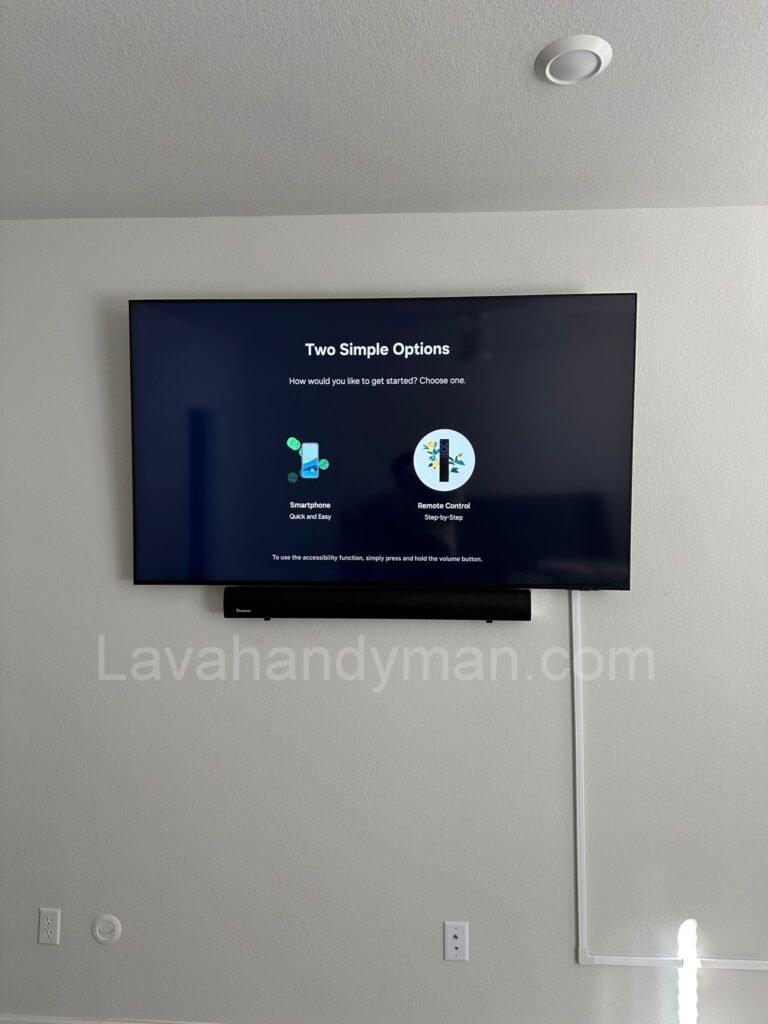
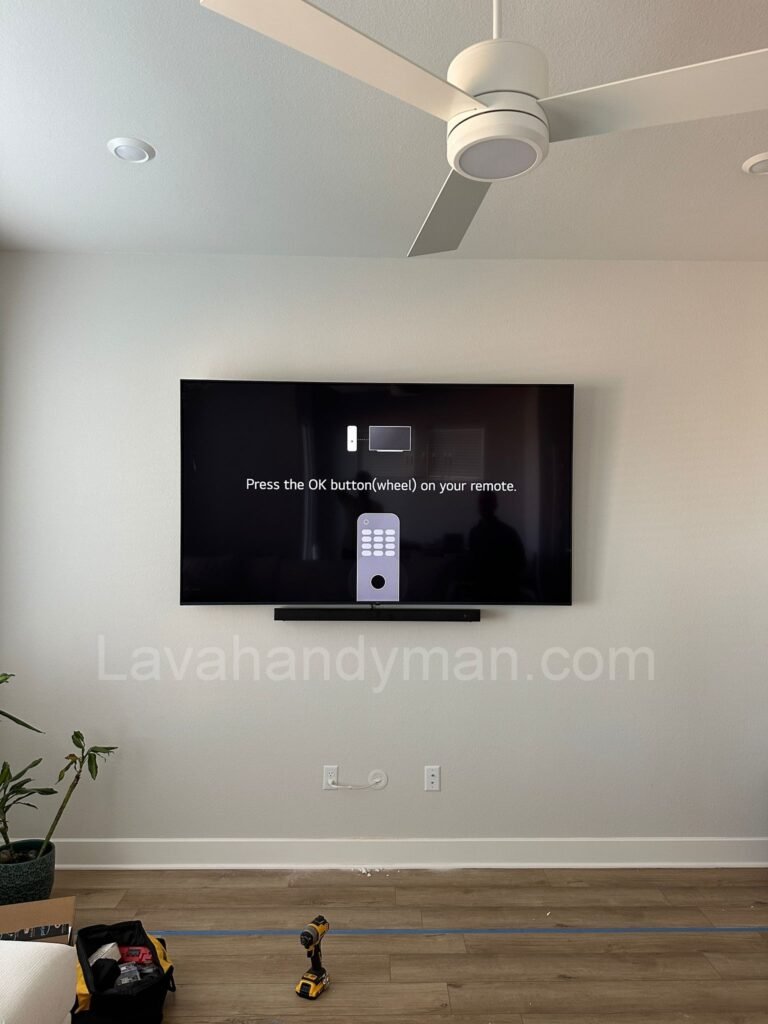
- Avoid installing your TV in closed spaces or too close to walls.
- Regularly clean ventilation filters and openings.
- Use voltage stabilizers to prevent electrical surges from causing heat buildup.
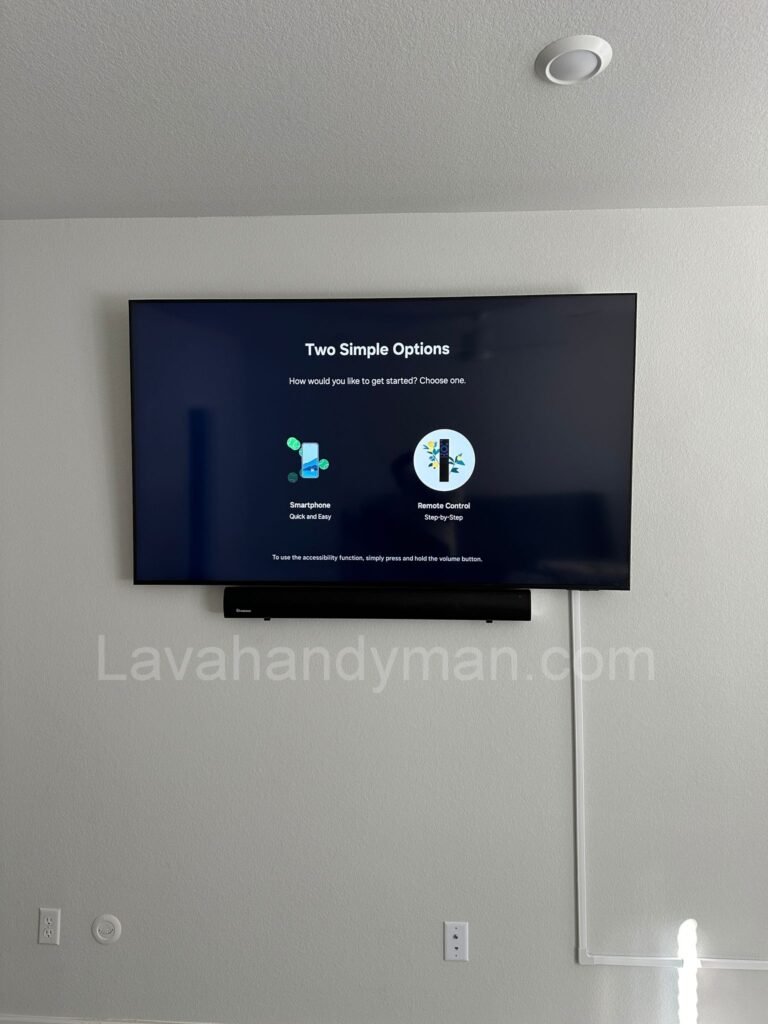
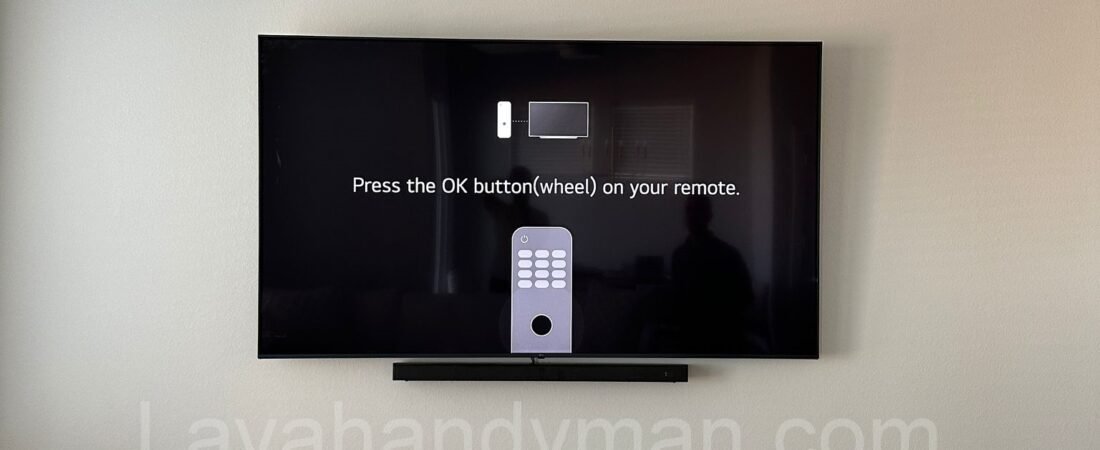
- At LavaHandyman.com, we don’t just help you understand TV tech — we also offer expert TV installation services, making sure your home entertainment setup looks and performs at its best.
Practical Tips to Prevent Overheating at Home
- Proper Placement: Avoid placing your TV inside closed cabinets or against tight walls without ventilation.
- Regular Cleaning: Dust accumulation can block vents and hinder airflow; clean the TV exterior gently every few months.
- Use Surge Protectors: Voltage spikes can cause power surges and extra heat; always connect your TV through a surge protector.
- Moderate Brightness Settings: Reduce unnecessary backlight brightness to lower heat output.
Conclusion
Heat management and ventilation in slim TVs are critical for preserving their performance and lifespan. By using methods like natural ventilation, heat pipes, active cooling fans, and heat-conductive materials, you can effectively prevent thermal damage. Also, if any technical issues occur, trusting a professional service like Lavahandyman.com ensures your TV remains in top condition.However, as a user, taking proactive steps such as ensuring proper placement, regular cleaning, and seeking professional help when necessary, can go a long way in keeping your TV cool and functional for years. Trust services like Lavahandyman.com to handle all your TV repair needs and keep your device running smoothly.
At LavaHandyman.com, we don’t just help you understand TV tech — we also offer expert TV installation services, making sure your home entertainment setup looks and performs at its best.
📞 Need Help?
Let us take care of the hard work while you sit back and relax.
📍 Serving: Austin, Round Rock, Cedar Park & more
📱 Call or Text: (737) 420-6992
🌐 Visit: https://lavahandyman.com