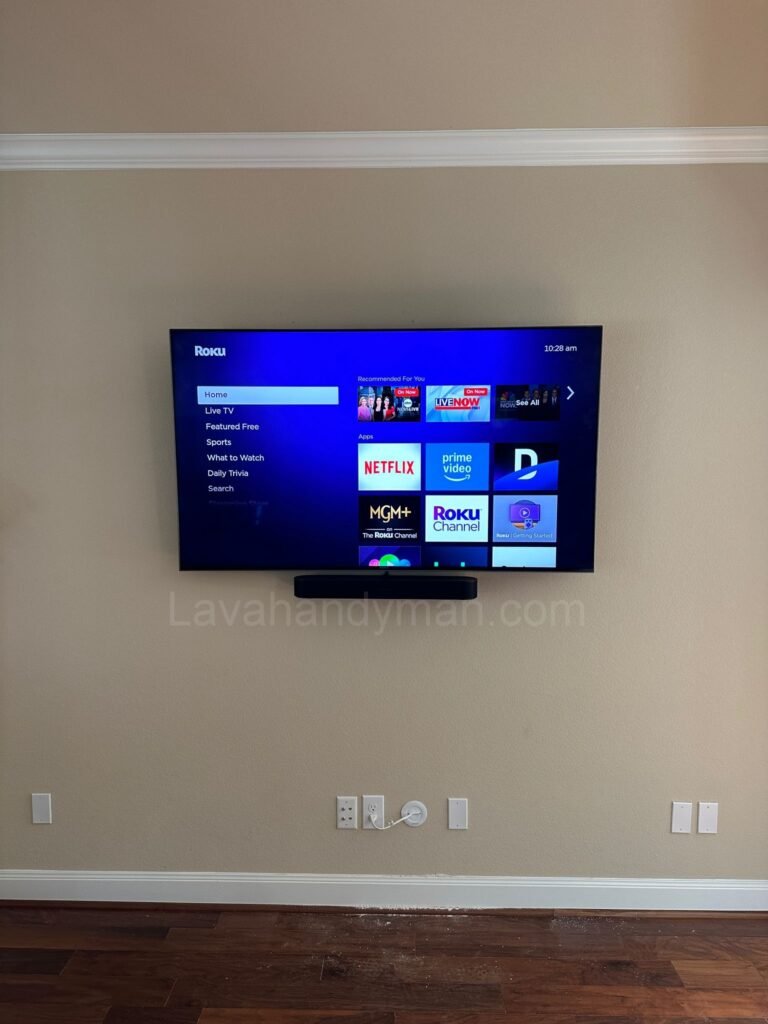
Smart TV Connectivity and Protocols | How Smart TVs Connect to the Internet and Devices
Smart TVs have become a central feature of modern smart homes, offering much more than just a display for watching shows. With advanced connectivity protocols, Smart TVs can access the internet, communicate with other devices, and even integrate with smart home systems. In this article from Lavahandyman.com, we’ll explore the various Smart TV communication protocols and connection methods used for streaming, sharing content, and controlling other smart devices.
Connecting Smart TVs to the Internet: Wi-Fi and Ethernet
The most basic yet essential requirement for any Smart TV is internet connectivity. This can be achieved via Wi-Fi for flexibility and ease, or through Ethernet for a faster and more stable connection—especially important for 4K or 8K content streaming.
Bluetooth Connectivity for Smart TVs
Smart TV Connectivity and Protocols | How Smart TVs Connect to the Internet and Devices
Most modern Smart TVs come with built-in Bluetooth, allowing users to wirelessly connect devices like headphones, soundbars, game controllers, and keyboards. Bluetooth ensures a seamless, cable-free setup and responsive performance.
DLNA Protocol: Stream Media from Phone or Laptop
DLNA (Digital Living Network Alliance) is a popular protocol for media sharing across devices within a local network. It allows you to play videos, music, or view images from your phone or computer directly on your Smart TV without additional apps or cables.
Screen Mirroring, Miracast, and AirPlay
Technologies like Miracast and AirPlay enable screen mirroring, allowing you to wirelessly project your smartphone or laptop screen onto your TV. These protocols use Wi-Fi Direct and offer minimal latency, perfect for presentations, gaming, or streaming.
Smart TV Connectivity and Protocols | How Smart TVs Connect to the Internet and Devices
Google Cast and Chromecast Support
Smart TVs with built-in Google Cast or support for Chromecast allow users to stream content from mobile devices or Chrome browsers directly to the TV. Unlike screen mirroring, Cast streams content directly from the internet once initiated, reducing the load on your device.
At Lavahandyman.com, we recommend choosing Smart TVs with native Cast support for the most seamless smart home experience.
HDMI-CEC: One Remote for All Devices
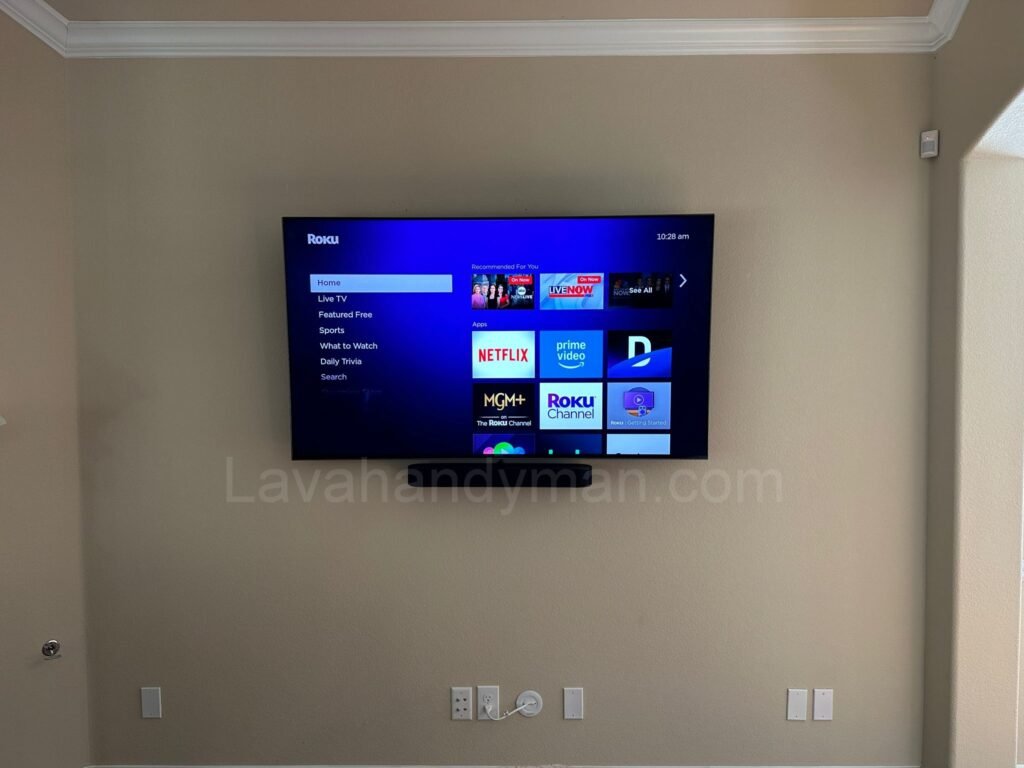
HDMI-CEC (Consumer Electronics Control) is a standard feature that lets you control multiple HDMI-connected devices with a single remote. For example, turning on a Blu-ray player will automatically power on the TV and switch to the correct input—simplifying your entertainment setup.
Smart Home Protocols: MQTT, Zigbee, Z-Wave
Advanced Smart TVs also serve as a hub for smart home automation. Using protocols like MQTT, Zigbee, and Z-Wave, TVs can connect to smart lights, thermostats, door locks, and security systems—offering secure and energy-efficient communication within your smart home network.
UPnP: Auto Device Detection in Your Network
UPnP (Universal Plug and Play) enables Smart TVs to automatically detect compatible devices like media servers and NAS (network-attached storage) units on the same network. It eliminates manual setup, offering a plug-and-play experience ideal for media enthusiasts.
Smart TV Connectivity and Protocols | How Smart TVs Connect to the Internet and Devices
Final Thoughts
Today’s Smart TVs are more than just entertainment centers—they are interactive hubs capable of managing content, communicating with other smart devices, and providing enhanced control over your home environment. When purchasing a Smart TV, pay close attention to the connectivity options and supported protocols to ensure a seamless experience.
Visit Lavahandyman.com for expert tips and solutions on optimizing your smart home technology and enhancing your TV’s connectivity.
At LavaHandyman.com, we don’t just help you understand TV tech — we also offer expert TV installation services, making sure your home entertainment setup looks and performs at its best.
📞 Need Help?
Let us take care of the hard work while you sit back and relax.
📍 Serving: Austin, Round Rock, Cedar Park & more
📱 Call or Text: (737) 420-6992
🌐 Visit: https://lavahandyman.com