10 Essential Tips to Increase Your TV’s Lifespan
The Ultimate Guide to Proper TV Maintenance at Home
Your television is one of the most important and frequently used electronic devices at home. Whether you use it for watching movies, gaming, or streaming content, taking good care of your TV can save you from expensive repairs or early replacement.
In this article, you’ll find 10 practical and effective ways to increase the lifespan of your TV, based on expert recommendations from professionals in the field.
📌 Expert Source: Maintenance insights from Lava Handyman – TV Maintenance Tips
10 Essential Tips to Increase Your TV’s Lifespan
10 Essential Tips to Increase Your TV’s Lifespan
1. Adjust Brightness & Contrast Settings Properly
Running your TV on maximum brightness and contrast may look great at first, but it accelerates panel wear and reduces longevity—especially on OLED and LED screens.
✅ Pro Tip: Use built-in presets like “Movie” or “Standard” mode, which are optimized for both picture quality and panel life.
2. Use a High-Quality Surge Protector
Voltage fluctuations are one of the leading causes of internal circuit damage in TVs. A good surge protector safeguards your investment and prevents irreversible electrical issues.
🛡️ Optional: If you live in an area with frequent power outages, using a UPS (Uninterruptible Power Supply) is also recommended.
10 Essential Tips to Increase Your TV’s Lifespan
3. Clean the Screen Carefully
Improper cleaning methods can scratch the screen or damage the anti-glare coating.
🧽 Correct method:
- Use a microfiber cloth.
- If needed, lightly dampen the cloth with screen-safe cleaning solution.
- Never spray liquid directly on the screen.
💡 Lavahandyman.com warns that improper screen cleaning is a top cause of screen damage.
10 Essential Tips to Increase Your TV’s Lifespan
4. Don’t Leave Your TV on Unnecessarily
Leaving the TV running when no one is watching not only wastes energy—it also reduces the lifespan of internal components due to excess heat generation.
⏲️ Quick Fix: Use the Sleep Timer or Auto Power-Off function built into most smart TVs.
5. Avoid Static Images on OLED Displays
If your TV displays static content (like a channel logo or a news ticker) for long periods, especially on OLED screens, you risk burn-in or permanent image retention.
✅ SEO keyword: “OLED burn-in” or “image retention issue on TV”
10 Essential Tips to Increase Your TV’s Lifespan
6. Place Your TV in a Proper Location
Environmental factors like direct sunlight, moisture, or extreme heat can severely impact your TV’s performance and shorten its lifespan.
📏 Keep at least 4–6 inches (10–15 cm) of space behind the TV for ventilation.
🔄 LavaHandyman’s installation guide recommends choosing a cool, dry location with minimal dust and humidity.
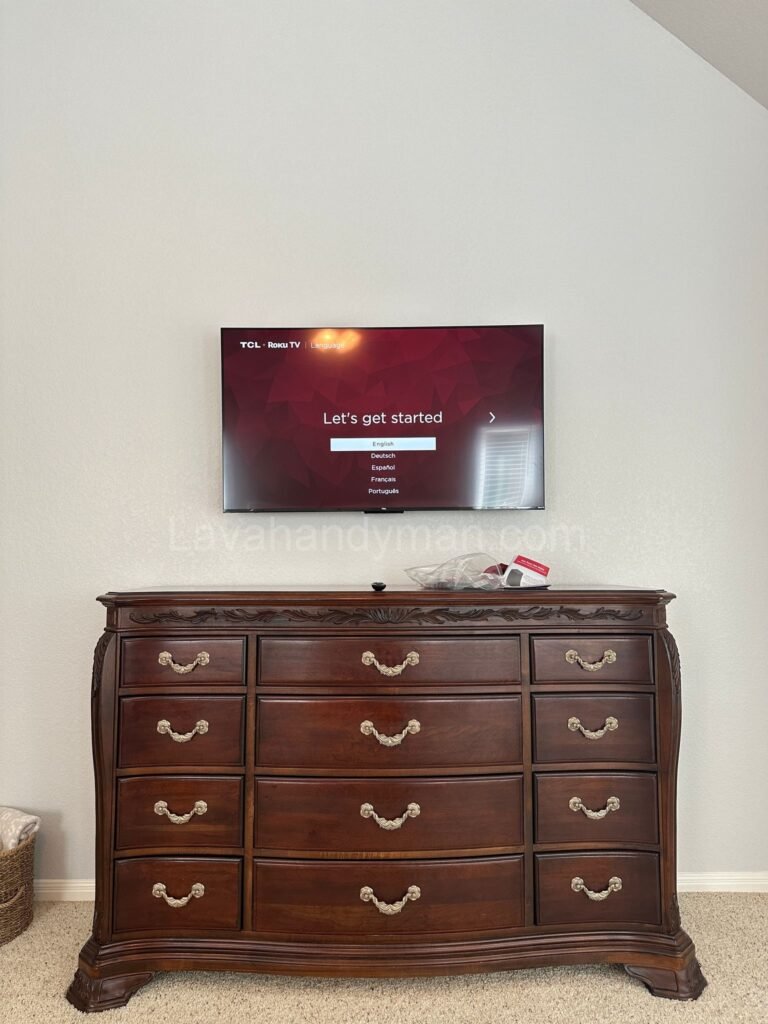
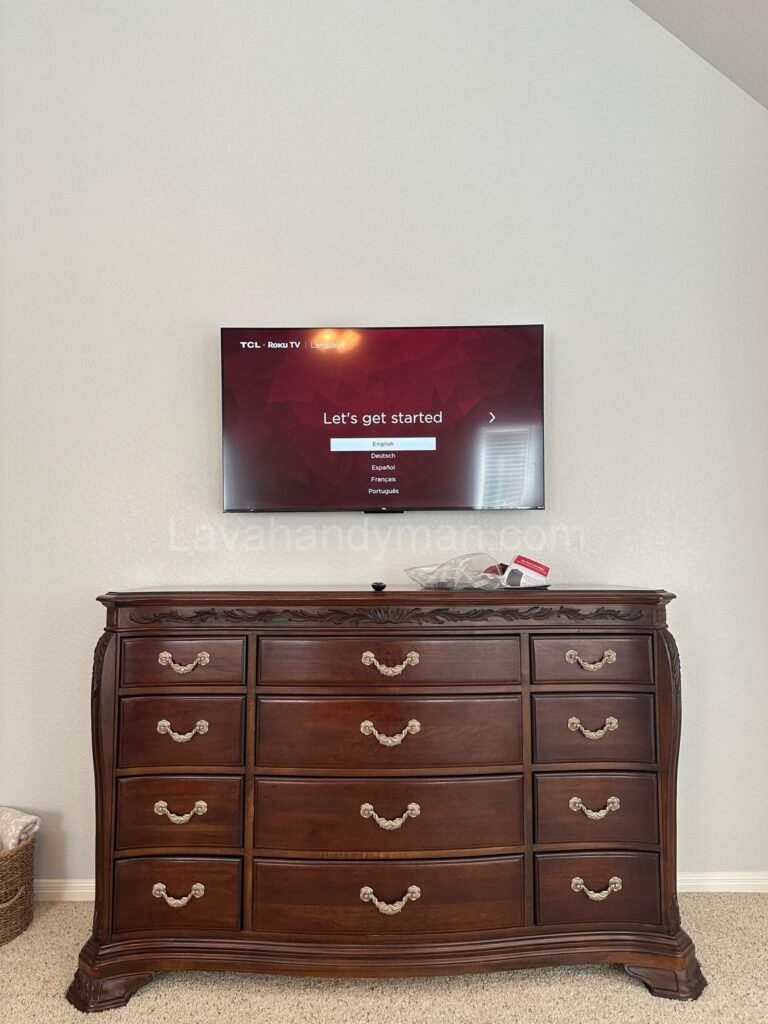
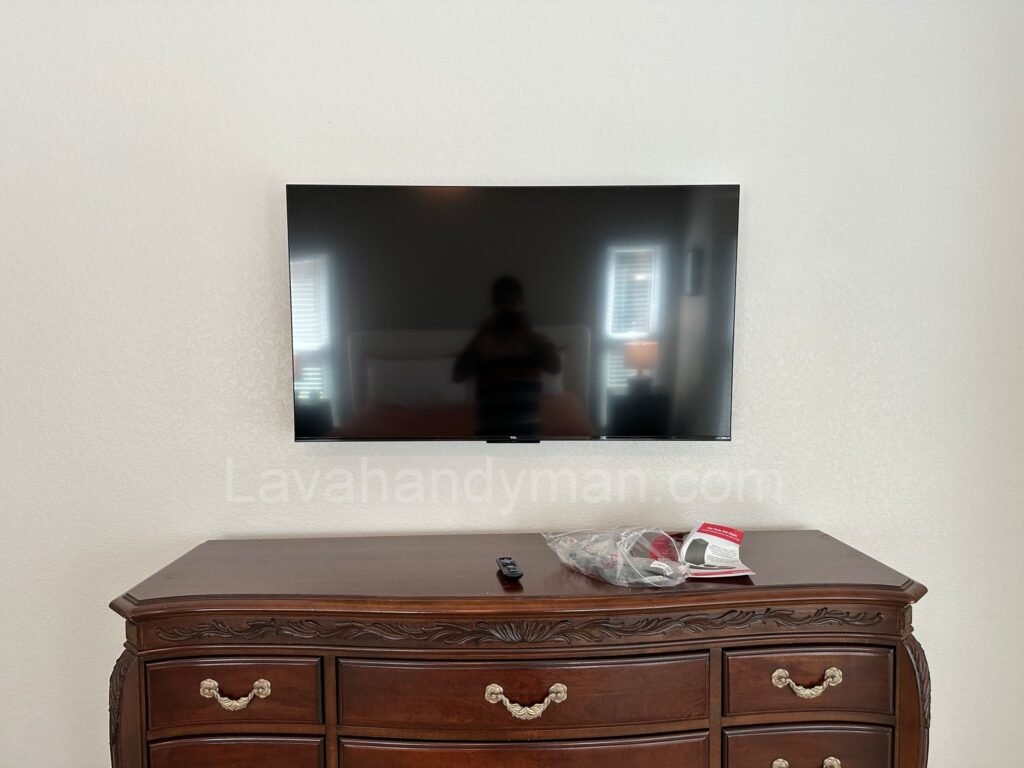
7. Secure Your TV with Proper Mounting
Poor wall-mounting or unstable stands can lead to falls, broken screens, and internal hardware failure. Always use quality mounts that match the TV’s weight and size.
📌 If placed on a stand: Make sure the surface is flat and the TV feet are locked in securely.
8. Keep Your TV Software Updated
Smart TVs run on operating systems like Android TV, Tizen, or WebOS. Keeping your software up to date ensures optimal performance, better security, and compatibility with new apps.
🔄 Path: Settings > Support > Software Update
10 Essential Tips to Increase Your TV’s Lifespan
9. Keep Dust and Moisture Away
Dust buildup in air vents can lead to overheating, while moisture can corrode internal circuits. Both are silent killers of your device.
🧼 Clean the back panel every few weeks with a handheld vacuum or air blower.
10. Use the Right Picture Mode for Each Activity
Modern TVs come with preset modes like “Game,” “Cinema,” or “Standard.” These not only optimize image quality for the content type but also reduce power consumption and wear.
🎮 Game Mode: Lower input lag and smoother motion
🎬 Cinema Mode: Better contrast and eye comfort in dark rooms
✅ Final Thoughts: Simple Habits, Longer Life
By following these 10 easy yet effective tips, you can dramatically increase your TV’s useful life and avoid costly repairs or premature replacement.
💬 For more TV maintenance tips, check out the expert guides at Lavahandyman.com, a trusted source for electronic care and handyman services.
📞 Need Help?
Let us take care of the hard work while you sit back and relax.
📍 Serving: Austin, Round Rock, Cedar Park & more
📱 Call or Text: (737) 420-6992
🌐 Visit: https://lavahandyman.com